
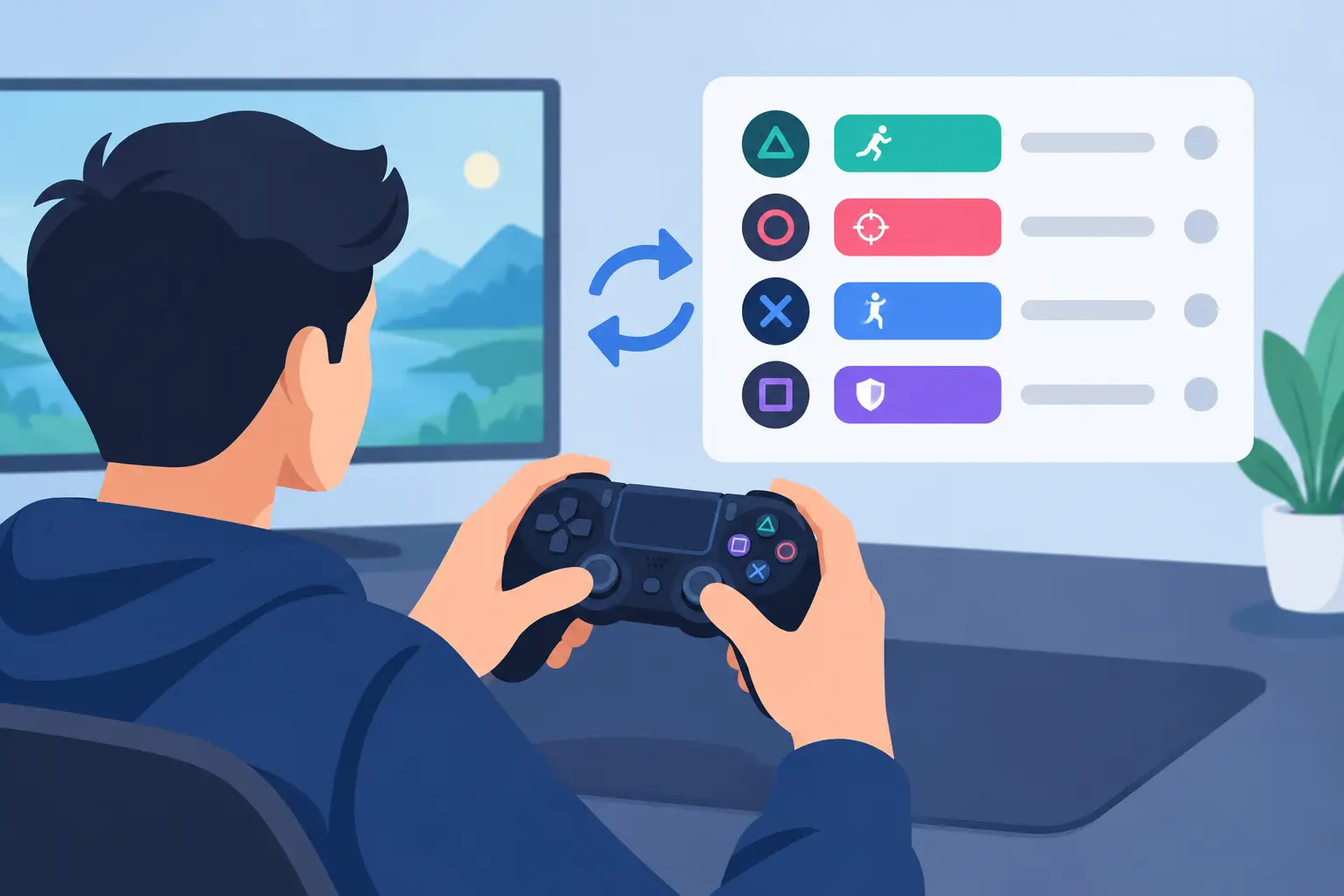
A missed ability is rarely about not knowing the keybind. It is about reaching too far, looking away, or asking one hand to do too much at the worst possible moment. When you assign gaming actions with intent, your controls stop being a scattered list of commands and become a system built around focus.
That system should fit the game, your hand position, and the actions you repeat under pressure. More bindings are not automatically better. The best layout puts the right command within reach before you need it.
Start With the Actions That Break Your Flow
Open your game settings and ignore the temptation to bind everything immediately. First, identify the actions that interrupt your aim, movement, or attention when they live in the wrong place.
For a competitive shooter, that may be push-to-talk, ping, reload, equipment, melee, and a few ability keys. For an MMO, it could be defensive cooldowns, interrupts, movement skills, targeting commands, and raid markers. In a racing or flight game, camera changes, radio controls, traction settings, and quick look commands may matter more than an expanded weapon wheel.
The pattern is simple: prioritize actions that are frequent, time-sensitive, or awkward to trigger from the keyboard. A command used once per match does not deserve the same access as a command that decides every encounter.
Think in three layers. Your core layer contains actions you trigger constantly. Your tactical layer holds actions needed quickly but not continuously. Your utility layer covers commands that help between fights, rounds, or scenes. This distinction prevents the common mistake of placing a rare menu command next to a critical movement input.
Assign Gaming Actions by Reach, Not by Category
Most players organize bindings by what sounds logical: all weapons together, all abilities together, all communication together. That can work, but physical reach is usually the stronger rule.
Your easiest inputs should hold your highest-consequence actions. Keys close to movement, mouse buttons, or surface controls under your resting hand are premium territory. Use them for commands that must happen without changing posture.
For example, a shooter player might keep movement on the standard keys, then place ping, melee, and a primary ability on nearby inputs. A secondary ability can sit one step farther away. Inventory, emotes, scoreboards, and map controls can move to less immediate positions because they do not usually compete with aim during a fight.
This is not universal. If you use a mouse with extra side buttons, you may reserve those for actions that benefit from keeping your left hand anchored. If side buttons make you tense your grip or disturb fine aim, they may be better for lower-pressure commands. The right binding is the one you can hit accurately after an hour, not the one that looked efficient in a settings screen.
Keep movement clean
Do not overload the hand responsible for movement. If strafing, jumping, crouching, leaning, sprinting, and multiple abilities all demand the same fingers, your layout creates conflicts at exactly the wrong time.
A useful test is to recreate a high-pressure sequence in your head. Can you strafe, crouch, communicate, and use a tactical action without releasing the inputs that keep you alive? If not, redistribute the command. The goal is not maximum density. It is fewer collisions.
Separate instant actions from held actions
Tap commands and hold commands behave differently. A quick ping can live on a fast, compact input. Push-to-talk requires comfort over time. Sprint, walk, zoom, or temporary modifiers may be held while other actions happen, so they need placement that does not block movement or aiming.
This is where modifiers can help, but only in moderation. One modifier layer can expand a control scheme cleanly. Two or three layers often become memory work. If an action requires you to remember a combination before reacting, it is probably a utility command, not a combat command.
Build a Control Map for Your Game Type
The most effective setup is specific to what the game asks from you. Copying a pro player’s binds without copying their game, mouse, hand size, or habits is a fast route to an uncomfortable layout.
In shooters, keep high-frequency combat actions close and distinguish actions that must be triggered while moving from those used in cover. In battle royale games, prioritize pings, healing, inventory access, and communication alongside weapons and abilities. The pace changes constantly, so you need quick access without a crowded layout.
In MMOs and action RPGs, organize around rotations and emergency response. Core rotational abilities should be predictable. Defensive cooldowns and interrupts should be impossible to confuse. Long-cooldown utility can live farther out or behind a single modifier. Color, icon grouping, and physical location can reinforce the same mental model if your control device provides visual cues.
For simulators, strategy games, and complex builders, the pressure is different. You may not need millisecond reactions, but you do need command recall. Group controls by task: camera, unit commands, construction, economy, communications, and system functions. Put the commands you use while actively observing the field closest to hand. Put administration farther away.
For streaming while gaming, separate broadcast controls from gameplay controls. Mute microphone, mark a moment, switch a scene, and manage music without placing those commands where they can trigger by accident during a fight. A clean boundary matters. Accidentally ending a stream because a scene control sat beside a reload input is not a shortcut.
Use an Active Surface for Secondary Control
Extra control hardware can improve a setup, but it can also recreate the clutter it was meant to solve. The trade-off is physical space versus access. A visible macro pad offers labels and tactile separation. An integrated control surface reduces the reach and keeps the desk visually quiet.
A pressure-sensitive desk surface changes the placement question. Instead of moving to another device, you can assign gaming actions to zones beneath the hand that already controls the mouse. That makes it especially useful for tactical actions, media controls, comms, and repeatable macros that should stay available without claiming keyboard real estate.
KAGE GhostPad approaches this with 16 invisible pressure zones built into the mousepad surface. The advantage is not novelty. It is preserving hand position while moving secondary commands off the keyboard and off the desk.
Use this kind of surface deliberately. The zones nearest your natural resting position should handle actions you can trigger confidently without looking. Outer zones can hold lower-frequency controls. Avoid assigning a destructive command, such as quitting a match or muting the whole system, to a zone you may press while adjusting your mouse grip.
Test Under Real Pressure
A control scheme is not finished when it looks organized. It is finished after it survives real play.
Run a short test in training mode, a casual match, or a replay environment. Trigger each keybind while moving, aiming, communicating, and changing direction. Watch for hesitation. Watch for accidental presses. Notice whether any command pulls your hand out of position or makes you glance down.
Then change one thing at a time. If three bindings feel wrong, do not redesign the entire layout after every match. Move a single command, play again, and give your muscle memory time to respond. Constantly rebuilding the system makes it impossible to tell whether the issue is placement or unfamiliarity.
A practical review after a few sessions can be enough. Ask which actions you avoided using because they felt inconvenient, which commands you pressed by mistake, and which fingers felt overloaded. Those answers reveal more than any generic binding chart.
Keep Profiles Purpose-Built
One universal layout sounds efficient, but different games create different demands. A profile for fast shooters should not behave like a profile for editing video or managing a stream. Mode switching exists for a reason.
Keep the underlying logic consistent where possible. For instance, use the same physical area for communication across games, or keep media controls in the same outer zone. Familiar placement shortens the adjustment period. But do not force identical assignments when the games ask for different responses.
The cleanest control setup is almost invisible in use. You stop thinking about the input and stay inside the match, the call, or the moment. Build for that feeling. Your hands already know where the action should be.
Leave a Reply