
-
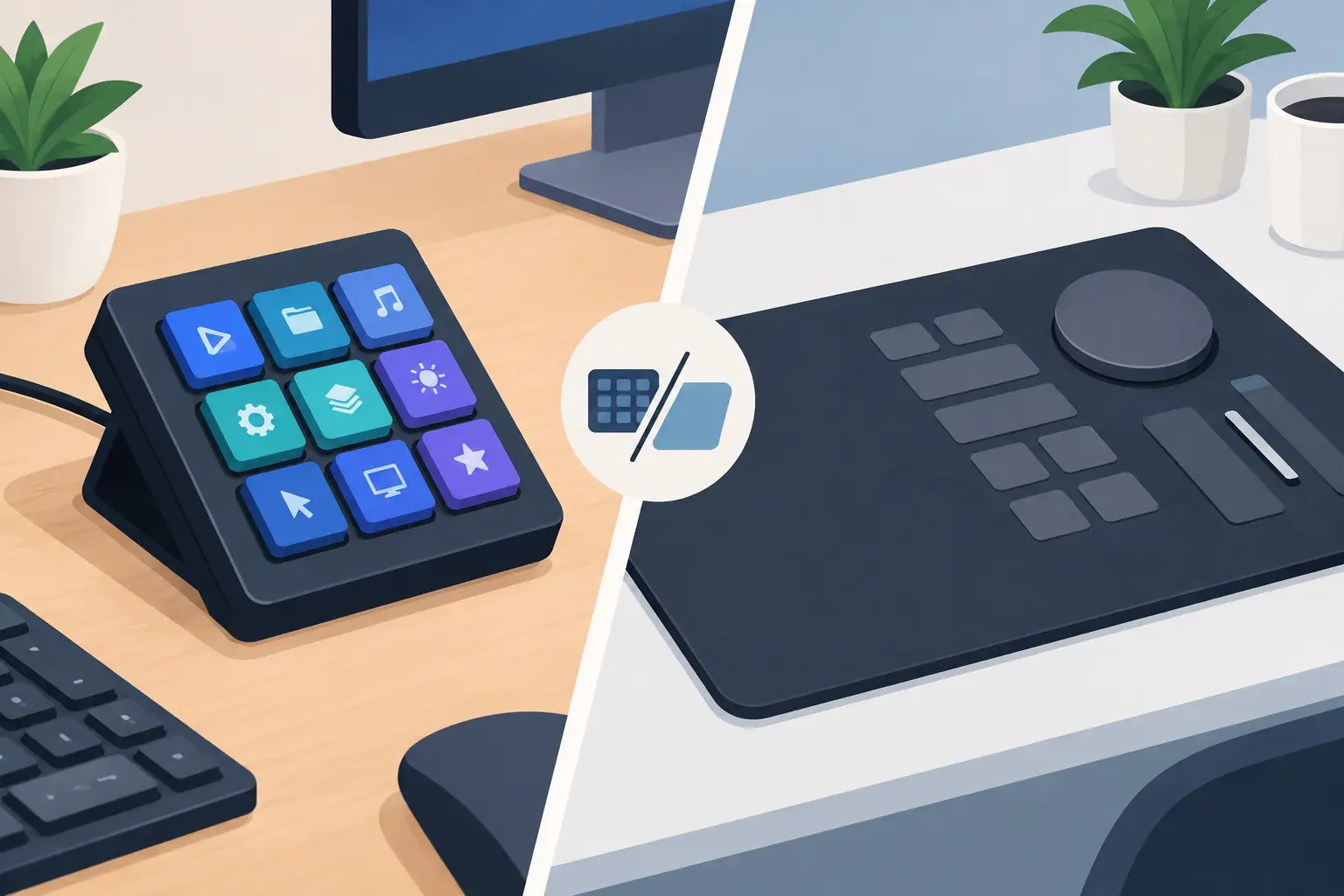
Macro keypad vs control mat: compare speed, reach, customization, and desk space to choose the control system that keeps you focused daily.
-
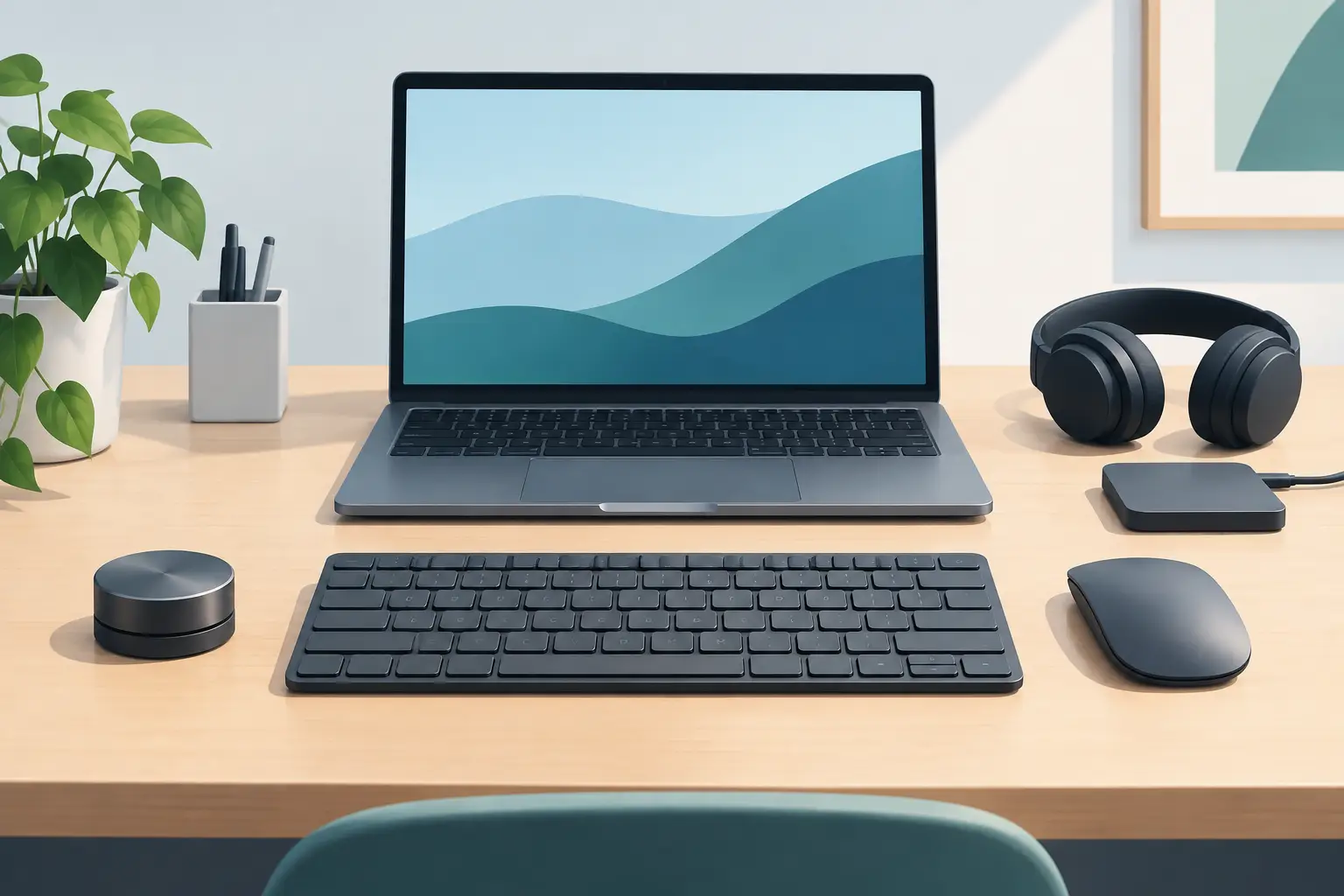
The best compact desk peripherals save space without slowing you down. Build a cleaner command zone for gaming, editing, coding, and creative work every day.
-
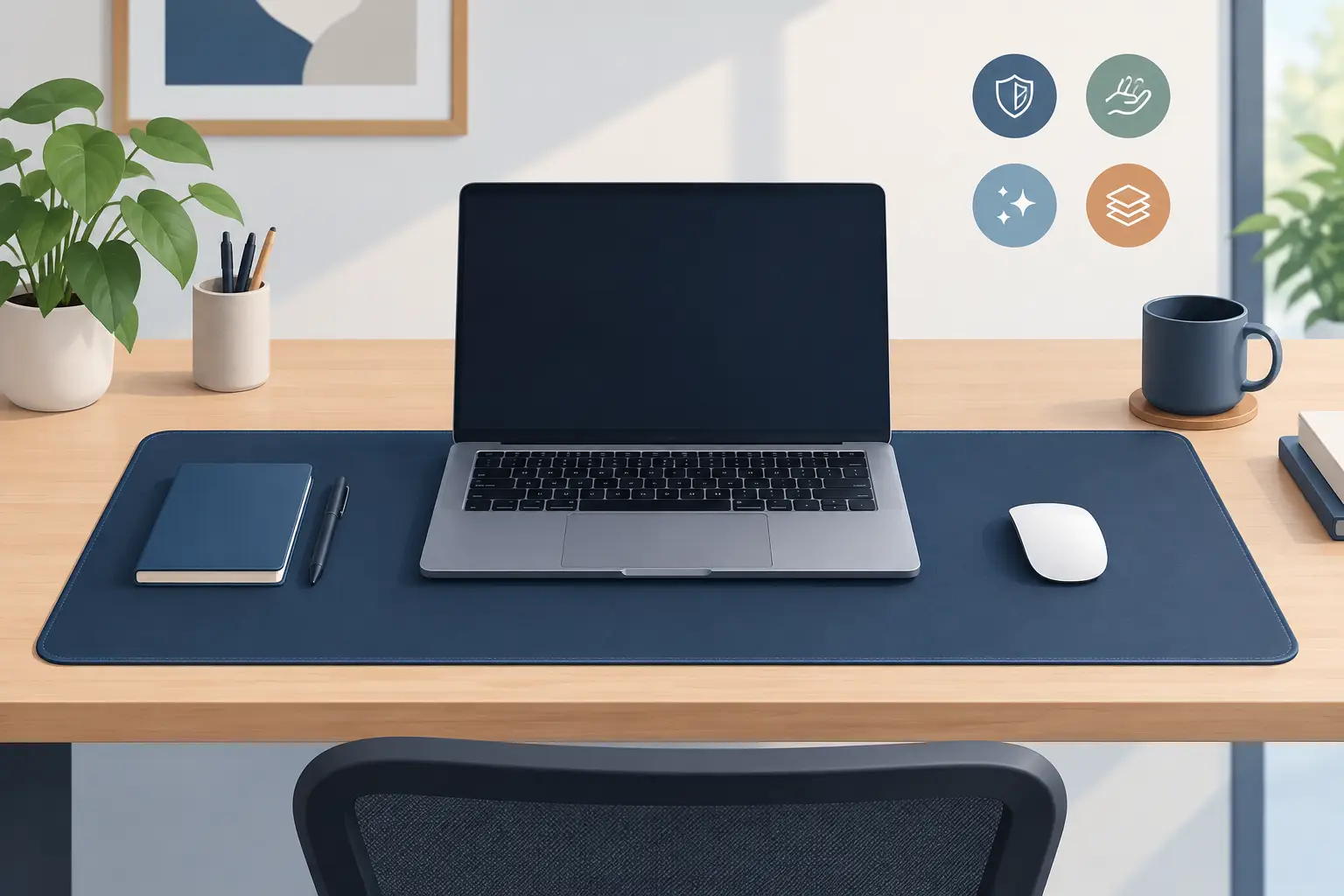
A desk mat should protect your workspace, support precision, and reduce friction. See why smarter surfaces add control without adding desk clutter daily.
-
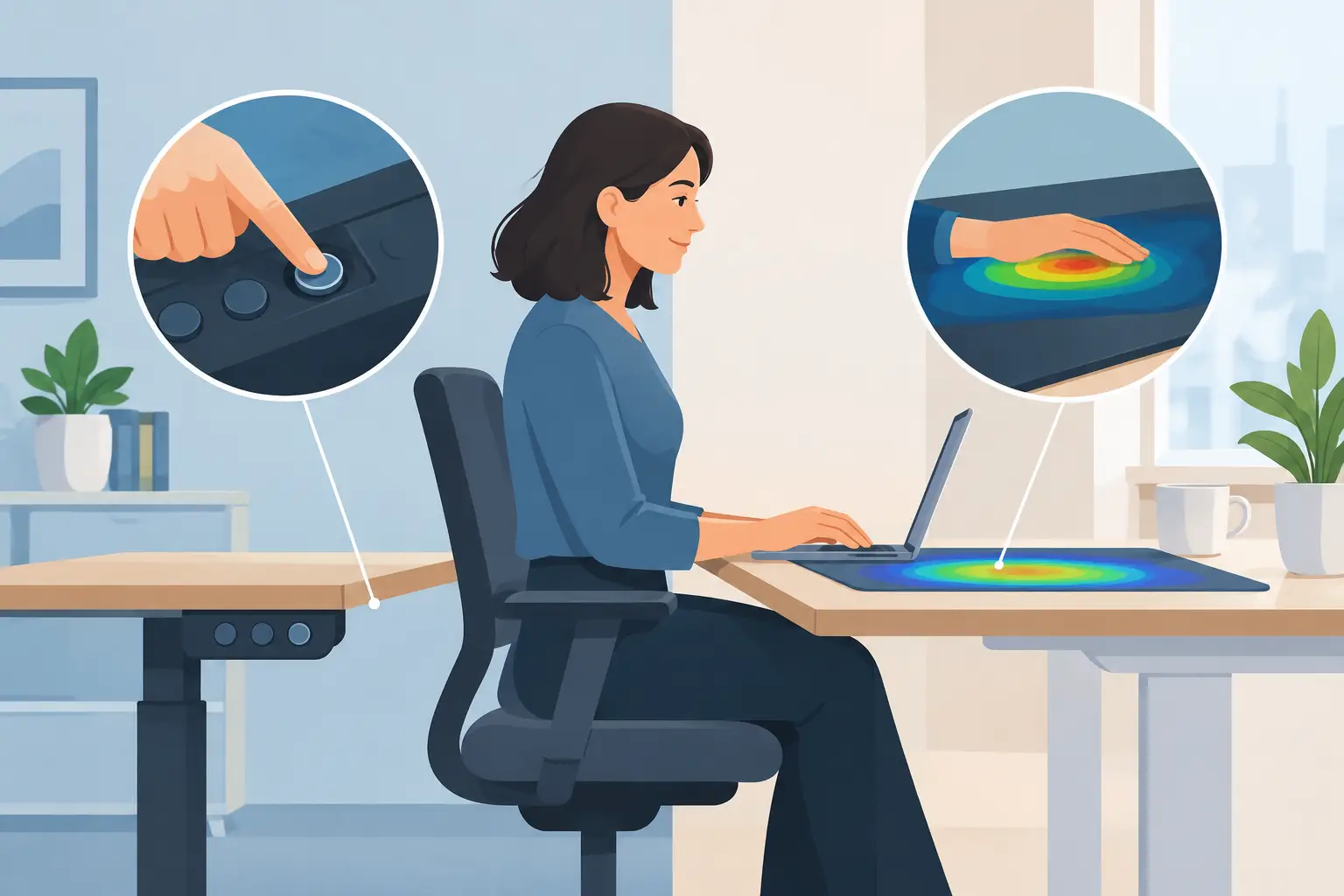
Physical buttons versus pressure zones changes how your desk works: faster commands, less clutter, and control that stays under your hand each session.
-
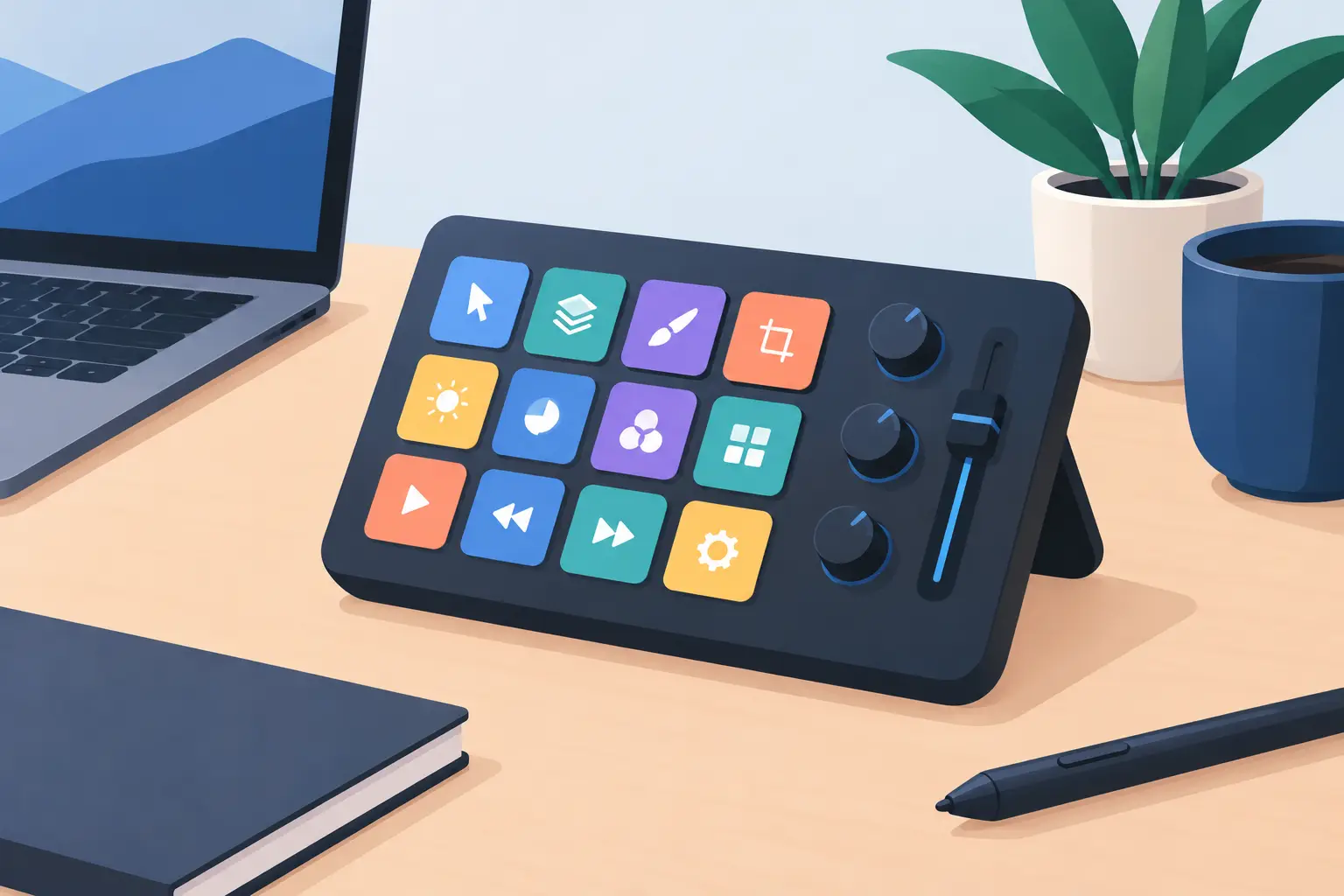
A designer workflow control pad keeps shortcuts under your hand, cuts desk clutter, and helps creative work move with fewer interruptions every workday.
-
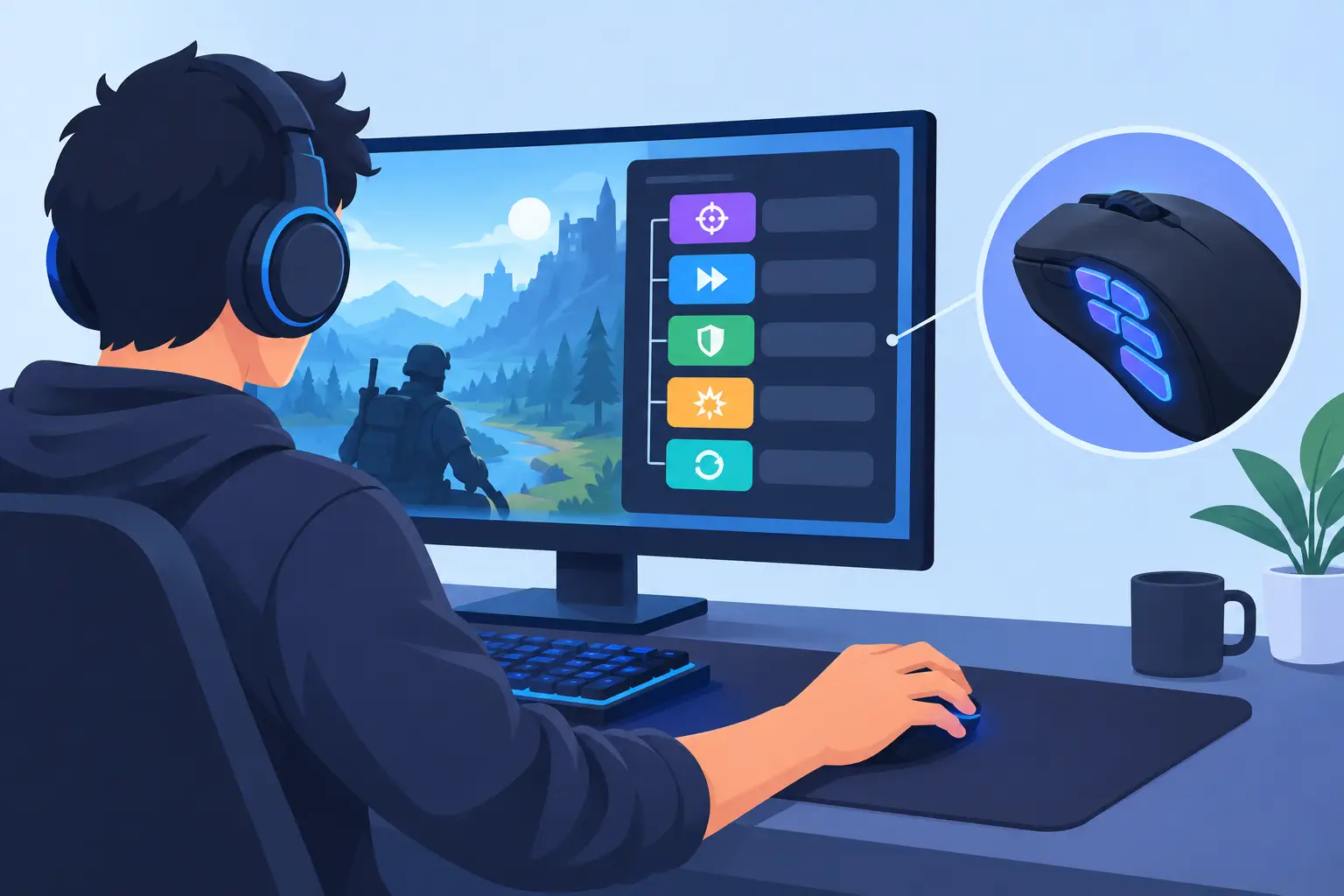
Learn how to assign gaming macros for faster actions, cleaner keybinds, and less reach across your desk, keyboard, and control setup. Stay in control.
-

Touch panels vs pressure zones: compare speed, tactile control, desk clutter, and workflow fit for gamers, creators, and PC power users at the desk, daily.
-

Configuration without downloads keeps your desk controls fast, portable, and clear. See why browser-based setup changes the way peripherals should work.
-
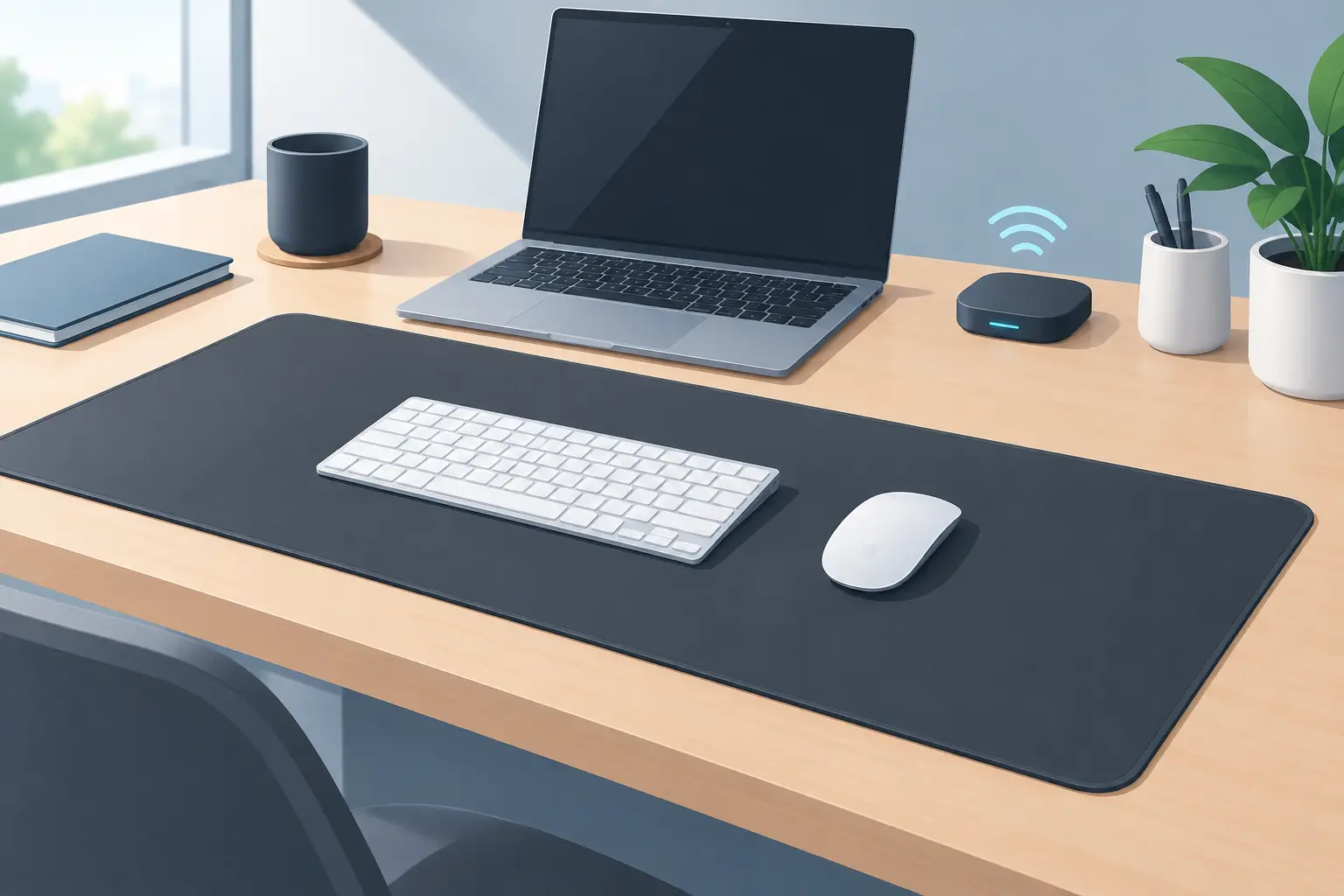
Our wireless deskmat review examines hidden controls, pressure zones, setup, and the trade-offs that matter for focused, clutter-free desktop work at home.
-
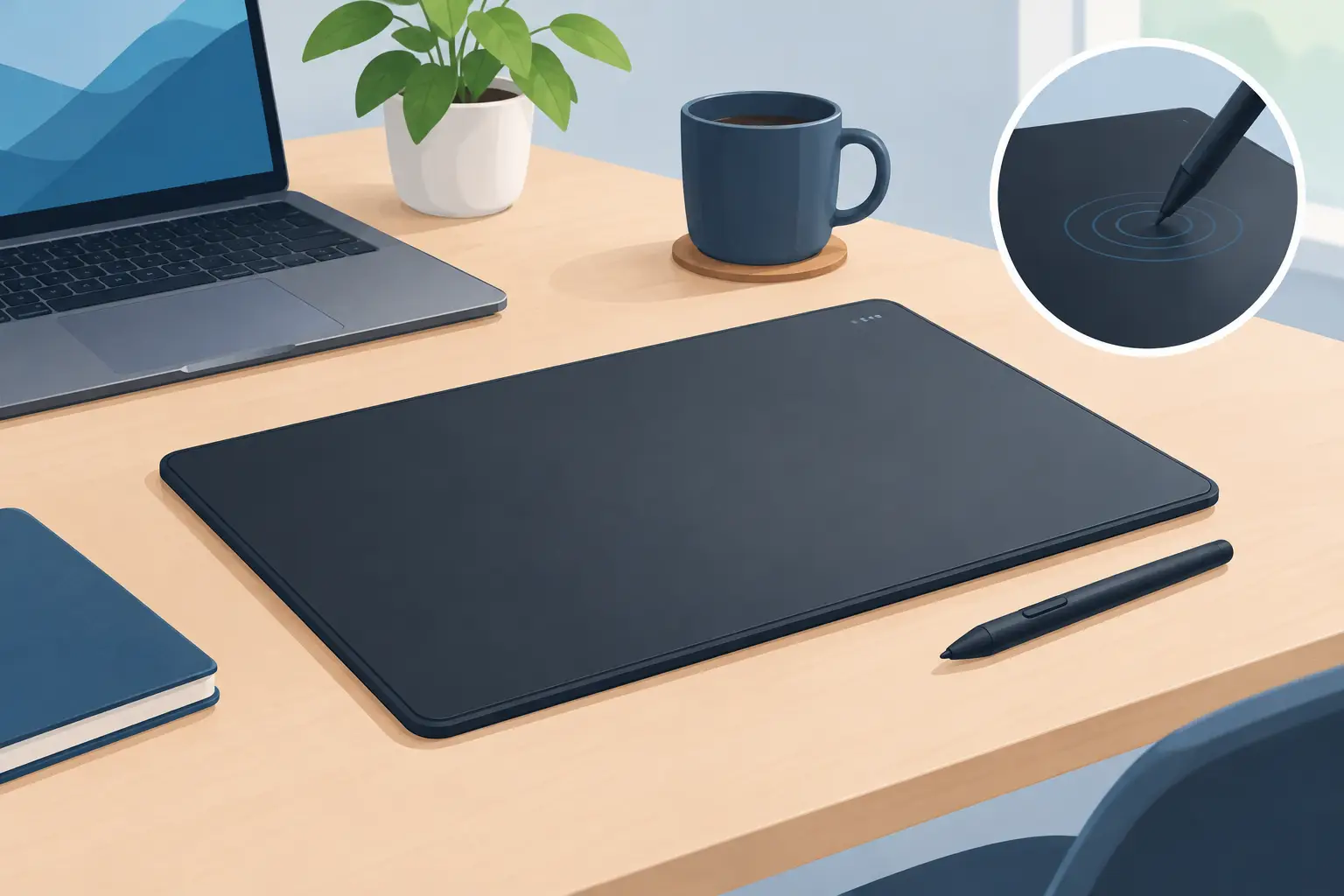
This pressure input desk pad review examines GhostPad’s 16 hidden zones, browser setup, real workflow gains, limits, and who should wait before buying.