
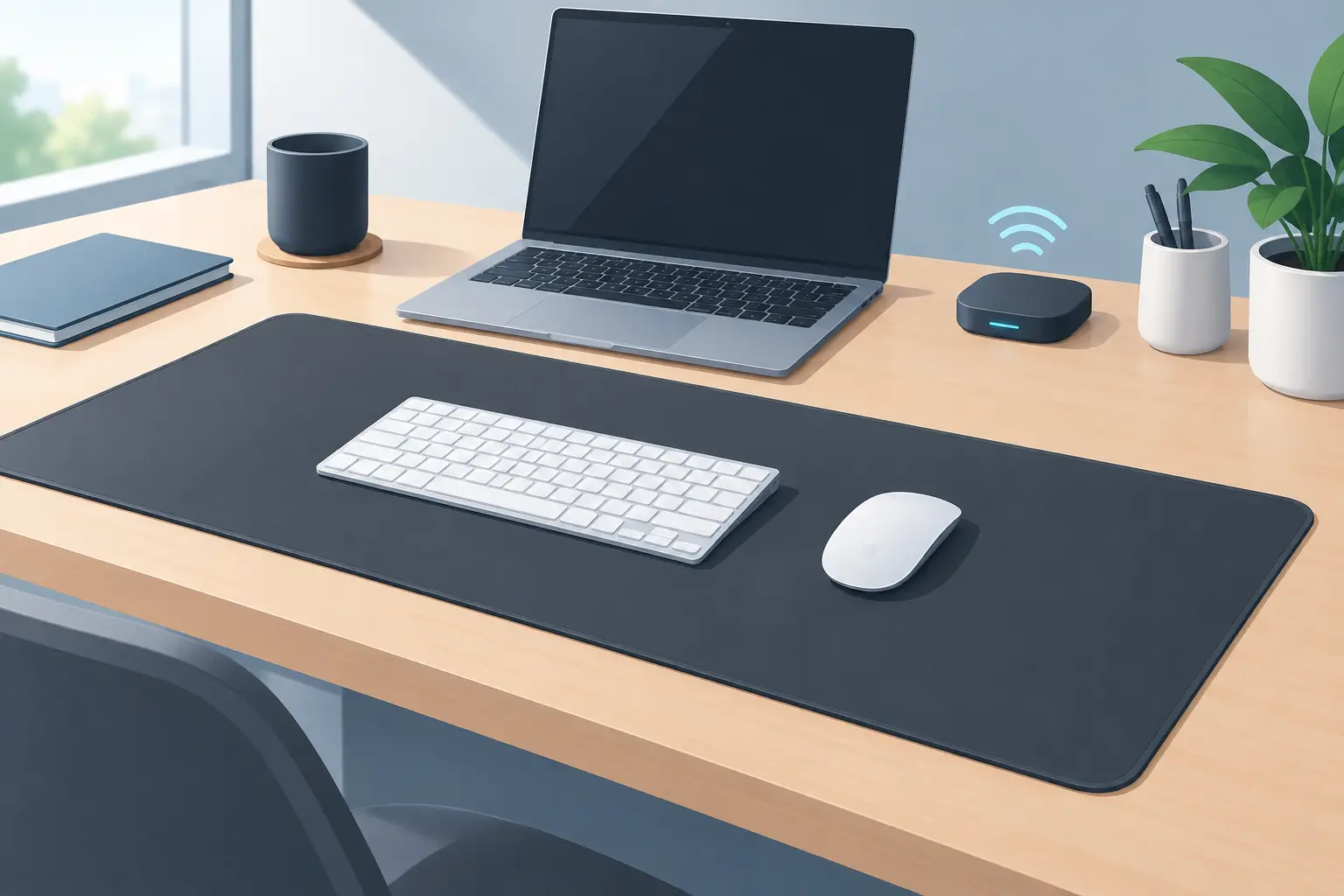
A wireless deskmat review should begin with one question: what is the mat actually removing from your desk? A cable is easy to notice. Lost hand position, repeated menu clicks, and a row of separate control devices are harder to see. They still break flow.
A deskmat with wireless features can mean several different things. It may charge a phone. It may charge a mouse. It may connect without a cable. Or it may use the surface itself as an input layer. Those are not interchangeable benefits. The best choice depends on whether your real problem is power management, desk clutter, or control friction.
For gamers, editors, developers, streamers, and creators, the more interesting shift is not simply a cable-free mat. It is a desk surface that does more while asking for less space.
What a wireless deskmat should solve
Most deskmats are passive. They protect the desk, give a mouse a consistent tracking surface, and make a setup look more finished. Wireless models add convenience, usually through charging or fewer visible connections. That can be useful, but convenience alone does not change how you work.
A smarter deskmat should reduce interruptions. It should keep common actions close to the hand already using the mouse. It should avoid forcing another box, another screen, another set of keys, or another visual distraction onto the desk.
That is where the category becomes more demanding. A premium deskmat needs to remain a premium deskmat first. The surface must feel right under a mouse. It needs enough room for low-sensitivity aiming, broad timeline work, and long sessions. Its edges, thickness, grip, and finish matter every hour. Intelligent features are only valuable if they do not compromise that foundation.
Wireless is not the whole story
There is a difference between a wireless charging deskmat and a wireless control surface. A charging mat handles battery anxiety. A control surface handles action density – how many commands you can reach without leaving your working position.
For some setups, charging is the priority. If a phone, earbuds, or mouse regularly runs out of power, an integrated charging area makes sense. The trade-off is placement. Charging coils work best when devices sit in a specific location, and that location may compete with usable mouse space or a clean visual layout.
For other users, the bigger issue is peripheral sprawl. A macro pad beside the keyboard. A stream controller near the monitor. A media knob behind the mouse. Each device may be good on its own. Together, they turn the desk into an interface map that must be navigated.
A pressure-sensitive desk surface takes a different approach. It puts actions under the hand, then keeps them visually quiet. That is the more radical version of deskmat design: not fewer cables for their own sake, but fewer visible objects competing for attention.
The control surface test
The real test in this wireless deskmat review is whether embedded controls are fast enough to become muscle memory. If a command takes thought, it is not a shortcut. If a control activates by accident, it creates a new kind of friction.
Pressure zones have an advantage over ordinary touch controls because they can be deliberate. A light brush of the wrist should not trigger a scene change, mute a microphone, or fire an in-game command. A purposeful press should. The exact tuning matters, along with clear zone placement and the ability to assign functions around the user’s habits.
A 4 by 4 layout creates 16 possible inputs without placing 16 physical keys on the desk. That is enough capacity for meaningful workflows without turning the surface into a puzzle. Think playback controls, push-to-talk, timeline markers, brush changes, app shortcuts, build commands, or a set of repeatable coding actions.
The strongest implementations also support modes. One layout can serve a game. Another can control a stream. Another can support editing or music production. Mode switching is not about adding complexity. It is about allowing one quiet surface to adapt to the task in front of it.
Setup should disappear quickly
A smart deskmat cannot demand the maintenance of a second computer. Long installs, driver conflicts, account requirements, and constant firmware prompts undermine the point of a cleaner workspace.
Browser-based configuration is the right direction. Assign an action, test the zone, save the layout, and return to work. No installation should be necessary just to map a media command or create a macro. The hardware should feel present when needed and absent when it is not.
That does not mean configuration can be an afterthought. Power users need enough depth to build practical systems. They may want single keys, key combinations, media actions, macros, and application-specific layouts. The interface should support that depth without presenting every user with a control panel full of obscure options.
Plug-and-play behavior matters here. A deskmat sits at the center of a setup. If it fails to reconnect, takes too long to wake, or needs troubleshooting before a session, it is no longer invisible. Reliability is a feature.
Comfort, surface quality, and false economy
Do not buy an intelligent deskmat only for its intelligence. You will still use the surface thousands of times before you use the first shortcut.
Look at usable dimensions rather than overall dimensions. A pad can appear large while losing functional area to charging hardware, control markers, logos, or unusually thick borders. Consider your mouse sensitivity, keyboard position, and whether you use a full-size keyboard. A compact keyboard leaves more room for large mouse movements. A full-size board may require a wider mat or a more deliberate layout.
Material is personal. Cloth offers a softer, quieter feel and tends to suit broad control. Hard surfaces can feel faster and more precise but may be louder and less forgiving over long sessions. Wrist comfort, humidity, desk temperature, and the feet on your mouse all affect the result.
Also consider cleanup. A deskmat is directly exposed to coffee, skin oils, dust, and the small accidents of daily work. If electronics are embedded below the surface, the product should make its care requirements clear. A clean desk system should not become a delicate desk system.
Where hidden controls make the most sense
Embedded zones are not equally valuable for every task. They work best for commands that are frequent, immediate, and easy to remember by position.
A streamer can keep mute, scene switching, clip capture, and audio controls near the mouse without reaching to a separate panel. An editor can mark a cut, play or pause footage, change tools, and trigger repeat actions while staying inside the timeline. A designer can move through tool changes without hunting through menus. A developer can bind repeatable actions that interrupt concentration when they live behind several key combinations.
Gaming is more nuanced. Competitive players often protect every inch of mouse space, and some will prefer dedicated keyboard inputs they already know. For them, pressure zones need careful placement so they do not interfere with aiming or wrist movement. In slower-paced games, simulators, strategy titles, and streaming-heavy setups, the additional controls can be far more natural.
This is the central trade-off: hidden controls are powerful when they reduce a familiar action. They are less useful when they ask users to relearn an entire control system.
A better measure of deskmat value
The old way to judge a deskmat was simple: size, material, edge stitching, and price. Those still matter. But a smart deskmat should also be judged by what it replaces.
If it replaces only a basic mousepad, the value calculation is limited. If it can reduce the need for a macro pad, media controller, or secondary shortcut device, the calculation changes. The desk becomes quieter. The hand travels less. The setup gains capability without gaining visual mass.
KAGE GhostPad is built around that premise. Its prototype uses 16 invisible pressure-sensitive zones beneath the desk surface, with browser-based configuration and mode switching. The concept is not a glowing gadget demanding attention. It is a control layer designed to stay out of sight until the moment a command is needed.
That distinction matters. A great deskmat does not ask to become the center of the setup. It makes the setup feel more intentional.
Before you choose
Decide what you want to remove. If battery charging is the pain point, prioritize reliable wireless power and sensible device placement. If your desk is crowded with control hardware, prioritize programmable inputs, dependable activation, and a layout that matches how your hand already moves.
Then judge the surface as seriously as the technology beneath it. The best deskmat will not feel like a compromise between comfort and capability. It will feel like the desk finally learned where your hands already are.
Leave a Reply