
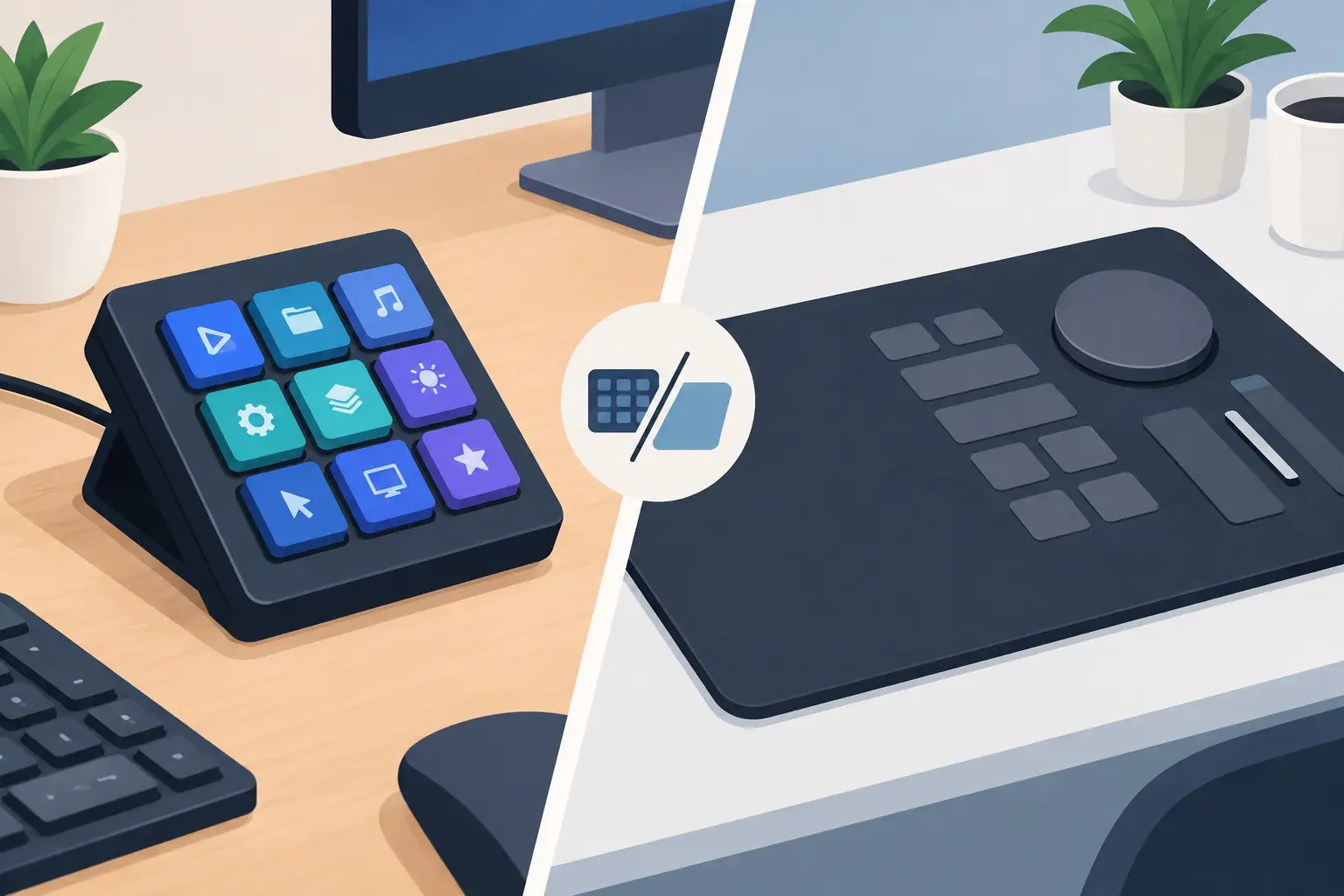
Your left hand leaves the keyboard. Your right hand leaves the mouse. You hit a key, turn a dial, or tap a button, then return to the work. That tiny interruption repeats hundreds of times a day. The macro keypad vs control mat decision comes down to how much that movement costs your focus, your desk space, and your flow.
A macro keypad adds dedicated physical controls. A control mat turns part of the desk surface already beneath your hand into programmable input. Both can trigger shortcuts, macros, media commands, game actions, and app-specific workflows. They solve the same broad problem differently.
The right choice is not about which device has more features on paper. It is about where control belongs in your setup.
Macro Keypad vs Control Mat: The Core Difference
A macro keypad is a separate peripheral with physical keys, often built around mechanical switches. It sits beside your keyboard, above it, or wherever you can make room. Each button provides a clear press, visible layout, and a defined action. Some models add dials, displays, or programmable layers.
A control mat puts controls into a mousepad or desk mat. Instead of reaching for another device, you press a designated zone on the surface near your mouse hand. The controls can be visually minimal or completely hidden until you need them.
That difference changes the experience.
A keypad asks you to create a destination for control. A control mat keeps control inside an area your hand already occupies. For a compact desk, a low-profile setup, or a workflow where the mouse is central, that distinction matters more than another row of buttons.
Choose a Macro Keypad When Tactile Feedback Comes First
A good macro keypad is hard to beat when you need physical certainty. Editors who assign different commands to distinct keys can build muscle memory quickly. Streamers can place scene changes, mute controls, clips, and effects in an obvious grid. Gamers who prefer real switches may trust a mechanical press more than any touch-based input.
The keycap layout also makes a macro keypad easy to learn. You can label keys, use different cap shapes, and separate high-risk actions from routine ones. If a command is expensive to trigger by accident, such as ending a recording or activating a live scene, the deliberate travel of a physical switch can be reassuring.
Macro keypads also suit workflows with many commands. A 12-key device can become 24 or 48 functions with layers. Larger control decks may go much further. If your work depends on a deep command library rather than a tight group of repeat actions, dedicated hardware gives each function a more visible home.
The trade-off is physical footprint. A macro keypad occupies desk territory, requires cable management or charging, and adds another object to remember when your layout changes. It can also pull your hand farther from the mouse and keyboard than expected. That is not a problem for every setup. It is a real cost on a shallow desk.
Choose a Control Mat When Position Is the Advantage
A control mat is built around proximity. Its best commands are the ones you use often enough to deserve a place beside the mouse: push-to-talk, copy and paste, undo and redo, timeline cuts, play and pause, brush changes, media controls, or in-game actions.
The gain is small in a single interaction. It becomes meaningful across a full session. You do not need to look down at a separate device, shift your wrist toward a second board, or make room for another panel. You press the surface, then keep moving.
This format fits users who care about a desk that looks intentional. A clean setup is not only visual. Fewer devices mean fewer cables, fewer surfaces to clean around, and fewer objects competing for attention. The system feels quieter because the controls are present without constantly announcing themselves.
KAGE GhostPad is designed around this idea: a pressure-sensitive desk surface with 16 invisible zones in a 4 by 4 grid. The browser-based configuration keeps setup direct. No drivers. No installs. The point is not to imitate a keyboard inside a mat. It is to place high-value controls where your hand already rests.
A control mat does have limits. Hidden zones require initial practice, especially if you assign too many actions too quickly. There is less tactile separation between commands than on individually shaped physical keys. If you need to identify 30 commands by touch alone, a mat may not be the primary control device you want.
The Real Test: Your Hand Travel
Most buying advice compares key counts. A better test is hand travel.
Watch your normal session for ten minutes. Every time you pause playback, mute yourself, undo an edit, switch tools, mark a timeline, or trigger a game action, notice where your hand goes. If you repeatedly reach away from the mouse zone, a control mat can remove friction from those commands.
If your hands mostly remain on a keyboard and you need different physical controls for a wide range of functions, a macro keypad is usually the stronger fit. It extends the keyboard model. You press a key, feel the key, and confirm the action.
There is no universal winner because workflows are not universal. A video editor who spends hours moving a mouse through a timeline may value a control mat more than a developer who relies on keyboard-centered navigation. A streamer with a complex live production may want a visible macro keypad. A streamer with only a few repeat actions may prefer an invisible control layer beside the mouse.
Visibility, Memory, and Errors
Visible controls reduce ambiguity. On a macro keypad, labels can tell you what every button does. That is useful when commands change often, when multiple people share the desk, or when you operate under pressure.
Invisible controls reduce visual noise. They favor consistency over labeling. The strongest control mat layouts use stable zones for stable actions. For example, keep media control in one row, editing tools in another, and communication commands in a third. Once the pattern becomes familiar, the surface stops feeling like a new device and starts feeling like part of the desk.
Avoid assigning every possible shortcut just because the zones exist. That creates a map you must consciously remember. Start with the actions that break your flow most often. Add only after those feel automatic.
Errors are also different. A macro keypad can prevent accidental presses through switch travel and spacing, but its nearby keys can still be confused. A control mat may need carefully chosen zones and pressure thresholds to avoid unintentional triggers. Neither format is inherently safer. The better option is the one that matches the precision your actions demand.
Setup Flexibility Matters More Than Specs
The best control system should adapt to the application in front of you. A useful macro for Photoshop is not necessarily useful in Discord. A gaming layout should not behave like an audio-editing layout.
Look for fast remapping, application-aware profiles, and clear mode switching. These determine whether a device becomes part of your daily system or turns into an expensive shortcut for one task. Configuration should be simple enough that you will actually revise it when your workflow changes.
Control mats have a particular advantage for mode-based use. The same surface can carry one set of commands for work, another for play, and another for media. Macro keypads can do this too, especially with layers, but visible labels can become less useful once one physical key has several roles.
For travel or flexible workspaces, consider the object count. A separate keypad is one more peripheral to pack. A control mat combines a required desk surface with an optional input layer. If you already bring a mousepad everywhere, that consolidation can be practical.
What to Buy for Your Setup
Choose a macro keypad if you want unmistakable physical feedback, visible labels, a large command set, or controls that other people can understand instantly. It is the better tool when your workflow demands many distinct actions and you have room to dedicate.
Choose a control mat if you want fewer objects, shorter reach, and fast access to a focused set of repeat commands. It is especially effective for mouse-heavy work, compact desks, minimalist rigs, and anyone tired of building a control center out of extra boxes.
Some power users will use both. The macro keypad handles deep commands and secondary functions. The control mat owns the actions that should happen without breaking mouse position. That combination makes sense only when both devices earn their space.
Before adding another peripheral, identify the action that interrupts you most. Put that action where your hand naturally lands. The best control system is the one you stop noticing because your work keeps moving.
Leave a Reply