
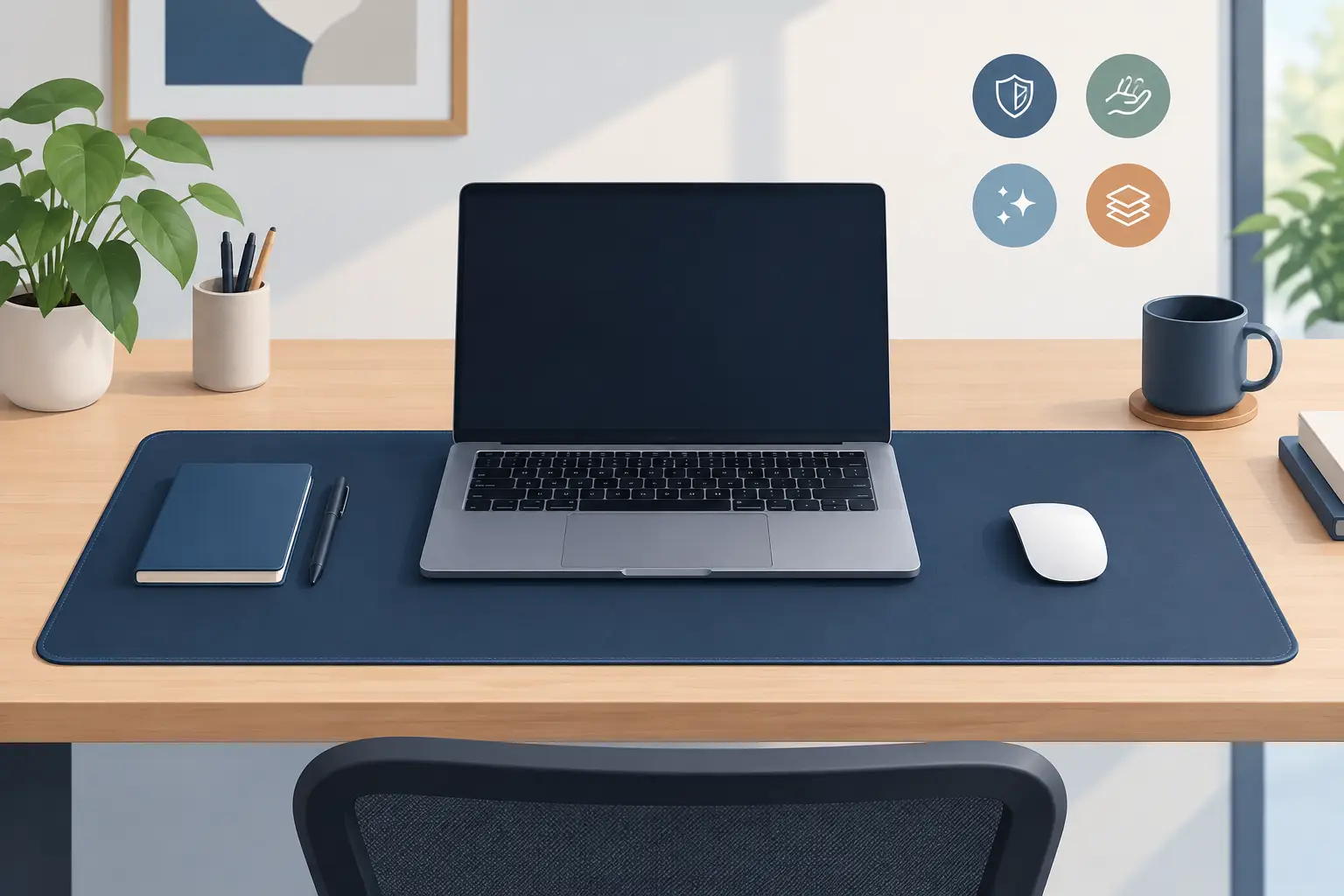
Your desk mat is one of the few parts of a setup your hand touches all day. It carries your mouse, catches your wrist, frames your keyboard, and absorbs the small impacts of long work sessions and late-game runs. Yet most mats stop there. They protect the desk, then stay passive.
That is starting to look like wasted surface area.
For gamers, editors, developers, streamers, and creators, the desk is already an interface. Every extra control pad, audio dial, shortcut device, and charging dock competes for room and attention. A better desk mat should not make that problem worse. It should make the surface beneath your hand more useful.
A Desk Mat Is Part of Your Input System
A good desk setup is not defined by how much hardware it can hold. It is defined by how little effort it takes to act on an idea.
Think about the actions you repeat without thinking: muting a microphone, skipping a track, marking a timeline cut, switching a brush, launching a macro, pushing to talk, changing a scene. Each action is small. The interruption is not. Reaching across the desk breaks hand position, pulls your eyes from the screen, and resets your flow.
The traditional answer has been another device. A macro pad works. A stream controller works. Dedicated media controls work. But each one introduces another cable, another footprint, another visual object, and another location to remember.
A desk mat occupies space you already accept as essential. That makes it a logical place for control. Not a loud control panel with glowing icons competing for attention. A quiet layer of input that appears when you need it and disappears when you do not.
The Case for Invisible Control
The most effective tools often remove a step rather than add a feature. Invisible controls apply that principle to the desktop.
Pressure-sensitive zones built into a desk surface can turn familiar hand movement into commands. Tap a zone to pause music. Press another to trigger a game action. Set a group of zones for editing shortcuts, coding commands, or streaming controls. Your mouse stays near its normal position. Your desk stays clear.
This approach is not about replacing a full keyboard or turning every surface into a touchscreen. Tactile keyboards remain better for typing. A dedicated dial can still make sense for fine audio or color adjustments. Physical buttons are valuable when a command needs a distinct feel or instant confirmation.
The value is in the actions that are frequent, simple, and disruptive when they require a reach. That is where a smart surface earns its place.
Control without visual noise
Minimalist setups are often treated as a style choice. They are also a performance choice. Less clutter means fewer obstacles, fewer cables to manage, and less visual scanning before you act.
An intelligent mat keeps controls at desk level without demanding permanent attention. There is no need to make every command visible. The surface can be configured around the work at hand, then left quiet.
That matters for people who move between modes. A developer may want build commands during the day and media controls after hours. A video editor may need timeline actions in one application and scene controls when streaming. A gamer may want a clean competitive setup until a specific macro is useful. Context should change. The desk should not need to be rebuilt every time it does.
What to Look for in a Modern Desk Mat
Material and size still matter. They always will. A smart feature cannot compensate for a surface that feels wrong under the mouse or curls at the edges after a month.
Start with your mouse and play style. Low-sensitivity players need broad, consistent tracking space. High-sensitivity users may prefer a more compact surface that keeps the keyboard close. Harder surfaces tend to feel faster and more immediate, while cloth or hybrid materials can offer more control and a softer resting point for the wrist. There is no universal winner. Your sensor, sensitivity, posture, and preference decide it.
Then consider the desk itself. A full-width mat can unify a keyboard and mouse area, reduce movement on a slick desktop, and create a cleaner visual line. It also asks more from the material: it needs to lie flat, resist fraying, and stay stable under a keyboard. A smaller mouse-focused mat gives more flexibility but leaves less room for integrated function.
If you are evaluating a desk mat as a control surface, look beyond the number of available commands. The real question is whether those commands fit your habits.
A useful smart mat should offer:
- Reliable activation that does not trigger from casual wrist pressure or mouse movement.
- Fast setup that does not turn a simple shortcut into a software project.
- Profiles or modes that let the surface adapt to different applications and tasks.
- A layout that keeps active zones clear of the mouse path you use most.
The goal is not to assign a command to every inch of material. It is to place a small number of high-value actions where your hand can reach them without leaving the task.
Configuration Should Stay Out of the Way
Power users want options. They do not want friction.
Many peripherals promise customization, then require accounts, background services, firmware tools, and a stack of permissions before the first command works. That model makes sense for complex hardware ecosystems. It is excessive when the job is simply mapping a press to an action.
The strongest approach is direct configuration with a clear visual layout. You choose a zone, assign a shortcut or macro, save the profile, and return to work. No drivers. No installs. No clutter added to the system tray just to control a desk accessory.
Browser-based setup can make this especially practical, provided the configuration is responsive and the core behavior remains dependable. The interface should help users set up a surface, not become another interface they have to manage.
KAGE GhostPad takes this direction with a 4 by 4 grid of pressure-sensitive zones that turn the mousepad area into a programmable control layer. The point is not the grid itself. The point is that a familiar surface can carry workflow actions without claiming more desk space.
Smart Surfaces Need Boundaries
Not every shortcut belongs under your mouse hand. A desk mat is best for quick, low-risk commands: media playback, push-to-talk, common macros, application commands, scene changes, and repeat actions that interrupt concentration.
It is less suited to commands where accidental activation would be costly. Deleting files, ending a recording, sending a message, or executing a destructive edit should still demand deliberate confirmation. Good configuration is not only about speed. It is about knowing which tasks deserve friction.
Ergonomics matter too. If a control zone forces repeated stretching or twisting, it has failed its purpose. The best zones are placed in natural resting or transition areas, often toward the edge of the mouse path rather than directly beneath it. A configurable layout gives users room to tune this, but design should make the safe choice obvious.
There is also a learning curve. Hidden controls can be elegant, but hidden should not mean forgettable. Start with two or three commands you use daily. Build muscle memory. Add more only when the first layer feels automatic.
The Desk Is Becoming More Intentional
For years, desktop innovation meant adding another object: another key, another display, another controller. That approach made sense when every function needed its own hardware. It also made desks crowded.
The next step is integration. Useful functions should move into the objects already earning their place on the desk. The mouse remains a pointer. The keyboard remains a keyboard. The mat becomes more than a protected patch of surface.
That shift suits people who care about both performance and restraint. A clean desk does not have to be an empty desk. It can be a system where every visible object has a job, and every hidden function stays close to the hand that needs it.
Choose a desk mat for feel first. Then ask what the surface can remove from your setup. The best upgrade may not be another device. It may be the space you already use, finally doing more.
Leave a Reply