
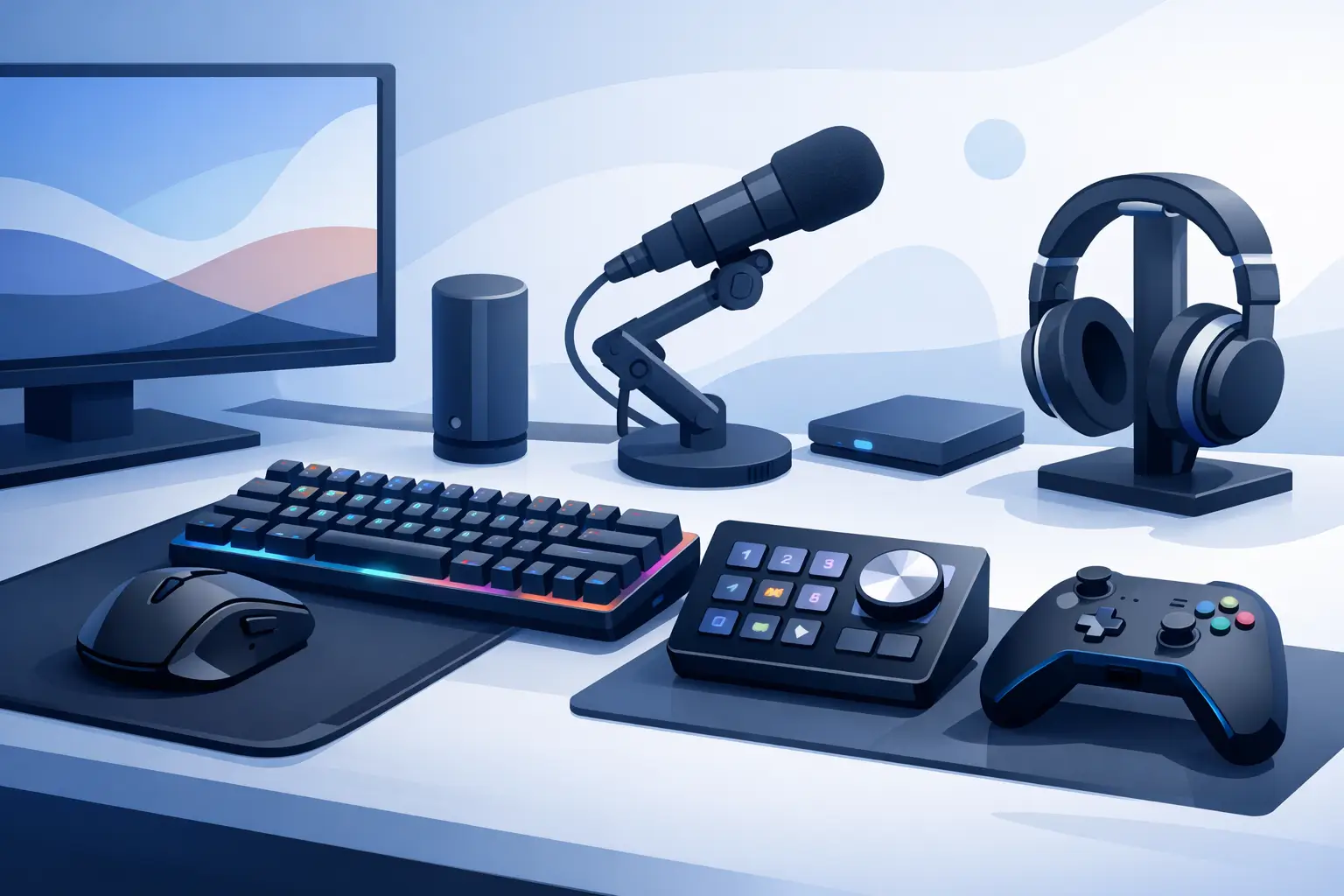
The best gaming desk control devices do more than add shortcuts. They protect your focus. A well-chosen control layer keeps common actions close, reduces menu hunting, and lets your main hand stay where the game happens. The wrong one becomes another glowing object competing for space beside your keyboard, mouse, mic, and display.
For a clean setup, the question is not which device has the most buttons. It is where control belongs. Some players need labeled keys they can hit without looking. Others need a compact dial for audio, a touchscreen for streaming scenes, or programmable inputs built directly into the surface under their hand.
What makes a desk control device worth buying?
A control device earns its place when it removes friction from an action you repeat. Push-to-talk, Discord mute, clip capture, weapon slots, music control, OBS scenes, timeline commands, and app shortcuts all qualify. A command you use once a month does not need premium desk real estate.
The best choice also depends on your game and workflow. Competitive FPS players usually value tactile, instant inputs and an uncluttered mouse area. Streamers may need clear labels and visual feedback for scene changes. Editors, producers, and developers often benefit from layers, macros, and app-specific profiles.
There is a trade-off behind every option. More visible controls can improve discoverability, especially when you are learning a layout. But visible controls take space, collect cables, and can interrupt the visual calm of a carefully built desk. Minimalist control surfaces reduce that noise, but they require deliberate setup and muscle memory.
The best gaming desk control devices by control style
Macro pads: direct control with physical feedback
A macro pad is the familiar answer. It is a compact grid of programmable mechanical keys, often with removable keycaps, RGB lighting, and onboard profiles. For players who need a handful of commands under a specific finger, it remains highly effective.
The advantage is certainty. You can feel each key, build a layout around your hand, and assign complex macros or simple shortcuts without moving to your full keyboard. This makes macro pads particularly useful for MMOs, flight sims, strategy games, and creative applications where many repeated commands matter.
The compromise is obvious on a crowded desk. A macro pad is another box, another cable, and another surface that needs a permanent location. It can also compete with your mouse space, especially on smaller desks. Buy one when tactile keys are essential. Skip it when the main goal is reducing peripheral clutter.
Stream control panels: best for visible, changing commands
Stream control panels use customizable display keys. Their strength is context. A key can show an icon, change labels by profile, launch an app, switch a scene, control smart lighting, or trigger media actions. If your desktop roles change throughout the day, that visibility can be valuable.
For streamers, this is still one of the strongest formats. Seeing a camera icon, a recording state, or a scene label removes guesswork during a live session. It also suits creators who run multi-step workflows and prefer visual prompts over memorized key positions.
The downside is that a display-key panel is often more device than a gamer needs. It occupies desk space, requires attention when profiles change, and can turn a minimal setup into a control station. It is powerful, but power is not the same as restraint.
USB control knobs and audio controllers: best for adjustment
Rotary controls solve a different problem. They are built for gradual changes: volume, chat balance, music level, brush size, timeline scrubbing, zoom, and parameter tuning. A dial is faster than tapping a series of buttons when the action has a range rather than a fixed state.
A dedicated audio controller makes sense for a streamer managing game sound, voice chat, alerts, and music. Music producers and video editors can also benefit from a physical knob when they need fine adjustment without breaking concentration.
Do not expect a dial to replace a full command surface. It is a specialist tool. One or two knobs may be perfect for your desk; a large mixer-style unit is only justified if audio routing is central to what you do.
Programmable keyboards and mice: best when you need no extra device
Your existing keyboard and mouse may already cover more than you think. Extra mouse buttons can handle push-to-talk, melee, ping, reload variants, and common desktop actions. Keyboard layers can hold media controls, app commands, and game-specific binds without requiring another purchase.
This route is efficient, but it has limits. Moving too many commands onto a mouse can increase accidental presses or make the grip feel crowded. Loading a keyboard with complex layers works well for experienced users, yet it may be harder to remember during high-pressure play.
Use these built-in options for a small number of high-frequency commands. Once you are forcing your hands into awkward movements or sacrificing core game binds, a dedicated control surface starts to make more sense.
Smart desk surfaces: best for invisible control
A pressure-sensitive desk surface takes a different approach. Instead of placing another controller near the mousepad, it turns the surface already under your hand into an input layer. Controls can sit at the edge of the mouse area, ready for a quick press without adding visual hardware to the desk.
This format is especially compelling for players and creators who value flow. The distance between intent and action becomes smaller: press the surface, trigger the command, keep moving. It can handle shortcuts, macros, media controls, game actions, and workflow commands while preserving the open geometry of a desk mat.
KAGE GhostPad is built around that idea, using invisible pressure zones in a programmable mousepad surface rather than a separate control box. The appeal is not novelty. It is system-level reduction. Fewer objects. Fewer cables. Control positioned where your hand already lives.
The trade-off is tactile reference. Physical keys and dials provide shape, travel, and immediate orientation. A pressure surface asks you to learn positions instead. For users who want a clean desk and repeat the same commands every day, that becomes muscle memory. For users who need to identify dozens of controls by feel, visible keys may still be the better tool.
Choose by your actual desk behavior
Start with the action you want to improve, not the hardware category. If you stream and need to see scene states, a display-key controller is logical. If you play sim titles with many fixed commands, a macro pad offers reliable physical access. If you mix audio or edit video, a knob-based controller can remove constant cursor travel.
If your goal is to keep the desk visually quiet while adding a handful of immediate commands, look toward integrated control. This is where programmable desk mats and smart surfaces have an advantage. They give functionality a location without asking for a new location.
Also consider reach. Controls placed too far from your natural hand position create the same interruption they were meant to solve. A device can be technically powerful and still feel slow if you must look down, move your wrist across the desk, then return to your mouse.
Setup matters more than button count
The best device becomes useful only after intentional mapping. Begin with five to eight actions you perform constantly. That could be mute, clip capture, Discord deafen, music pause, a game map, an OBS scene, and a frequently used in-game ability. Give each action a clear purpose and avoid stacking similar commands next to one another.
Use separate profiles when your roles are genuinely different. A gaming layout can prioritize fast actions. A work layout can prioritize app switching, media, and repetitive shortcuts. A streaming layout can reserve the most accessible positions for actions that cannot fail live.
Keep automation sensible. Single-command triggers are dependable. Long macro chains can be useful for creative work, but they are not always appropriate in multiplayer games and may conflict with a game’s rules. Check the terms for any competitive title before relying on automated sequences.
Clean control is the real upgrade
More gear is not automatically a better setup. The best gaming desk control device is the one that makes repeated actions disappear from your attention without taking over your workspace.
Choose tactile keys when certainty matters. Choose screens when changing visual context matters. Choose dials when adjustment matters. Choose an integrated surface when your priority is keeping command power close and your desk clear. The right control layer should feel less like another gadget and more like part of your reflexes.
Leave a Reply