
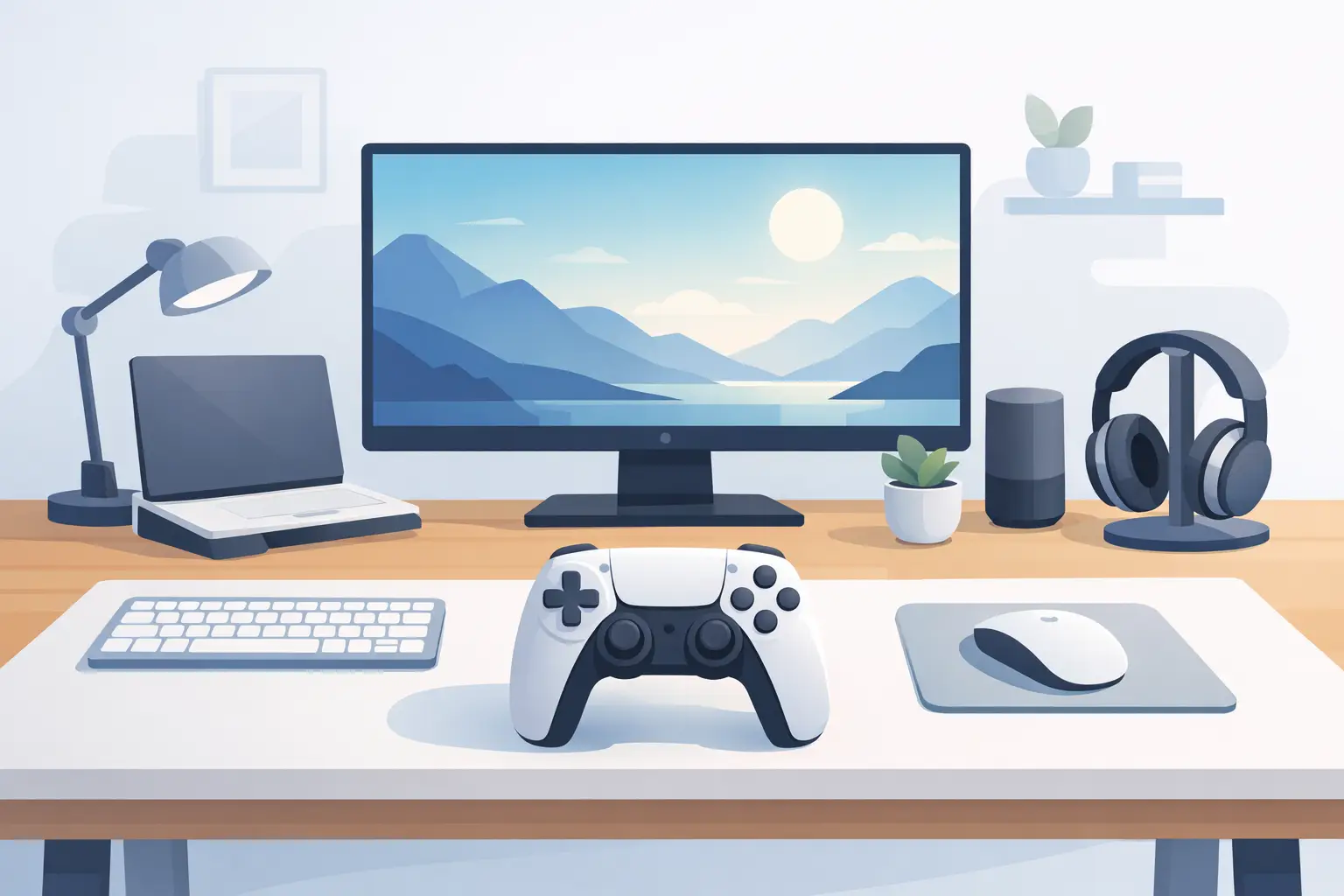
A clean desk setup controller should not become the next thing fighting for space on your desk. That is the contradiction behind most control hardware: it promises faster actions, then adds another panel, another cable, another set of glowing icons, and another reach away from the mouse.
The better approach is quieter. Put control where your hand already spends its time. Keep the desk surface clean. Keep your attention on the work, the match, the edit, or the build.
The Desk Has Become a Control Problem
Modern desktop work is dense. A creator may be cutting video while managing music, references, folders, chat, recording tools, and exports. A developer can move between terminals, browser tabs, documentation, local builds, and communication channels in minutes. A streamer is running scenes, audio, camera settings, clips, and live chat while playing.
The standard answer has been to add hardware. A macro pad for commands. A dial for volume. A control panel for streaming. A second keyboard layer for shortcuts. Each device can be useful on its own. Together, they create a desk that looks more capable but feels less resolved.
This is not only an aesthetic issue. Physical clutter changes how you work. It narrows mouse space, complicates cable management, and forces your hand to travel between tools. Every extra reach is a small interruption. Over a long session, those interruptions add up.
A clean setup is not an empty setup. It is a setup where every object earns its place.
What a Clean Desk Setup Controller Should Do
The right controller is not defined by the number of buttons visible on its face. It is defined by whether it removes friction without creating a new layer of it.
For most power users, that means four things: fast access, flexible configuration, low visual noise, and no constant setup maintenance. A shortcut should be close enough to use without shifting posture. A profile should change when the task changes. The hardware should fit the desk rather than dominate it. And configuration should not require treating a simple peripheral like an IT project.
There is a trade-off. A dedicated panel gives you labeled, visible controls. That can be useful for complex live production or shared workstations where multiple people need immediate orientation. But visible controls also demand visual attention. They take space, gather cables, and often turn a minimalist desk into a cockpit.
An invisible control layer makes more sense when the same person uses the desk every day and values muscle memory. Once actions are assigned to consistent positions, your hand does not need to look for them. It already knows.
Put Commands Under the Mouse Hand
The mousepad is one of the few desktop surfaces that remains within reach for almost every task. It is present during games, editing sessions, coding, browsing, meetings, and late-night research spirals. Yet a conventional mousepad is passive. It supports movement, but it does not participate.
That is the opportunity behind an active desk surface. Instead of placing a separate control device beside the mouse, pressure-sensitive zones can live inside the mat itself. Press the surface to trigger a shortcut, macro, media action, or application command. The desk stays visually calm because the interface is built into an object already on it.
KAGE GhostPad is designed around that principle: a 4 by 4 grid of 16 invisible pressure zones inside a desk mat. The control surface is there when needed and absent when it is not. No extra panel. No permanent visual noise.
This kind of placement changes more than appearance. It shortens the distance between intent and action. Pause audio without reaching for a keyboard. Trigger a timeline command while editing. Switch a stream scene without moving to another device. Use a game action without filling the desk with hardware that only serves one title.
Build Around Modes, Not More Gear
One surface does not need one fixed job. The strongest clean desk setup controller is contextual.
A gaming mode might assign zones to push-to-talk, map controls, inventory actions, or capture clips. An editing mode can handle cut, ripple delete, marker placement, playback, and export. A work mode may control window management, browser commands, meeting mute, music, and frequently used text snippets.
Mode switching matters because it keeps the physical setup stable while the digital workload changes. You do not need a different peripheral for every activity. You need a control layer that can change its behavior without changing the desk.
The goal is not to map every possible command. That usually creates a system nobody remembers. Start with the actions that break your flow most often: the commands you repeat, the controls that force a reach, and the moments where you stop creating just to operate software.
For a video editor, that might be play, pause, cut, marker, undo, and mute. For a developer, it could be build, run, terminal focus, screenshot, window snap, and a project-specific macro. For a streamer, scene changes and audio controls are usually more valuable than a grid full of rarely used effects.
Use the controller to remove motion, not to show off configuration depth.
Keep the Interface Quiet
A clean desk does not have to be sterile. It can have texture, personality, and high-performance gear. The difference is intentionality.
Visible buttons, labels, LEDs, and displays provide information at a glance. They are the right choice when you must monitor changing values or execute a broad set of unfamiliar actions. Audio production, live switching, and specialist workflows can justify that visibility.
But many commands do not need to be seen. They need to be available. Media controls, repeated keyboard shortcuts, app commands, macros, and game functions are often learned quickly through position. Once that happens, labels become less necessary than proximity.
An unmarked pressure surface has another benefit: it does not lock the desk into one identity. The same setup can be a focused workspace in the morning, an editing station in the afternoon, and a gaming environment at night. The hardware remains visually neutral while the behavior changes beneath your hand.
That is a more durable kind of customization. It does not require rebuilding the desk every time your workflow shifts.
Configuration Should Not Be Another Project
Control hardware earns its place only if it is ready when you are. Long driver installs, account requirements, and heavy companion software can turn a useful idea into a maintenance task.
A browser-based configuration approach keeps the system closer to the point of use. Assign a command, test it, adjust the layout, and get back to work. Plug-and-play behavior matters for the same reason. A desk controller should feel like a natural extension of the computer, not a device that needs attention before it can help.
There is still value in depth. Advanced users need macros, profiles, and custom actions. But depth should sit behind a simple first experience. The first six commands should take minutes to set up. The hundredth adjustment can wait until there is a real reason for it.
No drivers. No installs. No ceremony before control.
Design the Zone Map for Muscle Memory
Pressure zones work best when they follow a spatial logic. Do not scatter commands based on the order they appear in a software menu. Group them by urgency and frequency.
Place the actions you use constantly closest to the edge or corner your hand reaches naturally. Keep media controls together. Keep editing transport controls together. Put high-risk actions, such as ending a stream or triggering a destructive macro, farther away from casual contact.
Give each zone enough separation in your mental model. Even if the surface is visually minimal, your layout should have a clear internal map. Think in clusters: communication, playback, capture, navigation. Repeating that structure across modes makes the controller easier to learn.
Sensitivity is part of the equation as well. A pressure interface must avoid accidental triggers while still responding without force. The ideal feel depends on your habits, how you rest your wrist, and whether the mat is used in intense games or careful creative work. There is no universal setting. The correct setting is the one that disappears into your routine.
The Best Upgrade May Be the One You Cannot See
Desktop gear has spent years competing for attention. More keys. More lights. More displays. More things to mount, charge, update, and explain.
A clean desk setup controller takes the opposite direction. It treats the desk as a system, not a shelf for peripherals. The mouse area becomes active. Commands move closer. Cables and objects move out of the way.
Start with the action that interrupts you most. Put it under the hand that already controls your computer. Then let the desk get quieter from there.
Leave a Reply