
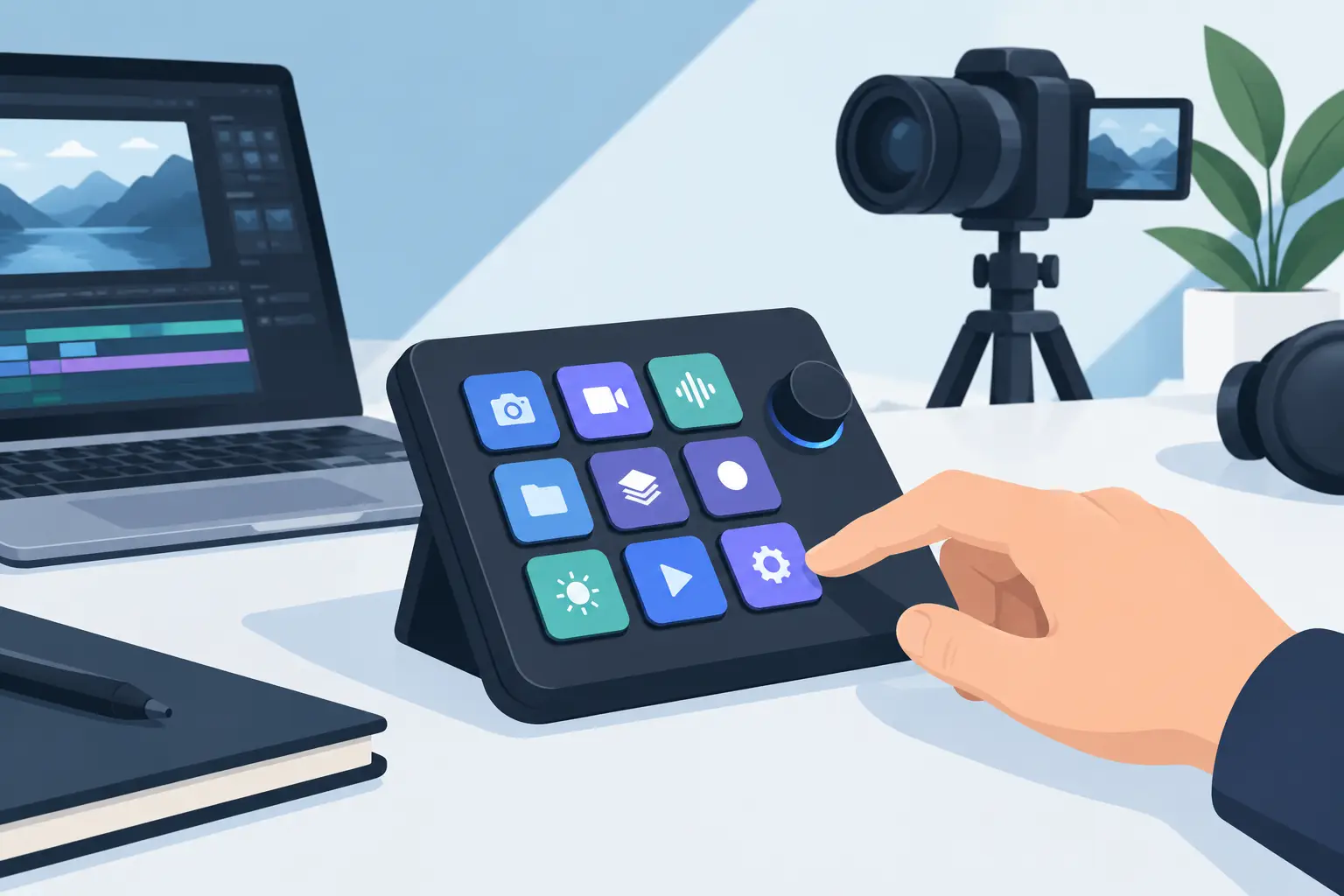
A creator control device review should answer one question before it talks about specs: does this make the work feel faster without making the desk feel worse? GhostPad is built around that test. It places programmable controls inside the surface already beneath your mouse hand, replacing visible buttons with pressure-sensitive zones.
The premise is direct. Most creator desks accumulate devices one shortcut at a time: a keyboard with layers, a macro pad, a stream controller, an audio interface, a phone stand, and cables connecting all of it. Each tool may earn its place. Together, they can turn a focused workstation into a control room.
GhostPad takes a different route. Your mousepad is now a control surface.
What GhostPad is designed to replace
The prototype uses a 4×4 grid of 16 invisible pressure zones. Press a zone and it can trigger a shortcut, macro, media command, game action, or workflow command. The goal is not to add another peripheral. The goal is to move useful controls into a surface your hand already reaches all day.
That distinction matters. A macro pad works because its keys are obvious and tactile. A stream deck works because its labeled screens make complex actions easy to recall. GhostPad trades some of that visible guidance for a cleaner system. The controls are present when your muscle memory needs them and absent when your eyes do not.
For a video editor, that could mean placing playback, cut, and marker commands along the edge of the mouse area. For a designer, it could mean undo, redo, zoom, and tool switching without moving toward the keyboard. A streamer may reserve zones for scene changes, mic control, clips, or media. A developer might use them for build commands, terminal actions, navigation, and repetitive snippets.
The best use cases are not the ones with the most macros. They are the actions you repeat often enough that reaching elsewhere becomes friction.
Creator control device review: the real advantage
The strongest part of the concept is hand position. Desktop workflows break in small moments: reaching to a control pad, looking down to confirm a button, returning to the mouse, then finding your place again. None of those movements is dramatic. Hundreds of them across a long session are.
GhostPad keeps command access near the mouse without asking for another object on the desk. That is a real ergonomic and visual advantage for people who work in tight spaces or care about a disciplined setup.
It also changes how a desk reads. Traditional control devices announce themselves. They add keycaps, screens, lights, cables, and a new rectangular footprint. GhostPad keeps the interaction layer quiet. The desk remains a desk. The control system sits underneath it.
This approach will appeal most to users who already know their shortcuts. If you work from muscle memory, hidden zones can become faster than a labeled controller because there is no visual detour. You press where you expect, continue moving, and stay in the task.
The browser-based configuration supports that philosophy. No drivers. No installs. A control surface should not create a software maintenance job before it saves time. Configuration still matters, of course, but the setup should feel like mapping a workspace, not administering hardware.
Where invisible controls demand adjustment
An invisible interface is not automatically better. It asks more from the user at the start.
Physical keys give immediate boundaries. Touchscreen buttons give labels. Pressure zones inside a mousepad depend on placement, sensitivity, and memory. New users will need a short calibration period while they learn where commands live and how firmly to press. That is the price of removing visible hardware.
There is also a workflow question. GhostPad is strongest when actions are frequent, simple, and consistent. Play, pause, mute, push-to-talk, undo, redo, tool swaps, and scene changes are natural fits. It is less ideal for a large library of rarely used commands that need names, icons, or nested menus. A visible controller may still be the better tool when discovery matters more than speed.
Accidental activation is another factor that should be tested in real working conditions. A mousepad is an active surface, not a separate island. Resting a wrist, repositioning a mouse, or working with broad arm movement should not become an unintended input. Pressure sensing makes that possible in principle, but the final experience will come down to tuning: actuation force, zone placement, and how confidently the surface distinguishes intent from contact.
That is why this is not a claim that every creator should remove every controller. It is a more precise proposition: remove the controls that interrupt your flow and keep the devices that genuinely need visibility.
Mode switching makes the surface more useful
One 16-zone layout is valuable. Multiple modes are where the system begins to behave like a serious desktop interface.
A creator can use one mode for editing and another for streaming. A gamer can separate in-game actions from desktop media controls. A developer can map a mode to code navigation and another to calls or music. The physical surface remains clean while the function changes with the task.
Mode switching is also where restraint matters. If a user must constantly remember which invisible layer is active, the system creates cognitive load instead of removing it. The best mode design is contextual and limited: a small number of clear environments, each with commands that belong together.
For example, an editor does not need every application command under the pad. They need the commands that keep the timeline moving. A streamer does not need every broadcast setting on demand. They need the actions that cannot wait while live.
Build around moments, not feature checklists.
Who should consider it now
GhostPad makes the most sense for people who spend hours at a desktop and have already felt the trade-off between control and clutter. Gamers with compact setups, editors working from a laptop dock, producers managing transport controls, designers with shortcut-heavy software, and streamers who want fewer visible devices are all natural users.
It is also suited to people who value a clean surface enough to change a habit. The interaction model is intentionally different. You are not buying another set of buttons. You are training the desk surface to become part of your input system.
The concept may be less compelling for users who need constant visual labels, share one workstation with several people, or frequently change macro layouts. In those cases, a screen-based controller can be clearer. Users who prefer firm mechanical feedback may also want to keep a dedicated keypad for certain actions.
That is not a weakness to hide. Good hardware earns its place by being specific about the problem it solves.
The prototype verdict
KAGE GhostPad is compelling because it treats the mousepad as neglected interface space. The idea is simple enough to understand immediately, yet its value becomes clearer when you picture a real desk: less reaching, fewer boxes, fewer cables, and more commands available where work already happens.
The prototype’s 16 pressure-sensitive zones, plug-and-play direction, browser configuration, and mode switching form a credible foundation. The final judgment will depend on execution details that only daily use can settle: pressure consistency, accidental-input resistance, surface feel, durability, and how quickly users build reliable muscle memory.
Those are not minor details. They are the product.
Still, the direction is right. Desktop gear has spent years adding controls around the user. GhostPad asks whether the better move is to place control beneath the hand already in motion. Start with the one repetitive action that keeps pulling you out of flow, then decide whether it belongs on the surface you touch most.
Leave a Reply