
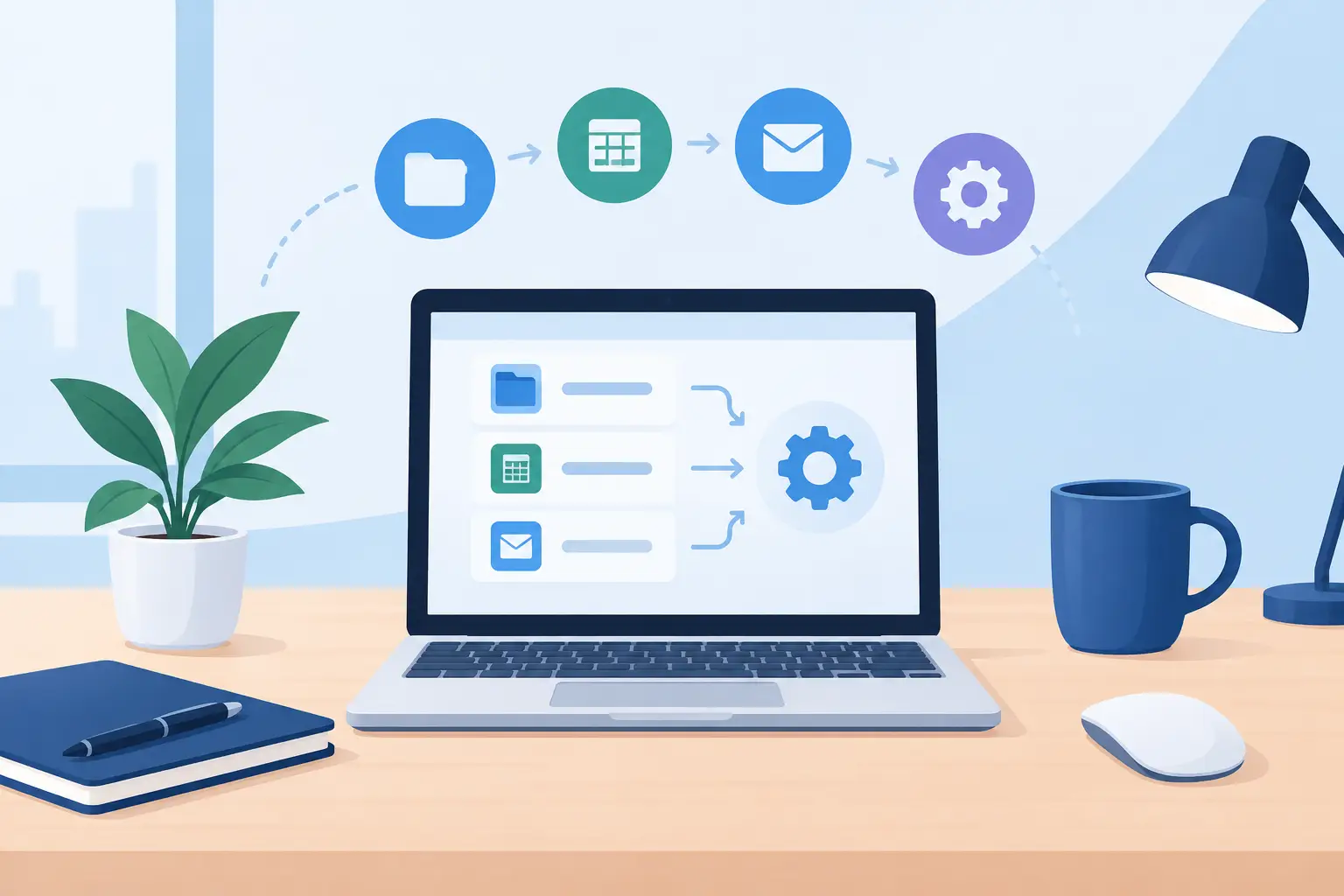
Your cursor travels farther than it needs to. From timeline to toolbar. From code editor to terminal. From game to chat window. Desktop automation cuts out those small movements and repeated clicks by turning common actions into commands that happen where and when you need them.
For power users, the goal is not to automate everything. It is to remove friction without making the desk feel like a control room. The best systems keep your attention on the work, the match, or the live audience – not on the hardware required to run it.
Desktop Automation Is a Positioning Problem
Most desktop tasks are not difficult. They are repetitive. A designer exports the same assets all day. A video editor trims, marks, switches tools, and reviews footage. A developer runs builds, opens panels, and jumps between environments. A streamer manages scenes, audio, clips, and chat while staying present on camera.
The delay is rarely one big action. It is the accumulation of tiny interruptions: moving a hand away from the mouse, hunting for a keyboard shortcut, opening a menu, reaching for a second device, then returning to the main task.
Desktop automation creates a faster route. A single input can launch an app, execute a macro, paste a standard response, switch an audio device, control media, or trigger an in-game action. That is useful. But the placement of that input determines whether it becomes part of your flow or another peripheral competing for desk space.
A macro pad beside the keyboard may work for a producer. A stream controller can make sense for a creator running a complex broadcast. There is no universal best device. The question is simpler: where does your hand already spend its time?
For mouse-driven work, that answer is usually the area beneath it.
The Clean Desk Trade-Off
Traditional automation hardware solves one problem by introducing another. More buttons mean more capability, but also more visual noise, more cables, more surface area, and more muscle memory to build. For users with wide desks and fixed studio setups, that trade-off can be acceptable. For everyone else, it adds up fast.
A clean desk is not only aesthetic. It changes how a workspace feels under pressure. Fewer objects make it easier to reset between tasks, travel with a setup, clean the surface, and focus on the active tools. Minimalism only works, however, when it does not remove useful control.
That is where invisible interfaces become more interesting than visible ones. Instead of asking users to make room for another command device, the control layer can live inside something already required for the workflow.
A desk mat is a natural candidate. It occupies premium space. It is already under the dominant hand. It does not need a new reach pattern. Make that surface responsive, and common commands can sit close to the cursor without adding a single button to the visual field.
Build Around Repeated Actions
Good automation starts with observation, not software. Before assigning shortcuts or recording macros, notice what you repeat during a normal session. The most valuable actions usually have three traits: they happen often, they interrupt concentration, and they follow a predictable sequence.
A video editor might place cut, ripple delete, marker, playback, and export controls within immediate reach. A developer might use commands for build, test, terminal, branch switching, and window layouts. A designer could trigger paste-in-place, zoom presets, brush changes, and asset exports. A gamer may prefer push-to-talk, map, inventory, recording, or media controls between matches.
Start with actions that cost only a second or two. That sounds insignificant until an action appears fifty times a day. Reclaiming a second is not the entire benefit. Keeping your hand in position and your mind inside the task is often worth more.
Avoid automating decisions that require judgment. A command can export a file. It should not decide which version deserves approval. Automation is strongest when it handles the mechanical layer and leaves the human part intact.
Design Commands for Memory, Not Novelty
The first version of an automated setup does not need sixteen clever functions. It needs a few controls that become automatic. Assign actions according to position and frequency. Put the most-used command in the easiest zone to hit. Keep related actions grouped. Do not make every available input do something just because it can.
Consistency matters across modes as well. If one zone always controls playback, keep it there when possible. If another is your primary action, do not move it from app to app without a reason. Your hands learn patterns faster than labels.
Mode switching expands what a small control area can do. One layout can serve an editing session, another a game, another a writing or coding block. The trade-off is cognitive overhead. Too many modes make the system harder to trust. Use modes when the workflows are truly distinct, not as an excuse to create a maze.
Visual feedback can help, but it is not always necessary. A surface designed for pressure zones can stay visually quiet when the layout is stable and the actions are familiar. That matters in setups where bright icons, labeled keys, and extra displays feel more distracting than helpful.
Desktop Automation Should Not Create Maintenance
The fastest macro is not useful if it fails after an update, depends on a complicated installation, or needs constant repair. Reliability is part of the interface.
Prefer commands that are easy to understand and easy to revise. Give macros clear names. Keep backup copies of complicated sequences. Test the actions that matter before a live stream, client presentation, tournament, or production deadline. If a workflow changes, update the automation instead of forcing yourself to remember an outdated layout.
There is also a privacy and security angle. Automation tools can access keystrokes, applications, and sensitive workflows. Use software and hardware you trust. Be especially careful with macros that type credentials, manipulate financial information, or run commands with elevated permissions. Convenience is not worth creating a weak point in your system.
The cleanest experience is usually the one with the least setup between intent and action. Browser-based configuration and plug-and-play behavior reduce the barrier, particularly for users who do not want another background application consuming attention and system resources.
A Control Surface Where Your Hand Already Rests
KAGE GhostPad approaches desktop automation from the surface up. Its pressure-sensitive desk mat places programmable control zones beneath the hand that already controls the mouse. Shortcuts, macros, media commands, game actions, and workflow triggers can live in the same physical territory as everyday mouse movement.
The point is not to replace every specialized controller. Dedicated hardware still has a role in complex studios and command-heavy setups. The point is to remove the need for extra hardware when a familiar desk surface can carry the command layer instead.
That changes the interaction model. You are not reaching toward a device. You are pressing into the workspace. The control remains present, but visually restrained. No stack of accessories. No need to sacrifice the clean setup you built to gain faster access to your tools.
For a creator, that can mean starting and stopping playback without leaving the timeline. For a developer, it can mean running a test or opening a terminal while the mouse stays ready. For a streamer, it can mean a scene or mute command available without filling the desk with labeled keys. For a gamer, it can mean essential actions placed close enough to become instinct.
Keep the System Human
Desktop automation is not about turning every moment at a computer into a script. It is about protecting momentum. The right command appears at the right moment, then disappears from your attention.
Begin with one workflow that annoys you. Measure the reaches, clicks, and context switches hiding inside it. Give the repeated parts a better path. Once that path feels natural, expand carefully.
Your desk should not look more complicated just because your work became more capable. The strongest control systems do their job quietly, leaving more room for the work that only you can do.
Leave a Reply