
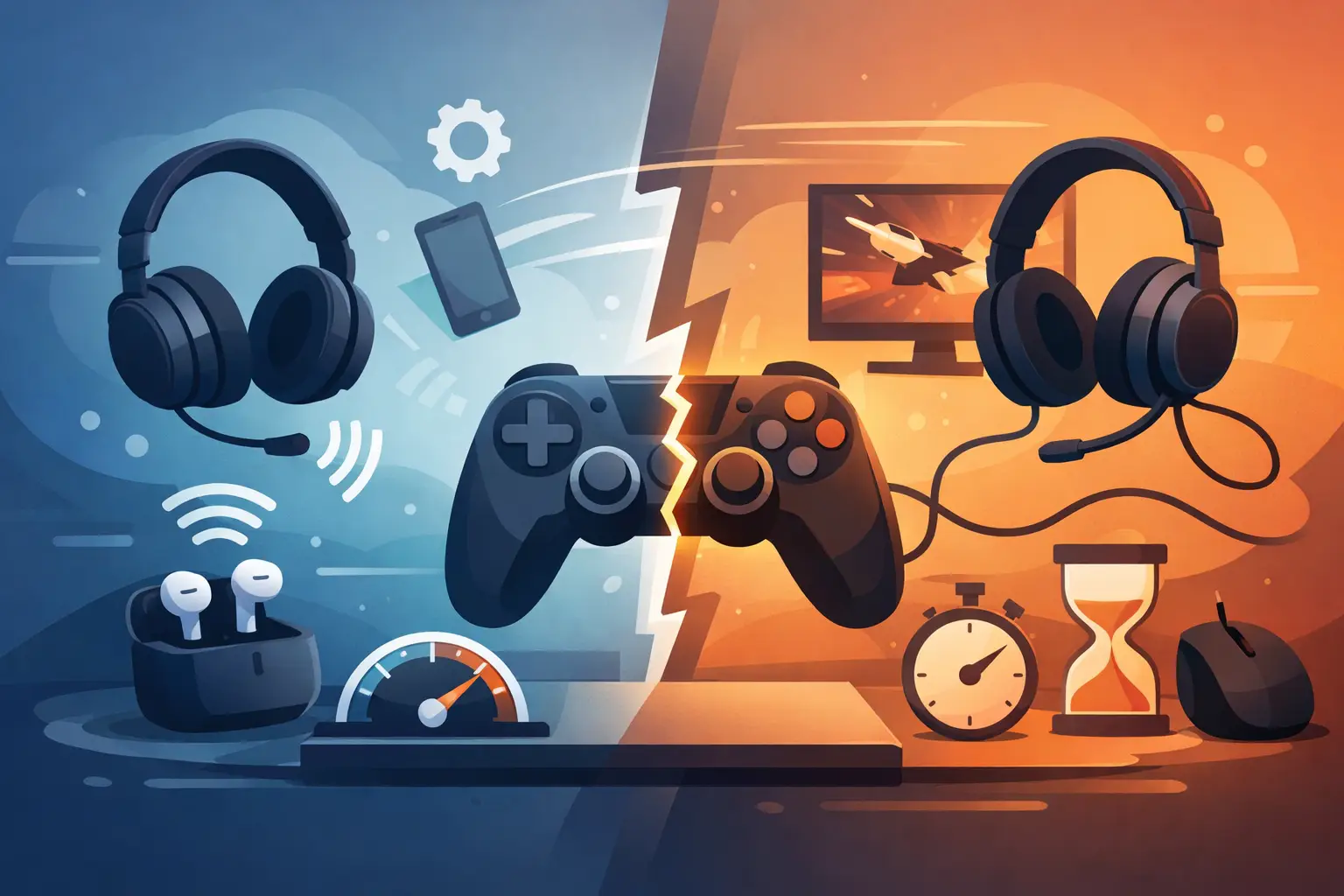
A clean desk can still be a fast desk. But if your controller, headset, keyboard, and mouse all connect without cables, one question matters: does Bluetooth affect gaming latency enough to cost you a match?
Sometimes. Not always. Bluetooth is not a single performance level, and “wireless” does not automatically mean slow. A modern Bluetooth controller can feel excellent in a single-player game or a casual competitive session. Bluetooth audio can be the weak point in a timing-sensitive setup. A Bluetooth mouse is usually a different story from a dedicated 2.4 GHz gaming mouse.
The real answer is about the entire input chain: the device, its wireless protocol, the PC or console, the game, the display, and what you expect from the moment.
Does Bluetooth Affect Gaming Latency?
Yes, Bluetooth can add latency. It can also add inconsistency, known as jitter. But the amount varies enough that a blanket verdict is not useful.
Every action travels through a chain. You press a button. The device scans that input. It sends the signal wirelessly. Your system receives and processes it. The game reads the command, renders the next frame, and your display shows the result. Bluetooth is one part of that chain, not the whole chain.
For most players, a quality Bluetooth controller adds so little delay that it is difficult to notice. For a competitive fighting game player reacting to a one-frame opening, or an FPS player tracking targets at high refresh rates, small differences become more relevant. At that level, consistency matters as much as raw speed.
A poor Bluetooth connection can feel worse than a slightly slower but stable one. Missed inputs, uneven response, or audio that arrives after the action breaks timing and focus. That is the performance cost worth avoiding.
Bluetooth Is Not the Same as Gaming Wireless
Many gaming peripherals are marketed as wireless, but they do not all use Bluetooth.
Dedicated gaming mice, keyboards, and headsets often use a proprietary 2.4 GHz connection through a USB receiver. This is still wireless, but it is engineered for low-latency input and frequent reporting. The receiver has a direct job: communicate with one device quickly and consistently.
Bluetooth is designed for flexibility. It lets one controller pair with a laptop, tablet, phone, TV, or handheld without needing a special dongle. That convenience comes with more shared standards, power-saving behavior, and system-level variables. It is a smart choice when compatibility and clean setup matter. It is not always the first choice when every millisecond is part of the build.
Wired input remains the simplest path for predictable performance. A cable removes radio interference and battery-saving behavior from the equation. Still, a wire does not guarantee a better result in every device. Firmware, USB polling, game support, and how the controller handles wired mode all matter.
The right question is not “wired or wireless?” It is “which connection is designed for this job?”
Where Bluetooth Delay Shows Up First
Controllers: Usually Fine, Sometimes Critical
Bluetooth controllers are often good enough for platformers, racing games, RPGs, sports titles, and most action games. Modern controller hardware has improved dramatically, and a stable connection at normal living-room distance is rarely the reason a game feels off.
The trade-off changes in games where timing is the mechanic. Fighting games, rhythm games, speedrunning, and high-level shooters make input timing visible. If you are trying to execute a precise combo, parry a fast attack, or play at 240 Hz, use the connection method your controller performs best with. That may be wired, Bluetooth, or a dedicated adapter, depending on the specific model and platform.
Do not assume a controller is faster simply because it is plugged in. Test the mode you actually plan to use. Some controllers have different internal behavior over USB than they do over Bluetooth.
Mice and Keyboards: Bluetooth Is a Convenience Mode
For office work, creative applications, strategy games, and general desktop use, Bluetooth keyboards and mice are practical. They reduce cable clutter and can switch between devices quickly.
For competitive mouse input, a dedicated 2.4 GHz receiver or a wired connection is the safer choice. Fast mouse movement depends on high, stable reporting rates and predictable response. Bluetooth can feel perfectly usable, but it is rarely the performance-first path for aim-heavy games.
The same applies to keyboards when rapid repeated inputs matter. Most people will not feel the difference in a slower game. Players building around reaction speed should avoid introducing uncertainty where it is easy to avoid.
Audio: The Most Noticeable Bluetooth Compromise
Bluetooth headphones can create more obvious gaming latency than a controller. Audio must be encoded, transmitted, decoded, buffered, and played. That process can add enough delay to separate the sound of a shot from the visual event on screen.
Some devices and codecs handle this better than others, but compatibility is the catch. Your headset, operating system, transmitter, and game platform all need to support the right path. Voice chat can create another compromise because many Bluetooth headsets switch into a lower-quality microphone mode when the mic is active.
For competitive play, use wired headphones or a headset with a low-latency 2.4 GHz USB receiver. Bluetooth remains excellent for music, calls, and relaxed gaming. It is simply not the default choice when positional audio and instant feedback are part of your edge.
The Bigger Latency Problem May Not Be Bluetooth
Players often blame the controller when the display is doing the real damage.
A TV in image-processing mode can add far more lag than a stable Bluetooth controller. A 60 Hz display has a longer frame window than a 144 Hz or 240 Hz monitor. V-sync settings, frame-rate drops, overloaded USB hubs, background software, and online network latency can all make a game feel delayed.
That does not make Bluetooth irrelevant. It puts it in proportion.
If your game feels slow, start with the display’s game mode and your frame rate. Then check whether the game is running at the refresh rate you expect. Test your controller close to the system with a full battery. Only then start treating Bluetooth as the main suspect.
How to Build a Low-Latency Wireless Setup
Keep the wireless path intentional. Place your PC or console where the Bluetooth signal does not have to travel through a metal desk, dense wall, or stack of powered devices. If your PC sits under the desk, a small Bluetooth extension can position the adapter closer to your controller instead of burying it behind cables and hardware.
Reduce radio noise where possible. Wi-Fi routers, USB 3.0 devices, external drives, and other 2.4 GHz equipment can create interference, especially when crowded around the rear of a desktop. You do not need to turn your setup into a lab. Just avoid placing every receiver and antenna in the same cramped zone.
Keep firmware current for controllers, headsets, and wireless adapters. Manufacturers sometimes improve connection stability, compatibility, and power management through updates. Also check battery level. Low power can affect wireless behavior long before a device fully disconnects.
For a performance-first setup, reserve Bluetooth for the devices where convenience outweighs the trade-off. A controller for couch play? Great. A multi-device keyboard for work and browsing? Sensible. A headset for competitive audio or a mouse for ranked FPS? Choose wired or dedicated low-latency wireless instead.
Reduce Friction Without Adding More Hardware
Latency is not only about signal speed. It is also about the interruption between deciding to act and getting the command out.
Reaching for a macro pad, hunting for a media key, or moving your hand away from the mouse can break flow even when the connection itself is fast. That is where input design matters. KAGE GhostPad approaches the desk as an active control surface, placing programmable pressure zones under the hand instead of adding another visible device to the setup.
The point is not to replace a high-performance mouse or controller. It is to keep secondary actions close, quiet, and immediate: push-to-talk, a stream scene change, a replay marker, media control, or an editing shortcut. Less desk clutter. Less movement away from the work.
Bluetooth does affect gaming latency, but it is not a verdict on wireless gaming. Choose Bluetooth when its flexibility serves the setup. Choose a dedicated receiver or cable when the game demands tighter, more predictable response. Then focus on the system around it. The fastest setup is the one that keeps every command close to your hand and every unnecessary delay out of your way.
Leave a Reply