
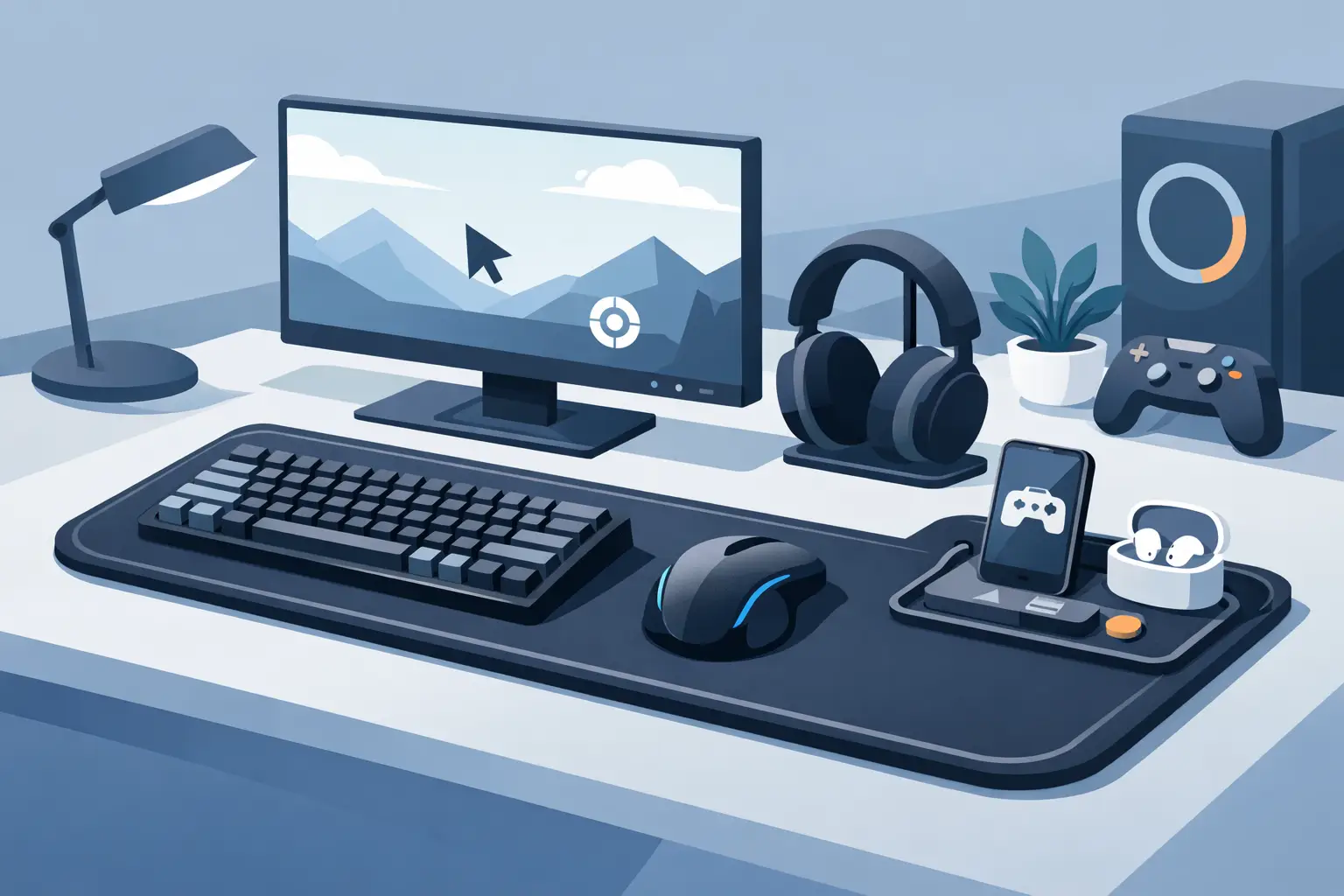
Your keyboard is busy. Your mouse is busy. Then come the extra controls: a macro pad for edits, a stream controller for scenes, a media dial for music, and another device for the game. A gaming shortcut mouse pad takes a different position. Put control where your hand already rests.
That shift matters because most desktop friction is not dramatic. It is a thousand small reaches, key combinations, and broken moments of focus. A shortcut surface built into the mousepad can keep common actions close without filling the desk with more hardware.
The Mousepad Is Already in the Right Place
A standard mousepad is passive. It provides glide, protects the desk, and stays visually quiet. For most PC users, it also occupies the most valuable real estate in the setup: the area beside the keyboard and directly under the mouse hand.
A smart mousepad turns that dead space into an input layer. Pressure-sensitive zones can trigger a shortcut, macro, media command, or in-game action when pressed. The surface still looks like a desk mat. The control system stays out of sight until you need it.
This is not about replacing a keyboard or mouse. Those tools remain faster for many tasks. It is about reducing the distance between intent and action for controls that interrupt your flow when they live somewhere else.
For a competitive player, that could mean push-to-talk, a map function, a utility command, or recording a clip. For an editor, it could mean ripple delete, marker placement, play and pause, or switching tools. For a streamer, it could be scene changes, muting a mic, and toggling chat visibility without reaching for a second panel.
The best shortcut is often the one that does not ask you to move your hand.
What Makes a Gaming Shortcut Mouse Pad Useful
Not every extra input deserves a place on your desk. A shortcut mousepad earns its position when it removes repeated actions without creating a new problem: accidental presses, visual clutter, software overhead, or a steep learning curve.
The most useful designs treat the surface as a deliberate zone system. Rather than covering the entire pad with unpredictable inputs, they assign specific areas to specific commands. You learn their positions through use, much like the keys you reach for without looking down.
Fast access without another device
A separate macro pad can be powerful, but it needs space. A stream controller adds visual feedback, but it adds another cable, another lit rectangle, and another point of attention. A gaming shortcut mouse pad uses the footprint already present in nearly every PC setup.
That can make a real difference on smaller desks, especially when the setup already includes speakers, a microphone arm, audio hardware, a charging dock, and a full-size keyboard. The goal is not fewer capabilities. It is fewer objects competing for space.
Controls that match how you work or play
The value depends on configuration. Generic shortcuts are rarely enough. A strong shortcut surface should let users map actions to the software and games they actually use, then switch modes when the context changes.
One mode might prioritize a shooter: push-to-talk, melee, ping, recording, and a team utility command. Another might support a video timeline with cut, marker, preview, and playback actions. A third can handle desktop media controls for the hours between sessions.
Mode switching matters because the same desk serves different roles. Gaming at night and editing during the day should not require rebuilding the setup each time.
A cleaner visual system
There is a performance benefit to a clear desk that goes beyond aesthetics. Less hardware means fewer cables, fewer surfaces to clean, and fewer visual signals asking for attention. For users who have spent years refining their setups, this is part of the experience.
The strongest hardware does not always announce itself. Sometimes it disappears into the workflow so completely that reaching for a separate control panel starts to feel outdated.
Gaming Shortcut Mouse Pad Trade-Offs
A shortcut mousepad is not automatically the right answer for every input-heavy setup. Dedicated devices still have a place.
A stream controller with labeled buttons is often better when you need dozens of commands visible at once. An MMO player who relies on a large grid of abilities may prefer a mouse with many side buttons or a purpose-built keypad. A video editor who works from a fixed studio desk may want the tactile precision of a jog wheel and physical transport controls.
The mousepad approach works best for high-frequency actions that need to be close, quick, and unobtrusive. It is particularly effective when you want a compact command layer, not an entire command center.
There is also a learning period. Invisible zones are clean, but they do not show labels. That is a feature for users who value minimalism, and a trade-off for users who depend on visual reminders. The practical answer is simple: assign the most natural, repeatable actions first. Keep the mapping stable long enough for muscle memory to form.
Placement matters, too. Controls should sit outside the part of the surface used for broad mouse movement. A well-designed layout protects aim and cursor control rather than asking users to compromise them.
How to Map Controls That Actually Save Time
Start with moments that make you leave your current task. Do not fill every zone simply because it is available. A useful control layout is selective.
Look at the actions you perform repeatedly in a single session. Do you mute and unmute your microphone? Capture clips? Mark sections of a timeline? Pause music during a call? Switch a tool while drawing? Those are strong candidates because they are frequent, simple, and disruptive when placed on a distant device or buried in a keyboard shortcut.
Keep related functions together. Put communication actions in one area, media controls in another, and application-specific commands in a third. This reduces hesitation. Your hand learns a spatial language instead of memorizing a scattered set of triggers.
Avoid mapping critical actions that can punish an accidental press unless the zone placement makes that mistake unlikely. In a competitive game, a command that burns a rare ability may belong on the keyboard. In an editing workflow, an irreversible command may need a confirmation step. Smart control is not about moving every command closer. It is about assigning the right commands to the right surface.
Then test the layout under real use. A mapping that looks logical in a browser configuration screen can feel wrong during a match or a deadline. Change one or two commands at a time. Let the desk tell you what belongs there.
The Technology Should Stay Out of the Way
For this category to work, setup friction must be low. If a smart mousepad requires a complicated installation process, constant software updates, or a heavy background application, it adds the same kind of friction it claims to remove.
The better direction is plug-and-play behavior with browser-based configuration. No drivers. No installs. Configure the shortcuts, save the profile, and return to the work or game.
That is the thinking behind KAGE GhostPad: a pressure-sensitive desk surface with a 4-by-4 grid of 16 hidden control zones. The interface is present, but the visual noise is not. Its purpose is direct: turn the mousepad from a passive accessory into a discreet command layer.
Hardware like this also changes the long-term role of the desk mat. Instead of replacing an entire control device when the surface wears out or your style changes, the intelligent core can remain while the pad evolves around it. That is a more considered system than treating every peripheral as disposable.
Build for Flow, Not for Feature Count
The best gaming setup is not the one with the most devices. It is the one that asks the least from you when attention matters.
A gaming shortcut mouse pad will not make every action faster. It can, however, remove the small detours that interrupt a good session: reaching for a distant button, searching for a key combination, or making room for one more box on the desk.
Start with one action you wish lived closer to your mouse hand. Give it a place. Use it until it becomes instinct. That is how a desk surface stops being a surface and becomes part of your control system.
Leave a Reply