
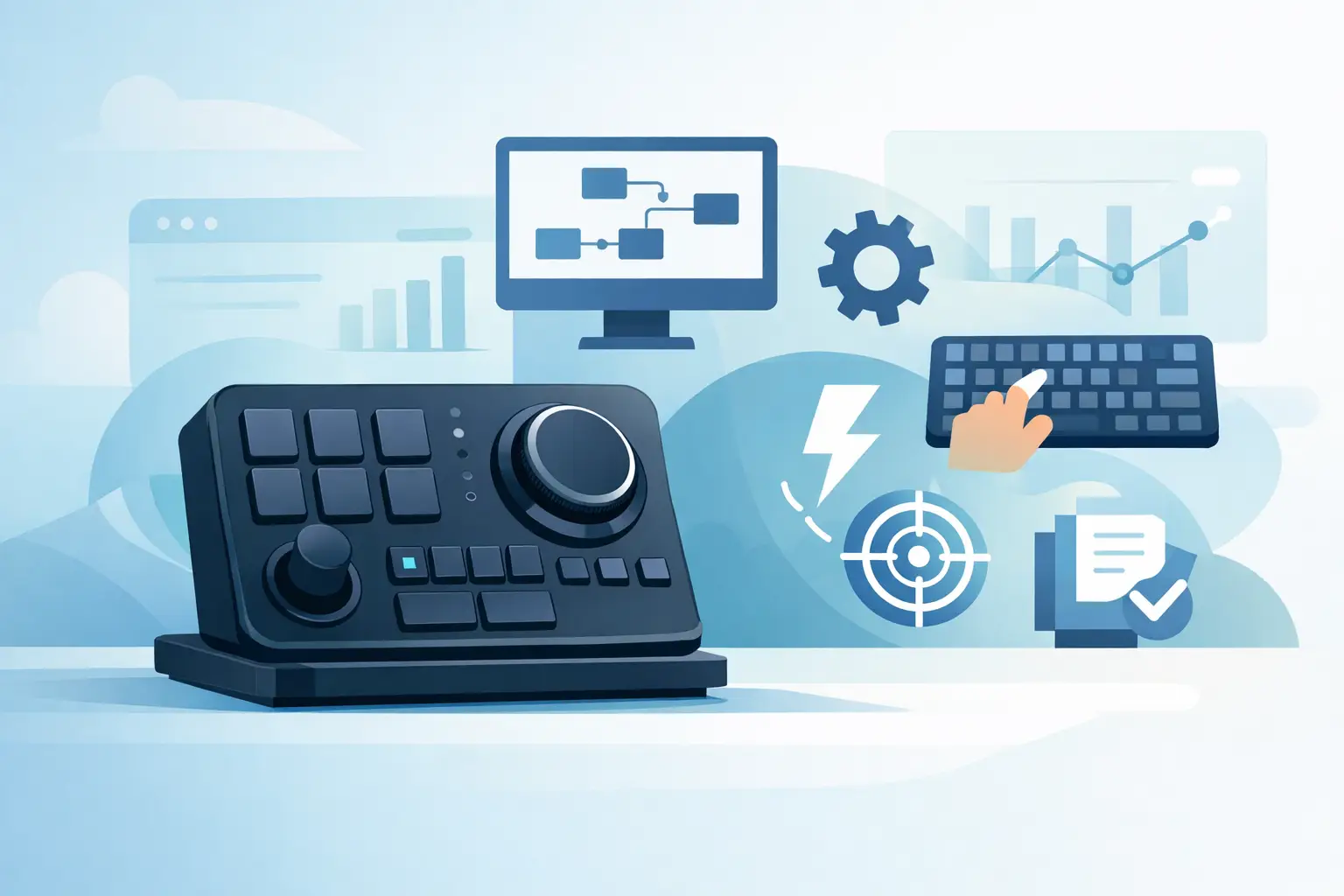
A HID native macro controller is built to act like a keyboard or mouse your computer already understands. Press a control, and it sends a standard Human Interface Device command straight to the operating system. No background utility has to interpret that press first. No app needs to stay open just to make a shortcut work.
That distinction changes how a control surface feels at the desk. The response is immediate. The setup travels better. And the hardware can stay focused on one job: turning a physical action into a command your system recognizes.
The controller speaks a language your computer knows
HID stands for Human Interface Device. It is the USB standard used by everyday input hardware such as keyboards, mice, game controllers, and media keys. When a macro controller is HID native, the computer sees it as one of those familiar devices rather than as a piece of hardware waiting for proprietary software to translate its input.
In practical terms, a button can send a keyboard shortcut such as Ctrl+Shift+S, a media command such as volume down, or a sequence of keystrokes used by an application. The controller does not need deep access to the system to do it. It delivers input through the same pathway used by the keyboard already sitting on the desk.
This is why HID-native control matters to people who switch between workstations, edit on location, stream from a second PC, or simply refuse to fill a clean setup with launch agents and tray icons. Connect the device. Map the action. Work.
Why native input feels faster
A conventional macro device can be useful, especially when its software handles complex app integrations, dynamic icons, or cloud-synced profiles. But that software layer introduces a dependency. If the utility is not installed, not running, unsupported on a machine, or blocked by a managed work computer, the controller may lose part of its purpose.
A HID-native approach removes much of that friction. The macro lives closer to the input itself. The operating system receives a familiar signal, and most creative apps, games, code editors, and browsers can respond to standard shortcuts without knowing which piece of hardware sent them.
The gain is not only speed measured in milliseconds. It is speed measured in interrupted attention. A hand stays near the mouse. A timeline keeps moving. A match does not require reaching across the desk for another panel. Your control system becomes part of the surface already under your hand.
What a HID native macro controller can control
The strongest use cases are often the least theatrical. A single press can mute a microphone, pause music, push-to-talk, switch a brush, save a project, place a marker, run a build command, or trigger a frequently used game action.
For editors, that may mean cut, ripple delete, playback, and marker placement without hunting through menus. For designers, it can mean zoom, undo, export, and tool switching. Developers can map terminal commands, code navigation shortcuts, or screenshot actions. Streamers can keep scene shortcuts and audio controls close without adding another illuminated rectangle to the desk.
The point is not to replace the keyboard. It is to move a small number of high-frequency actions to a better physical location. A macro earns its place when it removes an interruption, not when it creates a new memorization problem.
Macros are only as good as the shortcut beneath them
Native HID control works best with applications that expose reliable keyboard shortcuts. Most serious desktop software does. If a command can be triggered from a keyboard, it can usually be assigned to a HID-based controller.
Some actions are less straightforward. A workflow that depends on reading changing on-screen information, controlling a specific web service, or launching a complicated automation sequence may need software, scripts, or an API. HID is intentionally simple: it sends input. It does not inspect your screen, interpret context, or make decisions on your behalf.
That limitation is useful. It keeps the device predictable. But it also means buyers should separate shortcut control from full automation. They are related, not identical.
The clean-desk advantage
Most macro pads solve a real problem by adding more controls. The trade-off is obvious: another object, another cable, another visual element competing for desk space. For a power user building a high-function setup, that can become a strange result. More control, less calm.
A surface-integrated controller takes a different position. The desk mat becomes active without becoming visually loud. Controls can sit beneath the wrist, along the edge of the mouse area, or in zones that do not demand attention until you need them.
KAGE GhostPad applies this idea through a 4-by-4 pressure-sensitive grid beneath the mousepad surface. Sixteen hidden zones can be configured for shortcuts, macros, media control, and mode changes while preserving the object people already expect to find beneath a mouse.
This is not about hiding technology for novelty. It is about putting interaction where the hand naturally returns. A good control surface reduces hand travel and visual noise at the same time.
Pressure zones change the interaction model
A traditional macro pad gives every command a visible key. That is useful when you need labels, icons, or large numbers of distinct actions. A pressure-sensitive desk surface makes a different trade-off. It favors a smaller set of repeatable commands that become muscle memory.
That can be excellent for a compact workflow. Put play and pause in one zone, push-to-talk in another, and your most-used editing commands where your non-mouse hand can reach them without looking. It is less ideal if you need fifty labeled commands available at once or rely on dynamic visual feedback for every task.
Pressure also introduces an intentionality question. The surface must distinguish between a deliberate press and normal resting pressure. Good calibration, sensible zone placement, and adjustable sensitivity matter. A controller that fires accidentally is not invisible. It is a distraction with better industrial design.
Modes expand control without expanding the desk
Mode switching lets one physical layout serve several contexts. A creator might use one mode for editing, another for streaming, and another for general desktop control. A gamer might reserve a mode for communication, media, or non-critical in-game commands.
Modes are powerful, but they require restraint. If every zone changes function across too many layers, the controller becomes hard to trust. Two or three clear modes with predictable roles are usually more useful than an elaborate system that forces you to remember a map before every press.
The best configuration is not the one with the most commands. It is the one you can use while thinking about something else.
What to check before you buy
“HID native” is a meaningful capability, not a universal guarantee that every feature works everywhere. Check whether the device stores mappings in onboard memory, whether configuration requires a browser or desktop tool, and whether the required shortcuts work in the applications you use most.
Also consider your operating system and environment. Standard keyboard and media inputs are broadly compatible, but certain system-level shortcuts can be reserved by Windows, macOS, or specific applications. Managed company machines may also restrict configuration access even when they accept normal HID input.
For gaming, keep platform rules in view. Mapping a single physical control to an allowed shortcut is different from running a timed sequence or automation that a game may prohibit. HID native describes how the device communicates. It does not override a game’s terms, anti-cheat systems, or tournament rules.
Finally, think about physical placement. A controller integrated into a mousepad is compelling when your mouse hand is already close to the active zones and the commands are used constantly. If your workflow depends on labeled keys, rotary encoders, or visible status displays, a dedicated control panel may still be the better tool.
Build for repetition, not spectacle
A HID-native controller is most valuable when it disappears into the routine. Map the commands you reach for dozens of times a day. Keep the layout stable long enough for muscle memory to form. Remove anything that adds cognitive load without saving movement.
The right control surface should not ask for attention. It should return it – to the game, the edit, the code, or the work in front of you.
Leave a Reply