
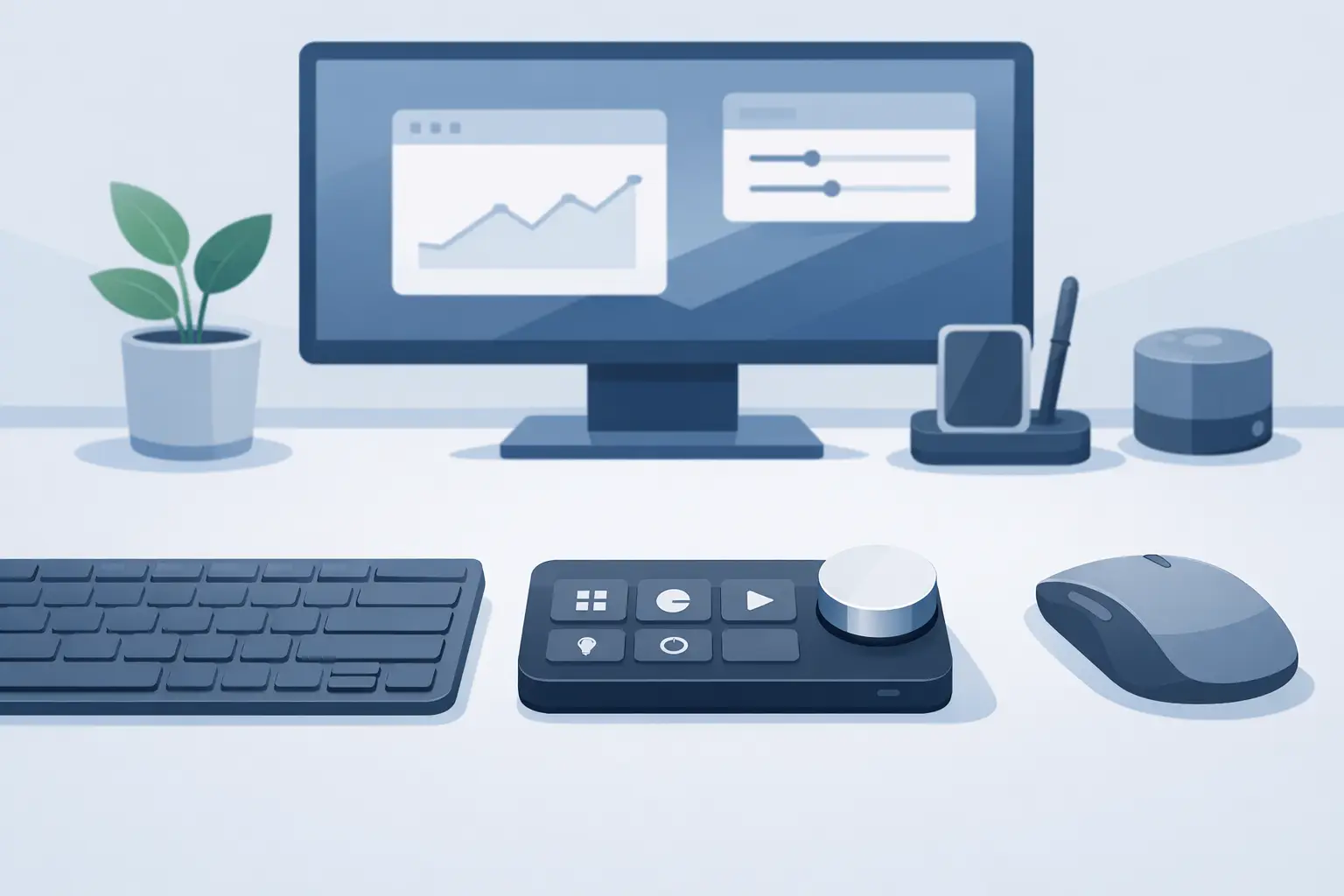
A macro pad alternative should not demand another corner of your desk. It should remove a reach, reduce a repeated motion, and keep the command exactly where your hand already works.
That is the real problem with most control devices. Macro pads, stream controllers, MIDI units, and shortcut keyboards can be powerful. They also add cables, visual noise, and another object to remember when the action gets fast. For people who spend hours editing, gaming, coding, streaming, or producing, every extra device becomes part of the workflow tax.
The better question is not, “Which pad has the most buttons?” It is, “Where should control live?”
Why a Macro Pad Alternative Makes Sense
A dedicated macro pad is built around visible keys. That has obvious benefits: physical feedback, labeled commands, and a layout you can see at a glance. If you need dozens of commands available at once, or if several people share a workstation, a traditional device remains a sensible choice.
But many power users do not need a second keyboard. They need a handful of repeatable actions close to the mouse: push-to-talk, timeline cut, brush size, mute, play and pause, screenshot, build command, scene switch, or a game ability. The action is small. The interruption is not.
Moving your hand from mouse to macro pad can break aim, timing, and concentration. Reaching across a desk during a color grade or live stream is not dramatic, but it happens hundreds of times. The friction accumulates.
A macro pad alternative earns its place when it keeps control near the primary input rather than creating another destination for your hand.
The Desk Surface Is the Logical Control Layer
Your mousepad is already active territory. Your hand returns to it constantly. It defines the space where mouse movement, wrist position, and desk comfort meet. Yet conventional pads remain passive surfaces.
A pressure-sensitive desk surface changes that relationship. Instead of mounting more switches beside the keyboard, it places configurable zones inside the mat itself. Press a location on the surface to trigger a shortcut, macro, media command, game action, or workflow function. The control exists when you need it and disappears when you do not.
This is not about replacing every input device. Your keyboard still handles typing. Your mouse still handles precision. A smart desk mat handles quick, repeatable commands that benefit from being close to both.
That division is cleaner. It also feels more intentional.
Less Hardware, More Flow
The strongest argument for an invisible control surface is not novelty. It is continuity.
A desk setup often grows one useful device at a time. A keyboard gets a numpad. A numpad gets a macro pad. A macro pad gets a stream controller. A headphone amp, microphone interface, charging dock, and cable hub follow. Each item may be justified. Together, they can turn a focused workstation into a control room.
There is a trade-off. Visible devices make commands easy to discover. Hidden zones require memory. You need to learn where each action lives. For a constantly changing set of functions, icons and screens can be more practical.
But stable commands become muscle memory quickly. If mute is always the lower-left pressure zone and undo is always beside it, you stop looking. Your hand knows. That is the point.
For a clean setup, the ideal interface is not necessarily the one with the most hardware. It is the one that reduces the gap between intent and action.
What to Look for in a Macro Pad Alternative
Not every alternative solves the same problem. Some rely on mobile apps, voice commands, foot pedals, touchscreens, or programmable mouse buttons. Each can work well in the right context.
A phone-based controller keeps costs low, but it pulls your attention to a screen and can be unreliable when the phone is locked, charging, or elsewhere. Voice control is useful for hands-free commands, though it is a poor fit for shared rooms, competitive games, and moments when silence matters. Foot pedals preserve hand position but add hardware under the desk and are usually limited to a few commands.
A smart desk surface takes a different route. It uses the working area already under your hand. To make that useful rather than gimmicky, look for a few core qualities:
- Low-friction setup. Configuration should not turn into another software project. Browser-based control and plug-and-play behavior keep the device focused on the task.
- Clear zone logic. A grid or repeatable layout helps users build reliable muscle memory instead of hunting for commands.
- Useful mode switching. One layout may be right for editing, another for games, and another for streaming. Switching should be fast and deliberate.
- A surface worthy of daily use. It is still a mousepad. Tracking, comfort, stability, and finish matter as much as the electronics.
The best macro pad alternative is not defined by how futuristic it looks. It is defined by whether it disappears into your routine.
Where Hidden Controls Work Best
Gamers benefit when a nonessential action can move off the keyboard without forcing a hand shift. A pressure zone can handle push-to-talk, map, replay capture, inventory, or a secondary ability. The exact setup depends on the game. Competitive players may prefer keys for actions that demand strong tactile confirmation, while less frequent commands are ideal for the mat.
For streamers, the value is speed without visual clutter. Mute the microphone, switch a scene, trigger a marker, adjust media, or manage chat functions from the same area where your mouse already rests. A visible stream controller is still useful for complex, labeled scene stacks. A hidden control layer is better for the few actions that must happen instantly.
Editors and designers can assign timeline cuts, ripple deletes, undo, redo, zoom changes, brush controls, or export shortcuts. Those actions repeat all day. Keeping them at the edge of the mouse path reduces needless travel between keyboard, mouse, and external pad.
Developers can map build commands, terminal actions, screenshots, window management, or project-specific shortcuts. Producers can use zones for transport controls, metronome, record, markers, and preset changes. In every case, the principle is the same: place the command where the work is already happening.
A Different Kind of Desk Upgrade
KAGE GhostPad is built around this idea: a 4 by 4 grid of 16 invisible pressure-sensitive zones integrated into a smart desk surface. It is designed to make the mousepad an active control interface, with browser-based configuration, no-install setup, plug-and-play behavior, and mode switching for different tasks.
The important detail is not the number sixteen. It is the placement. Sixteen zones create enough room for a working set of commands without introducing another object, another cable route, or another bright control panel into the setup.
That design will not be right for everyone. Users who need labels, deep multi-page control banks, or a large number of simultaneous functions may still prefer a macro pad or stream deck. There is no prize for hiding controls that need to stay visible.
For the user who wants a premium mouse surface and a compact command layer in the same footprint, however, this approach solves a more modern problem. It treats desk space as a system, not an empty area waiting for another peripheral.
Build Commands Around Repetition
The fastest setup is usually not the most ambitious one. Start with the commands that interrupt you most often. Choose actions you perform many times a day, especially those that pull your hand away from the mouse or force an awkward keyboard chord.
Keep the first layout consistent. Put media controls together. Keep communication commands in one edge zone. Group editing actions by sequence. Avoid assigning similar actions too close together until the layout becomes familiar. A hidden interface should reduce decisions, not introduce them.
Then let use decide what stays. If a command is never pressed, remove it. If one shortcut still makes you reach across the desk, move it closer. The cleanest workflow is not a preset. It is a layout shaped by your own repetition.
Your desk does not need more controls on display. It needs the right controls in reach.
Leave a Reply