
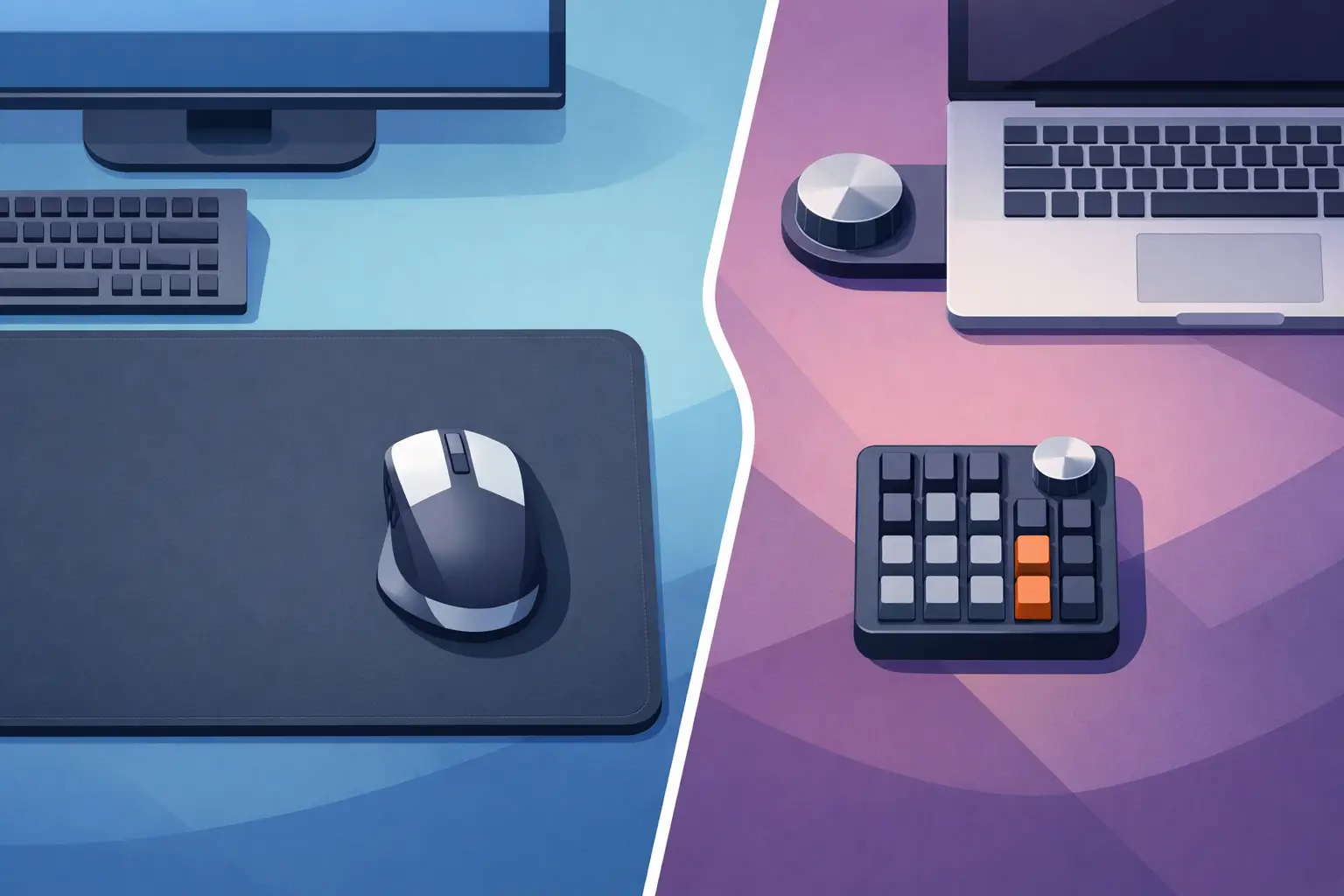
A mousepad vs macro pad decision is not really about choosing between a surface and a shortcut tool. It is about where control belongs. One supports the hand you already use. The other adds a dedicated command center beside it.
For a competitive player, editor, streamer, developer, or designer, that difference changes the entire desk. The best setup is not the one with the most buttons. It is the one that keeps your attention moving forward.
The Core Difference: Surface vs Control
A mousepad is a physical foundation. It gives your mouse a consistent tracking surface, protects your desk, and defines the space where your dominant hand moves for hours. A good mousepad can improve aim, comfort, and the visual order of a setup. But a standard pad is passive. It does not trigger actions.
A macro pad is an active input device. It usually offers programmable keys, knobs, dials, or displays that can launch applications, execute multi-step shortcuts, control media, switch scenes, or trigger in-game commands. It is built for direct access to repeatable actions.
The trade-off is obvious once the desk gets busy. A macro pad adds capability, but it also adds another object, another cable, another position to remember, and another reach across the desk. For many users, that is a worthwhile exchange. For others, it creates friction right where flow should be.
When a Mousepad Is Enough
Not every workflow needs dedicated macros. If your use is mostly browsing, writing, casual gaming, email, or standard office work, a premium mousepad may be the better investment. Better glide, reliable tracking, and wrist comfort can make more difference than a bank of unused keys.
A larger desk mat can also create a cleaner working zone. It gives your keyboard and mouse a shared surface, softens the desk feel, and reduces the small visual interruptions created by separate accessories. For minimal setups, that matters.
There is another advantage: no learning curve. Your mousepad already sits in a familiar place. You do not need to build profiles, label buttons, or develop new muscle memory. It is ready the second you sit down.
But a standard mousepad reaches a limit when your work involves repeated commands. If you are constantly pressing the same keyboard combinations, reaching for media controls, switching tools, muting a microphone, or triggering scene changes, the passive surface stops being enough.
When a Macro Pad Earns Its Space
A macro pad earns its footprint when speed depends on repeatability. Video editors can assign cuts, ripple deletes, exports, and timeline tools. Streamers can trigger scenes, sound effects, clips, and chat actions. Developers can run builds, launch terminals, format code, or open project tools. Gamers can keep utility actions within reach without pushing core movement controls into awkward key combinations.
The strongest macro pad setups do not simply mirror keyboard shortcuts. They reduce context switching. A command that normally takes three keys or requires finding a buried menu becomes one deliberate press.
Physical keys also provide tactile certainty. You can feel a button without looking down. That is useful when your eyes need to stay on a match, timeline, code editor, or camera feed. A dial can be especially effective for volume, brush size, zoom, scrubbing, or color adjustments because it makes gradual control feel natural.
Still, a macro pad is not automatically faster. If it sits too far away, requires you to look down, or is loaded with functions you barely use, it becomes desk decoration with a cable. More controls do not guarantee more control.
Mousepad vs Macro Pad: The Desk Space Test
Desk space is where this comparison gets practical.
A macro pad can be compact, but every separate device claims territory. On a wide desk with a full-size keyboard, audio interface, microphone arm, speakers, charging dock, and monitor stand, even a small control pad can force compromises. It may push the mouse area inward, crowd the keyboard, or create a cable route that does not belong.
This is especially noticeable for low-sensitivity gamers. They need room for broad mouse movement. A device placed beside the keyboard can steal the exact area needed for fast swipes. For editors and creators, the problem may be less about movement and more about visual density. A desk can begin to feel like a cockpit when the work itself needs a calm field of view.
A mousepad, by contrast, uses space that is already allocated. It is not an added category of hardware. That makes it the natural place to rethink controls.
The useful question is not, “Do I have room for a macro pad?” Ask, “Can this action live where my hand already rests?” If the answer is yes, the most efficient control may be one that does not require a new place on the desk at all.
The Ergonomics of Reaching Less
A macro pad typically sits to the left or right of the keyboard. That placement works well for deliberate commands, particularly when your non-mouse hand is free. It is less ideal for actions you need constantly while controlling the mouse. Each trigger can require a small shift in posture or a break in hand position.
Those movements seem minor. Over a long session, they add up. The cost is not just physical reach. It is the interruption of attention. You stop aiming, editing, drawing, or navigating for a fraction of a second, then reset.
An active mouse surface takes a different approach. It places secondary commands near the center of your established workflow. The mouse remains in its operating zone. Your desk stays visually quiet. The interaction becomes less visible, but more available.
That approach will not replace every macro pad use case. A tactile keypad remains better for dense command sets, precise knob control, and functions that benefit from physical labels. But for common actions – play and pause, push-to-talk, tool changes, app shortcuts, scene triggers, or a repeated macro – controls built into the surface can reduce unnecessary motion.
Choose Based on Command Density
The right device depends on how many commands you need, how often you use them, and whether they must be tactile.
Choose a traditional mousepad if performance, comfort, and clean space are your priorities, and your keyboard already handles your shortcuts without friction. Choose a macro pad if your work depends on a large set of commands and you want dedicated physical controls that can be found by touch.
Choose an intelligent control surface if your most-used actions are relatively few but frequent, and you want them close without introducing another device. That is the space KAGE GhostPad is designed to occupy: a pressure-sensitive mouse surface with hidden control zones, so the desk mat can do more without looking like it does more.
Its 4-by-4 grid creates 16 configurable zones for shortcuts, macros, media, game actions, and workflows. No visible keycaps. No separate control panel competing for space. The premise is simple: your mousepad is already under your hand, so it should be able to respond.
Configuration Matters More Than Features
A macro pad with unlimited profiles is only useful if setup feels fast enough to maintain. The same is true for any programmable surface. If configuration requires heavy software, frequent updates, account logins, or complicated layers, many users will configure it once and never touch it again.
The better experience is direct. Plug in. Open a browser-based configuration panel. Assign what matters. Switch modes when your context changes. Gaming, editing, streaming, coding, and focused work do not need identical commands, but they should not require rebuilding your desk either.
Think in terms of high-frequency actions. Start with commands you trigger many times per session or actions that repeatedly pull your hand away from the mouse. Do not map every possible shortcut. Map the few actions that interrupt you most. A smaller, intentional control system is easier to remember and faster to trust.
A Cleaner Setup Can Be a Faster Setup
There is no universal winner in mousepad vs macro pad. A macro pad is powerful because it is explicit: visible buttons, defined functions, direct tactile feedback. A mousepad is valuable because it is foundational: it improves the place where mouse work happens.
The interesting shift happens when those categories stop being separate. A desk surface can remain minimal while taking on more responsibility. Control does not always need to arrive as another box with more lights, more keys, and more cable management.
Before adding another peripheral, watch your hands for one work session. Notice every reach that breaks concentration. The best control is often the one that disappears into the motion you already make.
Leave a Reply