
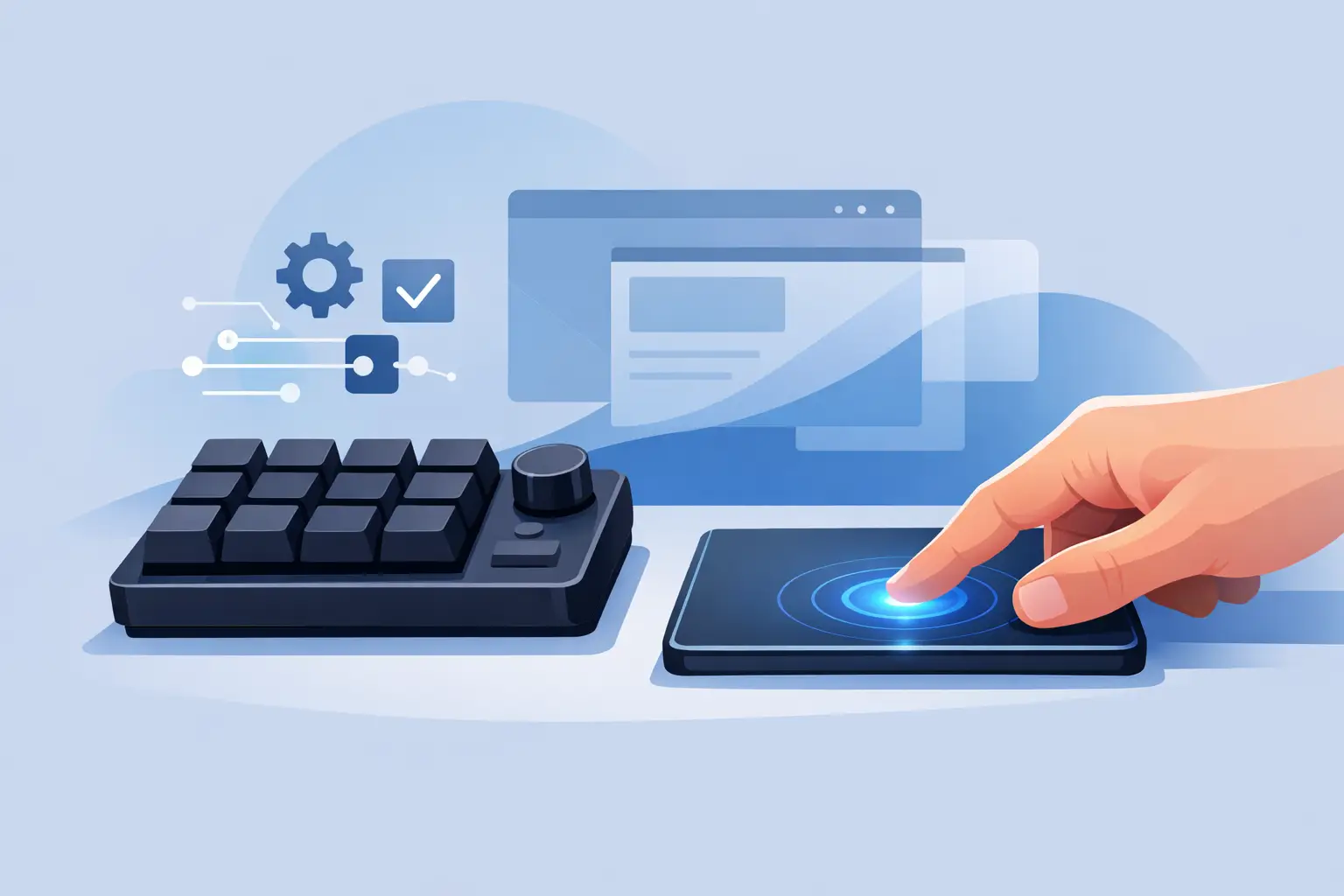
Your left hand already knows where to go. It reaches for the keyboard, the media knob, the stream controller, or a row of macro keys mounted beside the mouse. A pressure based macro pad changes that movement. It places programmable control beneath the surface your hand already touches.
The point is not to add more hardware. The point is to remove the distance between intent and action.
The macro pad problem is not macros
Macro pads are useful because desktop work is full of repeated actions. Mute a microphone. Mark a timeline. Switch a scene. Paste a code snippet. Trigger push-to-talk. Skip a track. Run a command.
The problem is where those controls live. A physical macro pad needs desk space, cables, visual attention, and a place in your muscle memory. A Stream Deck-style panel adds another lit rectangle to a setup that may already include a keyboard, monitor, audio interface, charging dock, and mouse.
For some users, that is the right trade-off. Tactile keys, labeled buttons, and visible feedback matter when you need to see every available command at a glance. Streamers with complex scene layouts and editors running dense shortcut maps may prefer a dedicated control panel.
But many actions do not need a screen or a new device. They need a fast, reliable trigger that does not pull your hand away from the work.
What makes a pressure based macro pad different?
A pressure based macro pad uses pressure-sensitive zones rather than raised keys. Press a defined part of the desk surface and the computer receives a programmed command. The surface remains visually quiet. The controls appear only when you use them.
That changes the interaction model. Instead of reaching outward to a device, you press downward into the space beside your mouse. Instead of learning a new object, you build shortcuts into an object that already belongs on your desk.
The best version of this idea feels less like operating a gadget and more like extending your hand. Your cursor stays in motion. Your posture stays stable. Your attention stays on the screen.
KAGE GhostPad applies this approach through a 4×4 grid of 16 invisible pressure zones built into a smart desk surface. It is designed to make the mousepad an active part of the desktop system, not just a place for the mouse to land.
Control without visual noise
A clean desk is not only about aesthetics. It affects how a setup feels after six hours of editing, coding, gaming, or streaming. Every extra device creates a small demand: another cable to route, another surface to clean, another interface to configure, another object competing for space.
A hidden control layer cuts that overhead.
The advantage is especially clear on compact desks. A laptop user may have room for a mousepad and little else. A producer may need the center of the desk open for a MIDI controller or notebook. A competitive player may want maximum mouse room without surrendering access to binds.
Pressure zones preserve the surface area that matters while giving it a second function. The desk becomes calmer, but not less capable.
That restraint matters. A control system should support focus, not announce itself.
Where pressure controls make sense
The strongest use cases are short, frequent actions with clear muscle-memory value. One press should save a reach, a key combination, or a break in concentration.
For gamers, zones can handle push-to-talk, reload, melee, map, inventory, or voice chat functions. The right layout depends on the game and how much the player relies on keyboard binds. Pressure controls work best for actions that are useful but do not require the precision of a mechanical key.
For streamers, the surface can manage mute, scene transitions, clips, chat controls, and media playback. The real gain is continuity. A creator can keep one hand near the mouse while making small live adjustments instead of searching for another controller.
For editors and designers, the zones can trigger cut, ripple delete, marker placement, export commands, brush changes, zoom functions, or app-specific shortcuts. A repeated command becomes a physical location rather than a remembered chord.
For developers, think beyond copy and paste. Use zones for terminal commands, test runs, formatter actions, window management, code snippets, or a focused set of project controls. The goal is not to replace the keyboard. It is to offload the few actions that interrupt the flow most often.
Configuration should stay out of the way
A programmable surface is only useful if programming it does not become a project.
That is why browser-based configuration and plug-and-play behavior matter. No driver hunt. No installation sequence. No background utility demanding attention every time the operating system updates. Connect the device, assign actions, and return to work.
Mode switching adds another layer without forcing more hardware onto the desk. One layout can serve a game. Another can support an editing session. A third can handle daily desktop controls. The same zones gain different roles depending on the active mode.
There is a limit, though. More layers are not always better. If a setup requires remembering five profiles and dozens of hidden assignments, it can become slower than a keyboard shortcut. Start with the actions you use every day. Keep each zone purposeful. Let repetition earn its place.
The trade-off: invisible means less visible feedback
A pressure-based interface is not trying to be a full replacement for every macro pad. It has a different job.
Physical buttons provide obvious boundaries. Screens show icons, labels, timers, and state changes. Those are real advantages when commands are numerous, unfamiliar, or constantly changing. If you rely on visual scene labels during a complicated live production, a display-equipped controller may remain the better primary tool.
Pressure zones ask for a short learning period. You need to know where the commands are. Accidental presses are also a design concern, especially on a surface that sits under an active mouse hand. Zone placement, pressure thresholds, and software options determine whether the interface feels intentional or intrusive.
This is where a focused layout wins. Put low-risk commands near natural resting positions. Reserve more consequential actions for zones that require a deliberate press. Do not assign “end stream” or “delete project” to the easiest place to hit by mistake.
The ideal pressure control surface is not packed with every possible shortcut. It is tuned around the actions that deserve immediate access.
Build your first layout around friction
Do not begin by asking, “What can I assign?” Start with a sharper question: “What do I keep reaching for?”
Watch a normal session. Notice the moments that break your rhythm. Maybe you leave the mouse to pause music. Maybe you stop editing to place a marker. Maybe you reach across the desk to mute before answering a call. Those interruptions are candidates for pressure zones.
Give the closest zones to the actions you trigger most. Group commands by context, not by software category. For example, a creator’s near-left zone might be mute, while the next zone handles marker placement. Both support an active recording session, even if one controls audio and the other controls editing.
Then live with the layout. If you hesitate before pressing, simplify it. If you never use a zone, replace it. A good pressure based macro pad becomes personal through iteration, not through an overloaded first configuration.
The desk surface is the next interface
The mousepad has spent decades as passive material: cloth, rubber, glass, or polymer shaped around speed and control. That role is still essential. Mouse tracking, comfort, and durability cannot be sacrificed for novelty.
But a surface can do more without looking like more.
That is the larger shift behind pressure-based control. The most useful desktop hardware may not be another box with more keys and more lights. It may be the equipment already within reach, made responsive with restraint.
Start with one action that breaks your flow every day. Put it under your hand. Then notice how little you miss the extra device.
Leave a Reply