
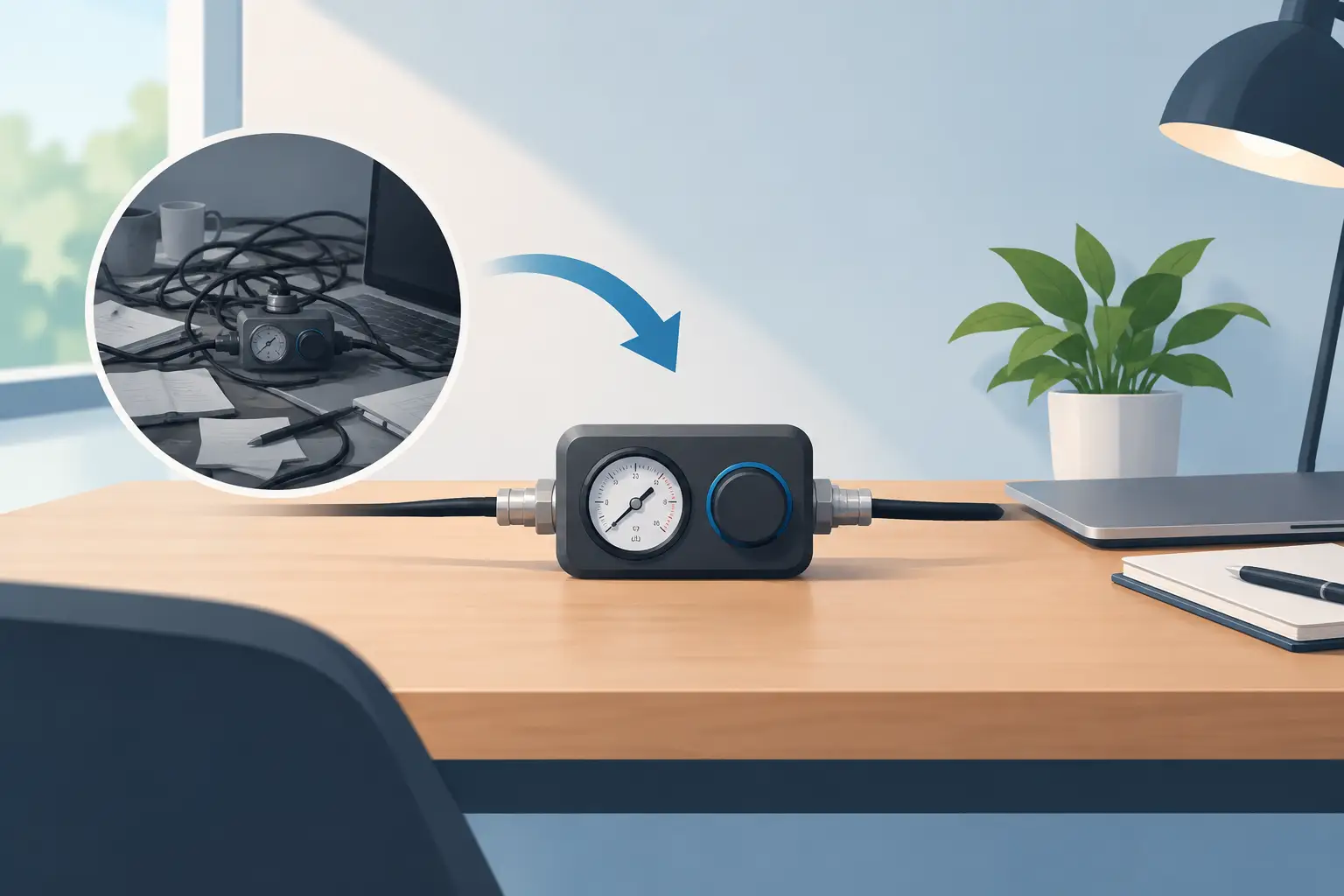
A pressure controller only earns its place on a desk if it removes more friction than it creates. That is the test. Not how many commands it can advertise. Not how many LEDs it has. The real question is whether it lets you act faster without looking away, reaching across the desk, or adding another object to an already crowded setup.
This pressure controller review looks at the category through that lens: pressure-sensitive control built into the surface beneath your hand. It is a different idea from a macro pad, a Stream Deck, or a keyboard layer. The control does not sit beside your workflow. It lives inside it.
What a pressure controller changes
Traditional desktop controllers solve a real problem. Editors need transport controls. Streamers need scene changes. Developers repeat commands. Gamers need quick actions without sacrificing movement. But most solutions add visible hardware: a button box, a dial, a small display, another cable, another place to reach.
A pressure controller takes a more architectural approach. It turns a familiar surface into an input layer. Press a defined zone and the system sends a command: a shortcut, macro, media action, game input, or workflow trigger. The idea is simple. The execution is not.
The benefit is proximity. Your mouse hand already occupies the desk mat for hours. A control zone placed within that resting area can shorten the path between intention and action. Pause a track. Mute a mic. Mark a timeline. Trigger push-to-talk. Switch tools. The action happens where the hand already is.
That does not make pressure control automatically better than physical buttons. It changes the trade-off. You gain visual quiet and positional efficiency. You give up the immediate tactile certainty of a raised key or dial.
Pressure controller review: what matters most
A good review should not treat every programmable input device as interchangeable. Pressure control has requirements that conventional macro hardware does not.
Intentional activation
The first requirement is reliable intent detection. A desk surface is constantly under load from a wrist, forearm, mouse movement, coffee cup, or a moment of rest. If a zone triggers by accident, the controller becomes a liability. If it requires too much force, it becomes tiring and loses its speed advantage.
The best implementation sits in the middle. It should recognize a deliberate press while ignoring normal contact. This is one reason a pressure controller is more than a touch surface. Touch detects contact. Pressure can distinguish between contact and command.
Zone spacing matters too. Small, tightly packed zones create higher command density, but they make blind use harder. Larger zones are easier to hit, though they limit the number of controls. There is no universal ideal. A competitive game may favor a few broad, dependable actions. A video editing workflow may benefit from more commands distributed around a timeline-friendly hand position.
Configuration without friction
Programmability is only useful when setup stays out of the way. A controller should make it easy to assign common shortcuts, save profiles, and switch modes without turning configuration into another project.
Browser-based setup has a clear advantage here. No driver hunt. No install permission maze. No background software competing for attention. Plug in, open the configuration interface, assign commands, and return to work.
Still, no-install simplicity should not mean shallow control. Power users need macros, profile logic, and per-app behavior where possible. The right balance is a fast default experience with deeper options available when they matter. A designer who wants play, pause, and undo should not face the same setup burden as a streamer mapping a full production workflow.
A surface that remains a good mousepad
This is the category’s non-negotiable standard. The desk mat cannot become a compromised input device that happens to support a mouse. It has to remain a surface people want to use every day.
Tracking consistency, glide, stopping control, edge feel, and comfort all remain central. A pressure-sensitive surface that interrupts mouse movement or feels uneven defeats its own premise. The technology should disappear during normal use, then respond the moment it is needed.
That is the compelling promise behind KAGE GhostPad: a 4 by 4 grid of 16 invisible pressure zones built into a desk surface rather than presented as another desktop device. Its prototype approach is direct. The mousepad becomes a control interface. No visible keys. No extra panel. No install required for setup.
The concept is especially strong for people building clean, high-function setups. It replaces the question, “Where do I put another controller?” with a better one: “Why was this surface passive in the first place?”
Where pressure control is genuinely useful
The most convincing use cases are repetitive, low-attention actions. These are commands you already know by muscle memory and do not need to inspect every time.
For video editors, a nearby zone can handle playback, blade tool selection, markers, or common timeline commands. For music producers, it can trigger record, mute, metronome, or transport actions. For developers, it can run builds, open a terminal, trigger a test command, or control media without leaving the coding position.
Gamers have different needs. Pressure zones can support push-to-talk, ping, map, inventory, or secondary actions that do not belong on an already crowded keyboard. The physical location of the zone matters more than raw command count. A useful input should be reachable without disrupting aim or forcing the hand into an awkward movement.
Streamers may see the clearest desk-clutter benefit. Mute, scene control, clip markers, music control, and chat functions often spread across several devices. A hidden control layer can consolidate common actions, though critical live controls should be tested thoroughly before being trusted on a broadcast. In live production, predictability beats novelty every time.
The limits are real
Pressure control is not a replacement for every controller. A physical dial remains better for continuous adjustment such as precise volume, brush size, or color grading values. Raised buttons are better when users need to confirm location through touch alone. A display-equipped control panel is better when a changing label, status, or preview is essential.
There is also a learning curve. Invisible zones demand spatial memory. At first, users may need visual references or a deliberately simple layout. That is not a flaw unique to pressure surfaces. Keyboard shortcuts work the same way. But the interface should respect that reality by making profiles logical, stable, and easy to revise.
Durability and calibration deserve scrutiny as well. A desk mat takes more abuse than a device mounted safely at the edge of a desk. It deals with constant pressure, skin oils, movement, and occasional spills. Any pressure controller entering daily use must prove that its sensing remains accurate over time, not just impressive in a demo.
These are not reasons to dismiss the category. They are the criteria that separate a useful interface from a clever prototype.
Who should consider one
A pressure controller makes the most sense for people who already feel the cost of scattered controls. If your desk has a macro pad, media controller, stream deck, keyboard shortcuts, and a premium mousepad all competing for space, an integrated surface is a logical next step.
It is less compelling for someone who rarely uses shortcuts or prefers obvious, labeled controls. There is no benefit in hiding commands that you need to see. Likewise, users who depend on fine analog adjustment should keep a dial-based device within reach.
The strongest fit is the power user who values flow. Not maximal hardware. Not spectacle. Just fewer interruptions between thought and action.
A great desk does not ask for attention. It gives it back. The most promising pressure controllers understand that their job is not to become the center of the setup. Their job is to disappear into it.
Leave a Reply