
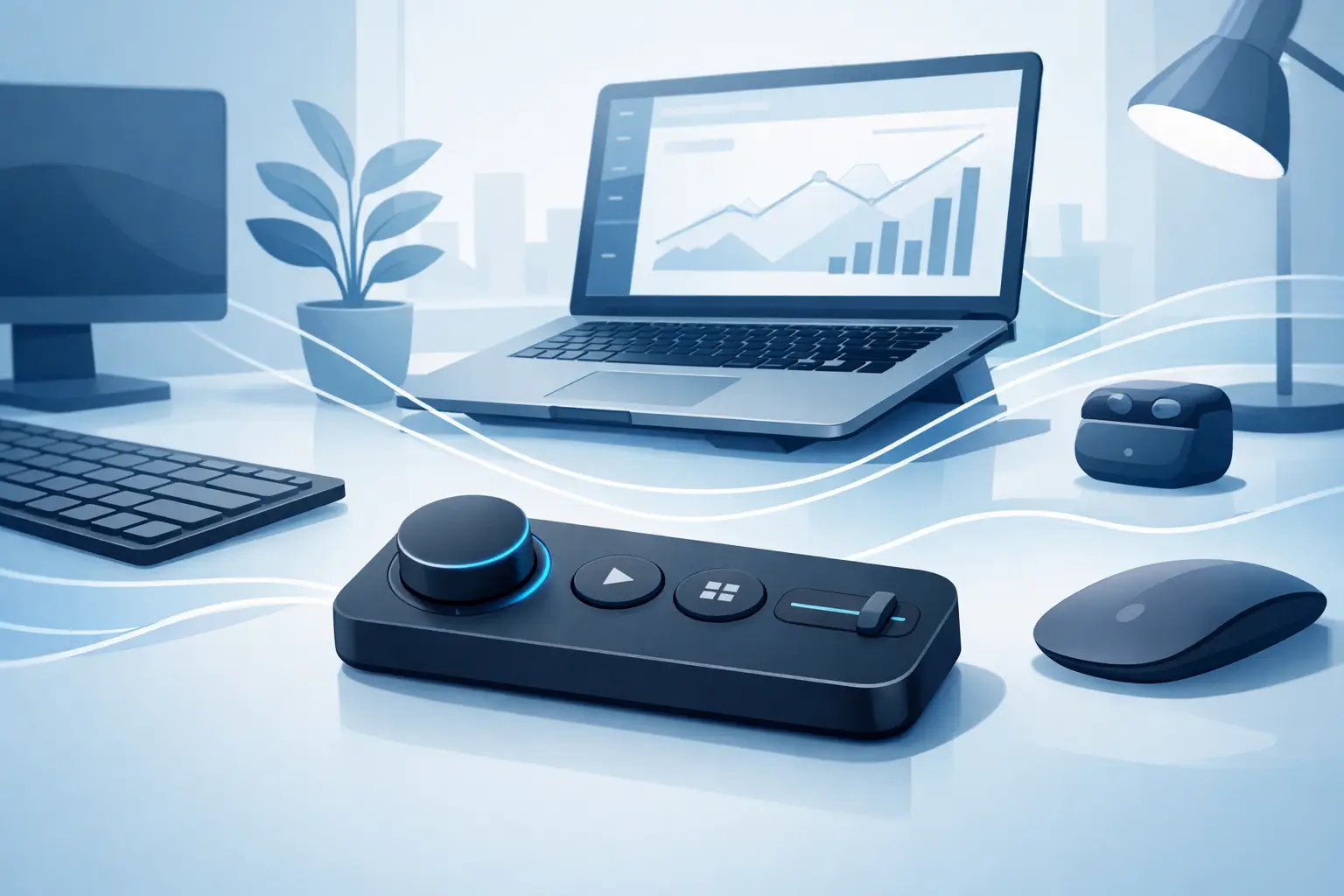
A wireless desk control pad promises a better kind of desktop control: fewer devices, fewer reaches, and less visual noise between you and the work. The idea is not to add another glowing rectangle beside your keyboard. It is to place useful commands where your hand already lives.
For gamers, editors, streamers, developers, and designers, that distinction matters. Most desktop actions are small but repetitive: mute a mic, skip a track, switch tools, trigger a macro, start a recording, move to the next scene. Each action is simple. The interruption is not.
What a wireless desk control pad should change
A good control pad does more than assign commands to buttons. It removes friction from the physical setup. Traditional macro pads and stream decks can be powerful, but they occupy space, demand a glance, and pull the hand away from the mouse or keyboard. That may be fine for complex live production. It is less ideal for actions you perform dozens of times in a session.
The better approach is surface-level control. A pressure-sensitive desk mat or mousepad can turn familiar territory into an active interface. Commands remain close, but the desk stays quiet. No new visual hierarchy. No extra device competing for attention.
That is the real appeal of this category. It shifts control from a visible accessory to an integrated part of the workstation.
A 4×4 pressure-zone layout, for example, creates 16 programmable positions without filling the desk with mechanical keys. One zone can handle push-to-talk. Another can control media. Others can trigger editing tools, game actions, scene changes, scripts, or application shortcuts. The same physical surface can mean different things in different modes.
The result is not more control for its own sake. It is faster access with less movement.
Wireless is useful. It is not the whole answer.
Wireless belongs in the conversation because nobody wants a clean desk compromised by unnecessary cables. A cable-free control surface can make sense for flexible setups, portable workstations, or users who regularly reconfigure their desk.
But wireless introduces trade-offs that should not be ignored. A control pad needs reliable input, predictable response, and enough battery life that it does not become another device to monitor. If it wakes slowly, drops a connection, or needs frequent charging, it creates the friction it was meant to remove.
For always-on desktop gear, a single discreet connection can sometimes be the more disciplined choice. Power is constant. Response is immediate. Setup remains stable. The cleanest desk is not necessarily the desk with zero cables. It is the desk with no pointless cables.
That is why “wireless” should describe freedom from clutter, not a feature checkbox. The best design chooses the connection method that protects focus.
Keep commands under the hand
The mousepad is one of the few objects on a desk that is always in use. It sits directly beneath the working hand. Yet in a standard setup, it is passive.
Making that surface programmable changes the logic of the desk. Instead of reaching left for a macro pad, right for an audio controller, or forward for a secondary device, you press where your hand is already resting. The movement is smaller. The action becomes more natural over time.
Pressure zones are especially interesting because they can remain visually invisible. The surface does not need labeled keys, bright icons, or a control deck aesthetic. It can look like a premium desk mat while behaving like a hidden command layer.
That matters for users who care about setup design as much as raw capability. A desk is not a showroom for every peripheral you own. It is an operating environment. Every object should earn its footprint.
One surface, different modes
Static controls are useful. Context-aware controls are better.
A well-designed desk control pad should let users change profiles without rebuilding their workflow. In gaming mode, the zones might manage map, inventory, push-to-talk, clips, and audio. In an editing mode, those same positions could become cut, ripple delete, marker, playback, and export commands. In a work mode, they can control meetings, music, screenshots, and window management.
The physical surface stays familiar while the system behind it adapts. That is where a smart desk surface becomes more than a novelty. It becomes an interface that follows the task.
Browser-based configuration is a strong fit for this kind of hardware. Users should be able to assign an action, save a profile, and get back to work without installing a heavy control suite or maintaining another background process. No drivers. No installs. The setup should feel lighter than the commands it replaces.
There is still a balance to strike. Too many modes can become a memory problem. If every zone changes constantly, users may hesitate before pressing. Start with the actions that are already muscle memory candidates: the commands you use daily, the ones that interrupt your flow, and the ones that do not require visual confirmation.
Where invisible control works best
The strongest use cases are not necessarily the flashiest ones. They are the actions that happen often enough to become annoying.
For a streamer, that can mean muting a microphone, changing a scene, marking a moment, or controlling music without hunting for a button. For a video editor, it may be playback, timeline navigation, adding markers, or triggering a frequently used tool. For a developer, it could be running a local task, switching workspaces, pasting a recurring snippet, or controlling a call.
Gamers have a different relationship with desk controls. Competitive games often demand a stable mouse surface and zero accidental input. In that case, zones should live outside the main mouse-tracking area or require deliberate pressure. For slower-paced games, simulations, MMOs, and streaming setups, programmable zones can reduce keyboard reach and give secondary actions a dedicated place.
The design has to respect the primary job of the surface. A control pad that compromises mouse movement is a bad mousepad. A smart mat must first feel like a great mat.
The cost of adding another device
Most desks collect accessories one purchase at a time. A macro pad solves shortcuts. An audio controller solves volume. A stream deck solves scenes. A charging dock solves cables. Eventually, the setup has plenty of capability and very little empty space.
There is nothing wrong with specialized hardware. A creator running a complex production may need dedicated displays and tactile controls. Physical keys with labels are still better for workflows where instant visual feedback matters.
But many users do not need another visible device. They need their current surface to do more.
KAGE GhostPad is built around that premise: a pressure-sensitive desk surface with 16 hidden zones that can trigger shortcuts, macros, media controls, and mode-specific actions. It treats the mousepad as an active input layer, not a passive rectangle. The intelligence stays under the surface. The desk stays clear.
Choose control that disappears into the setup
When evaluating a wireless desk control pad, look beyond the number of commands it can assign. Ask whether it fits the way you already work. Does it keep your hand in position? Can you configure it quickly? Will it stay reliable through a long session? Can it change with your workflow without demanding constant attention?
The strongest peripherals do not make you think about them after setup. They become part of your reflexes. They reduce movement, reduce clutter, and leave more attention for the game, the timeline, the code, or the idea in front of you.
Your desk does not need more hardware competing for space. It needs one surface that understands what your hand is trying to do next.
Leave a Reply