
-
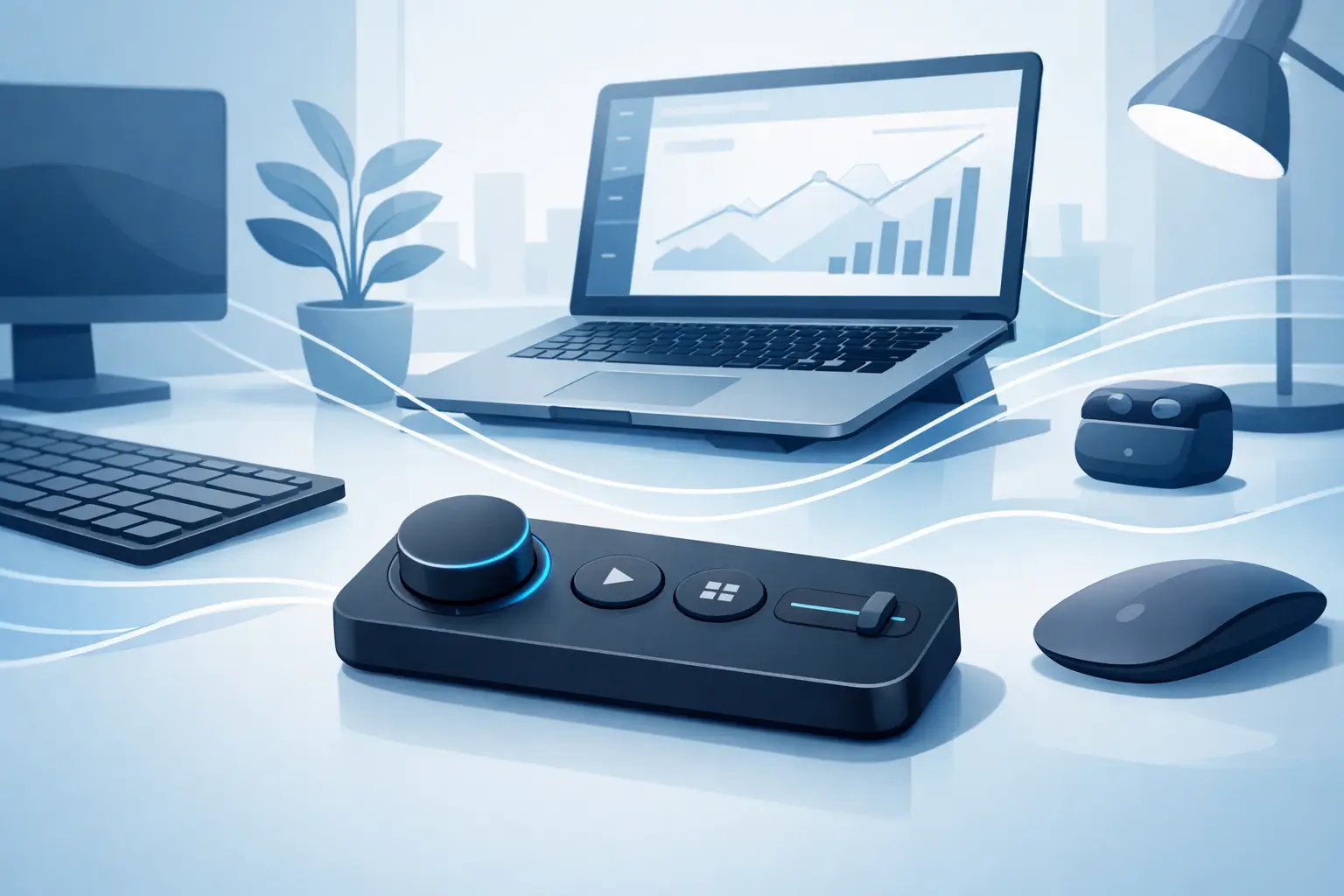
A wireless desk control pad keeps shortcuts, macros, and media commands under your hand while clearing space for focused work, play, and creation every day.
-

Learn how to customize workflow modes for editing, gaming, coding, and streaming while keeping your desk clear and your commands close at hand every day.
-
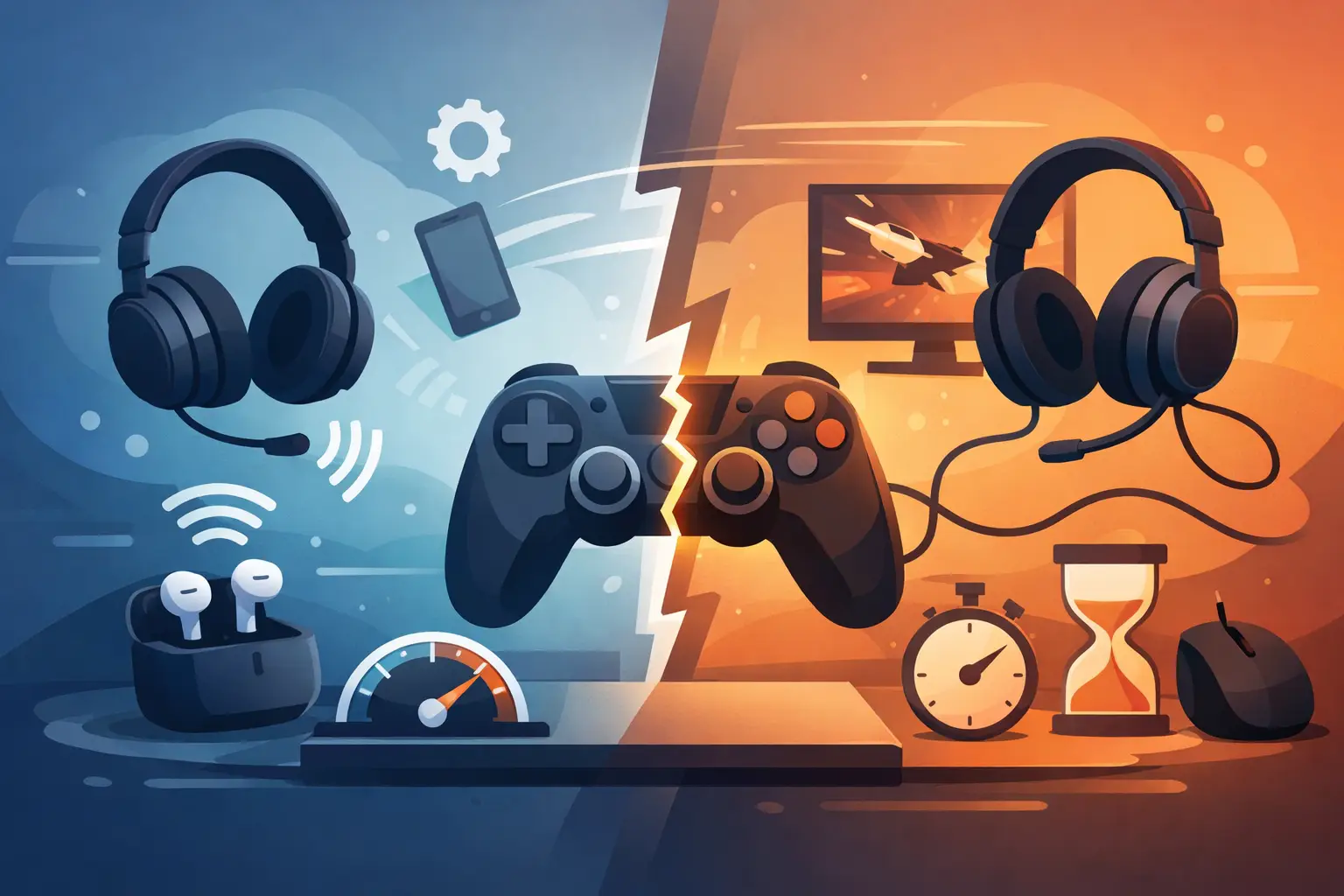
Does Bluetooth affect gaming latency? Learn when wireless delay matters, why modern controllers perform well, and how to build a faster setup at your desk.
-

Gaming control layouts should reduce reach, clutter, and missed inputs. Build a faster command system that keeps your mouse hand where it belongs in play.
-
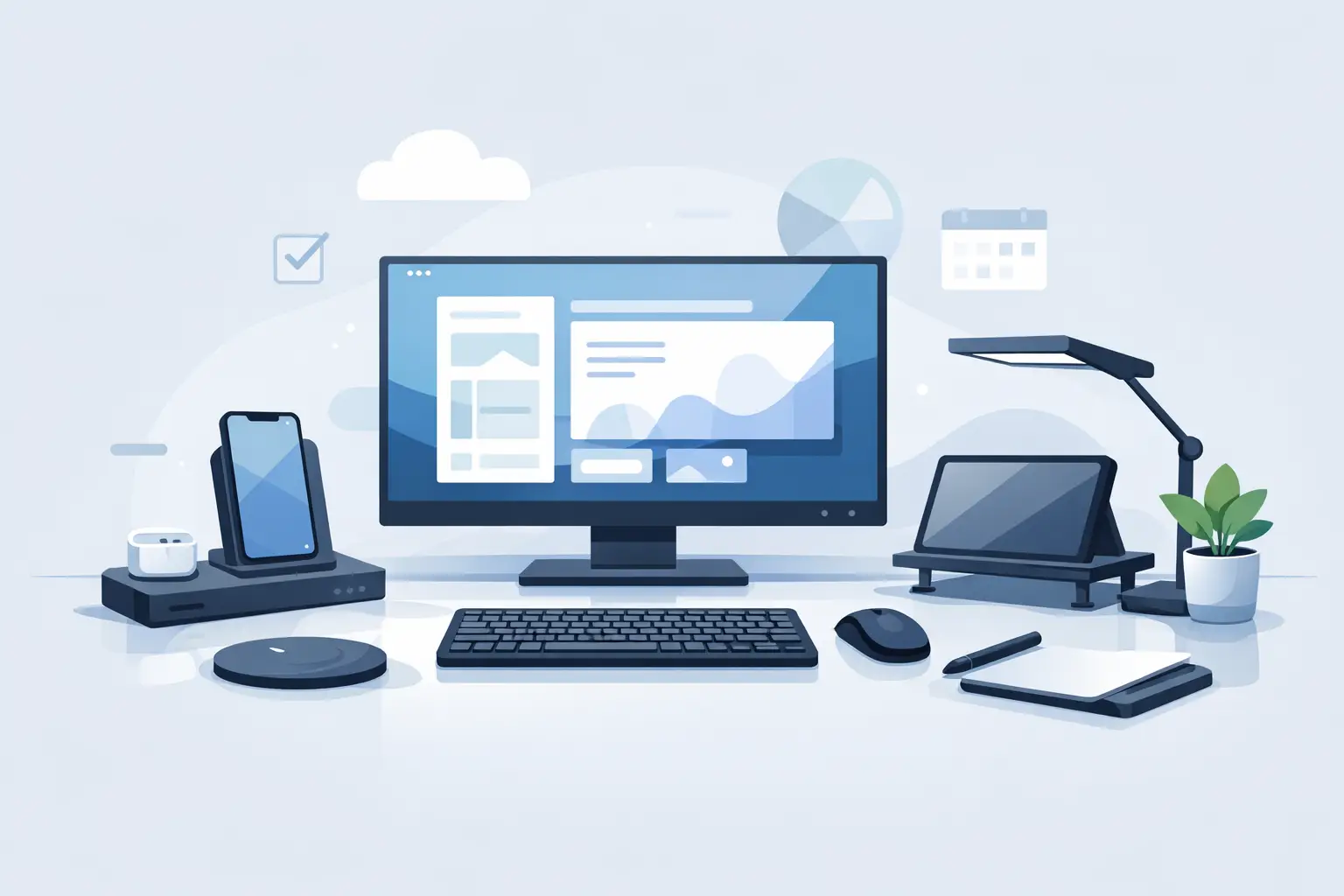
Productivity hardware should reduce friction, not add clutter. See how invisible controls and smarter desk surfaces keep hands, focus, and flow intact.
-

Can one device replace keypads? See where a hidden control surface wins, where dedicated pads still matter, and how to choose for your setup.
-
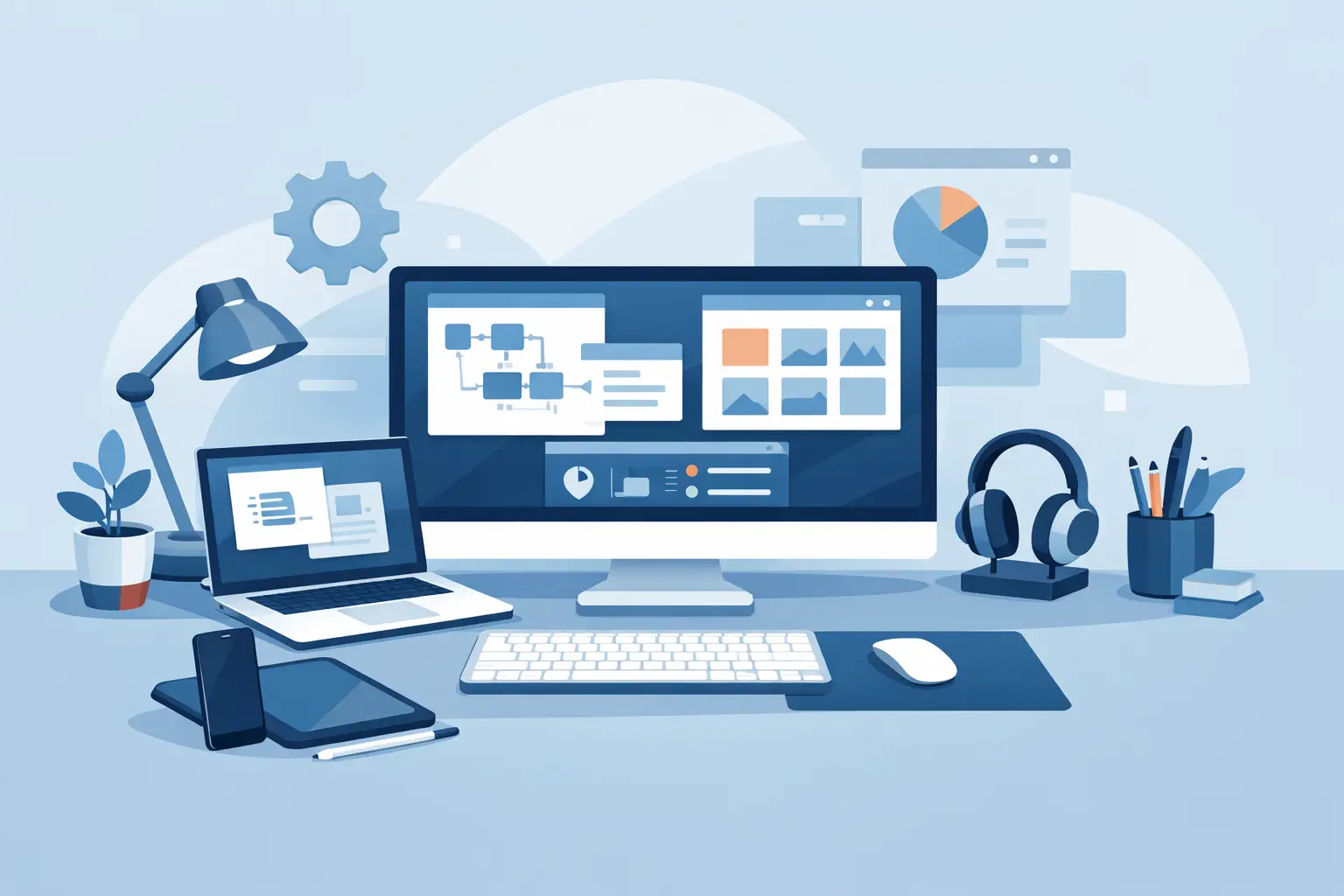
This custom desktop workflow guide shows how to map faster actions, reduce desk clutter, and keep gaming, creative work, and focus within reach, nearby.
-
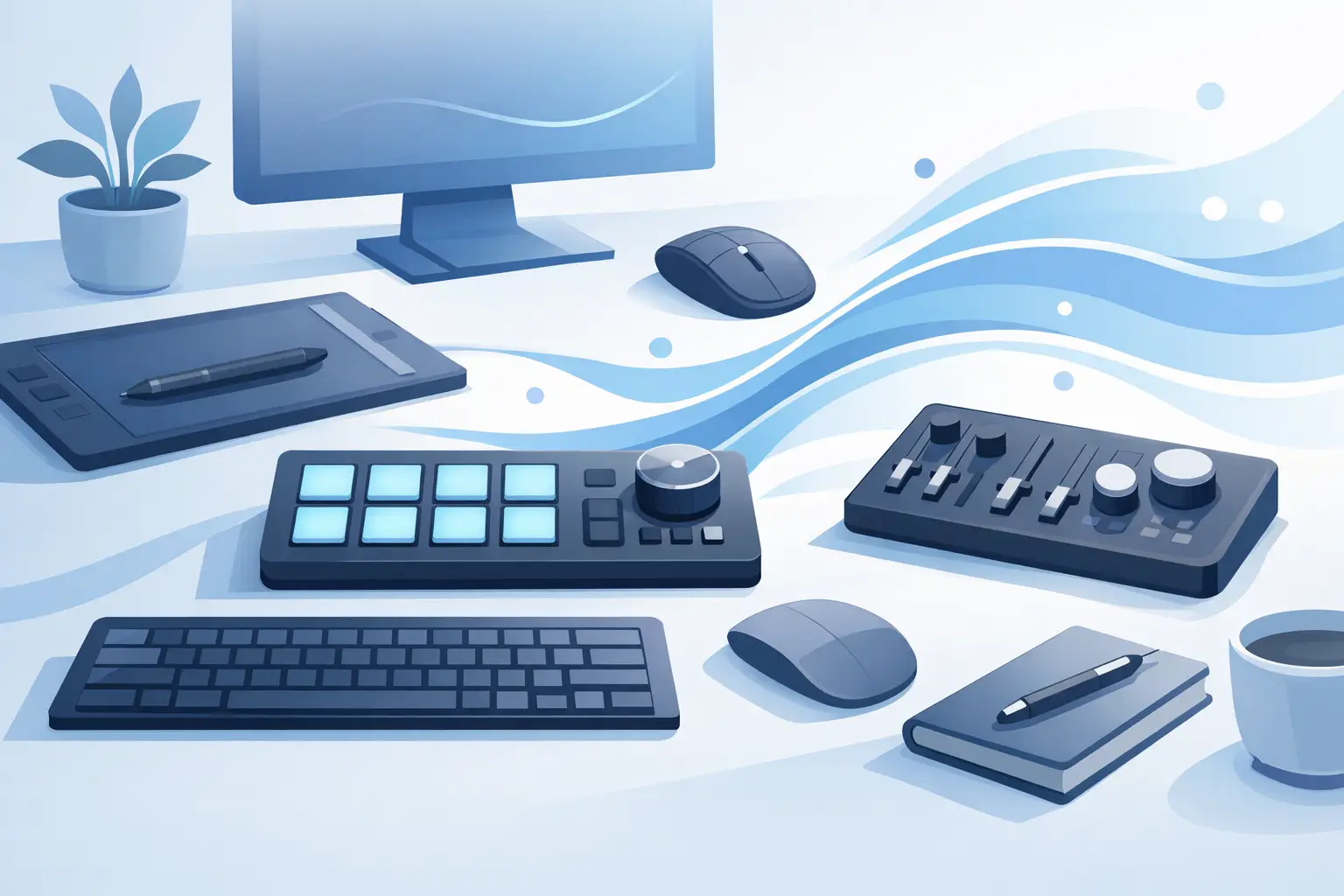
This desk surface macro control guide shows how to place shortcuts, build modes, and reduce desk clutter without slowing your work, stream, or game down.
-

Editing workflow profiles turn repeat actions into one-touch commands. Build profiles that keep your timeline, tools, and focus moving faster each day.
-

Learn how to reduce desk clutter without cutting capability. Build a cleaner, faster workspace with fewer devices and smarter control, every workday, too.