
Category: desk-setup-workflow
-
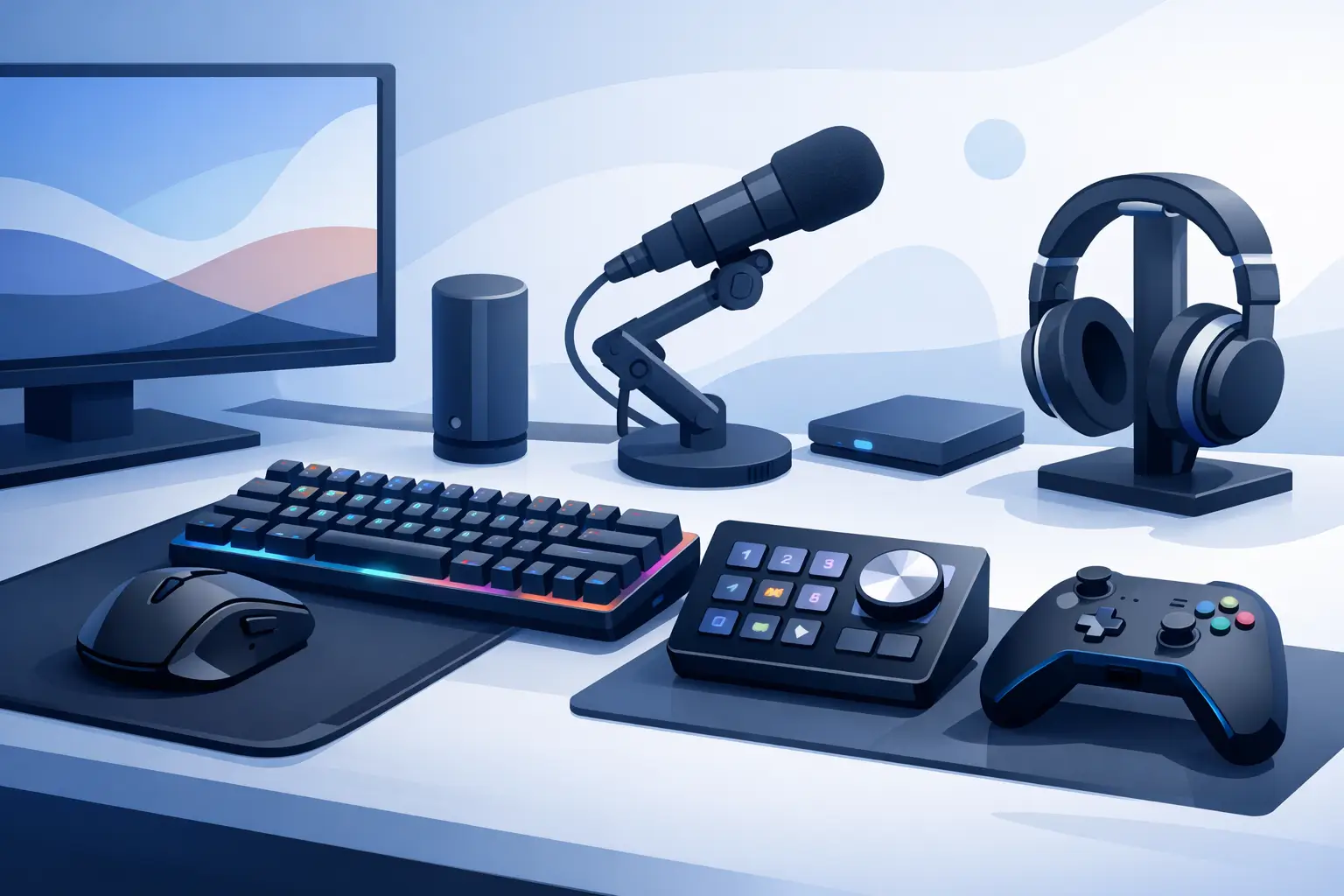
Compare the best gaming desk control devices for faster inputs, cleaner setups, and focused play without covering your desk in hardware everywhere today.
-
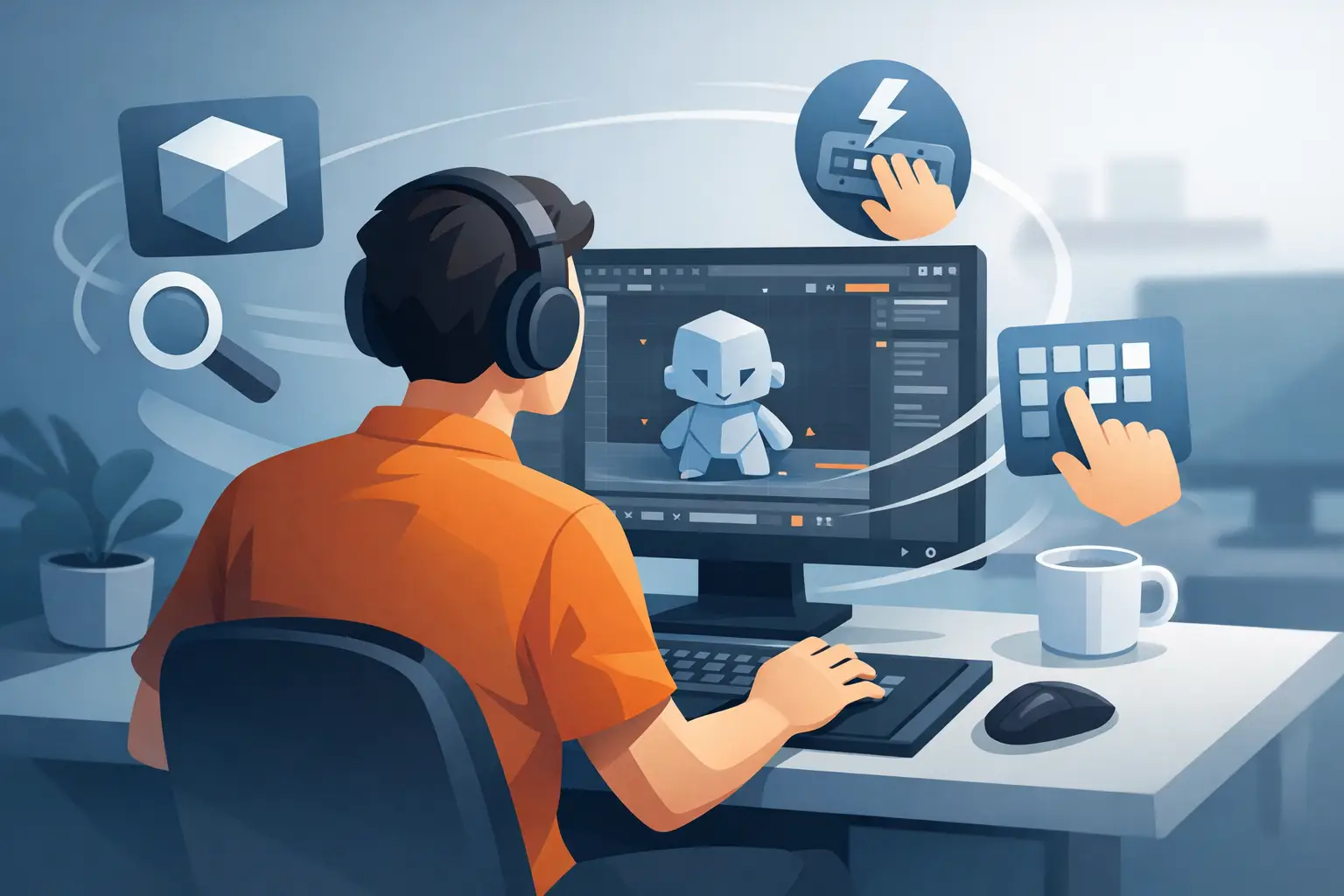
Build a faster Blender shortcut workflow with context-aware keys, smart layouts, and hidden controls that keep your hands and eyes on the work at speed.
-

The right video editor accessories cut repetitive actions, protect focus, and keep your desk clear so timelines move faster from first cut to final export.
-
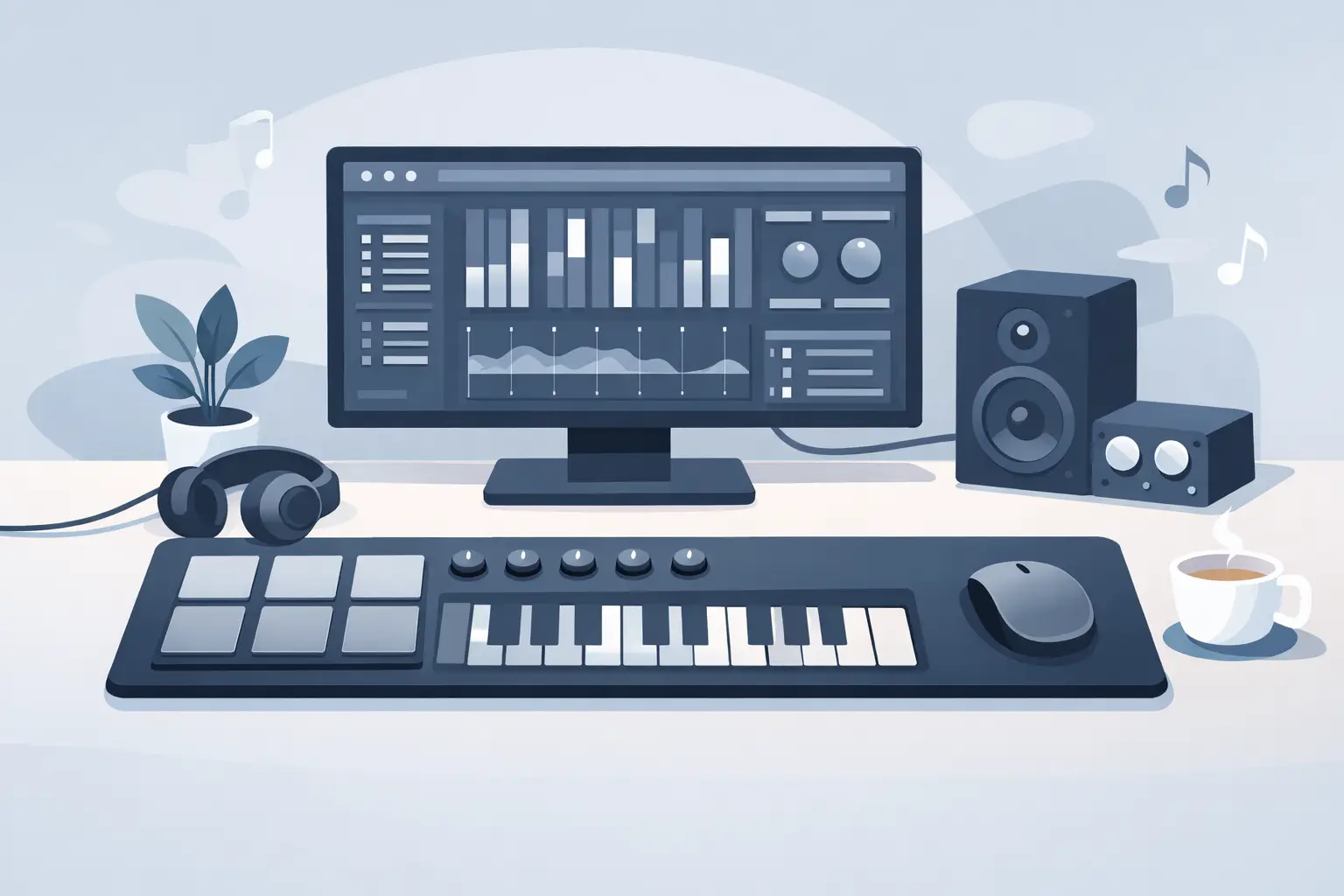
A MIDI mousepad controller puts shortcuts, macros, and media control under your hand, keeping creative and gaming setups fast, focused, and clean daily.
-

Can mousepads trigger macros? Learn how pressure-sensitive control surfaces work, what they can do, and where they fit into clean, high-speed desk setups.
-
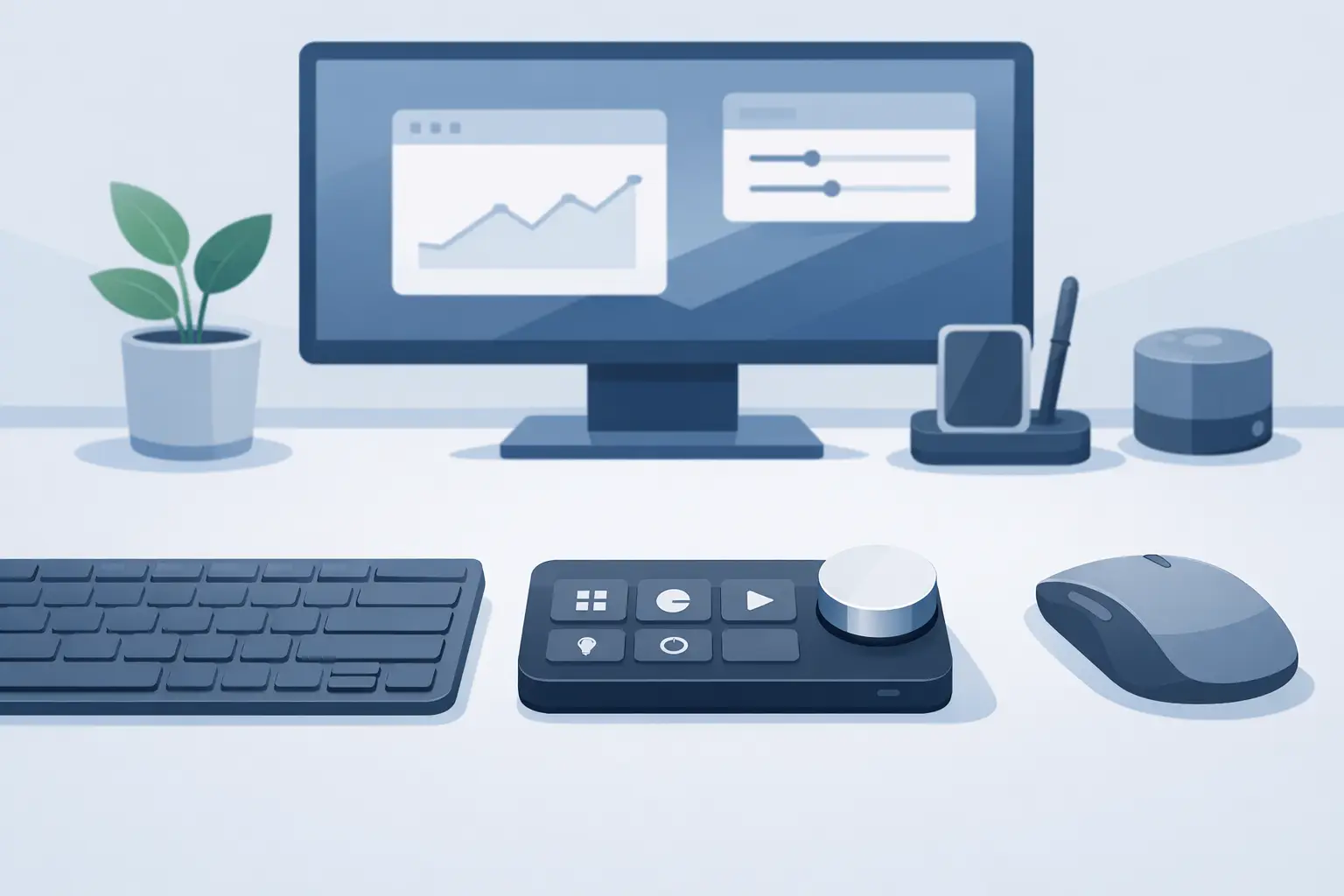
Looking for a macro pad alternative? See how pressure-sensitive desk control keeps shortcuts, media, and workflows close without adding desk clutter.
-

Learn how to use pressure mousepad shortcuts for faster edits, cleaner streams, and tighter game control without adding another device to your desk now.
-
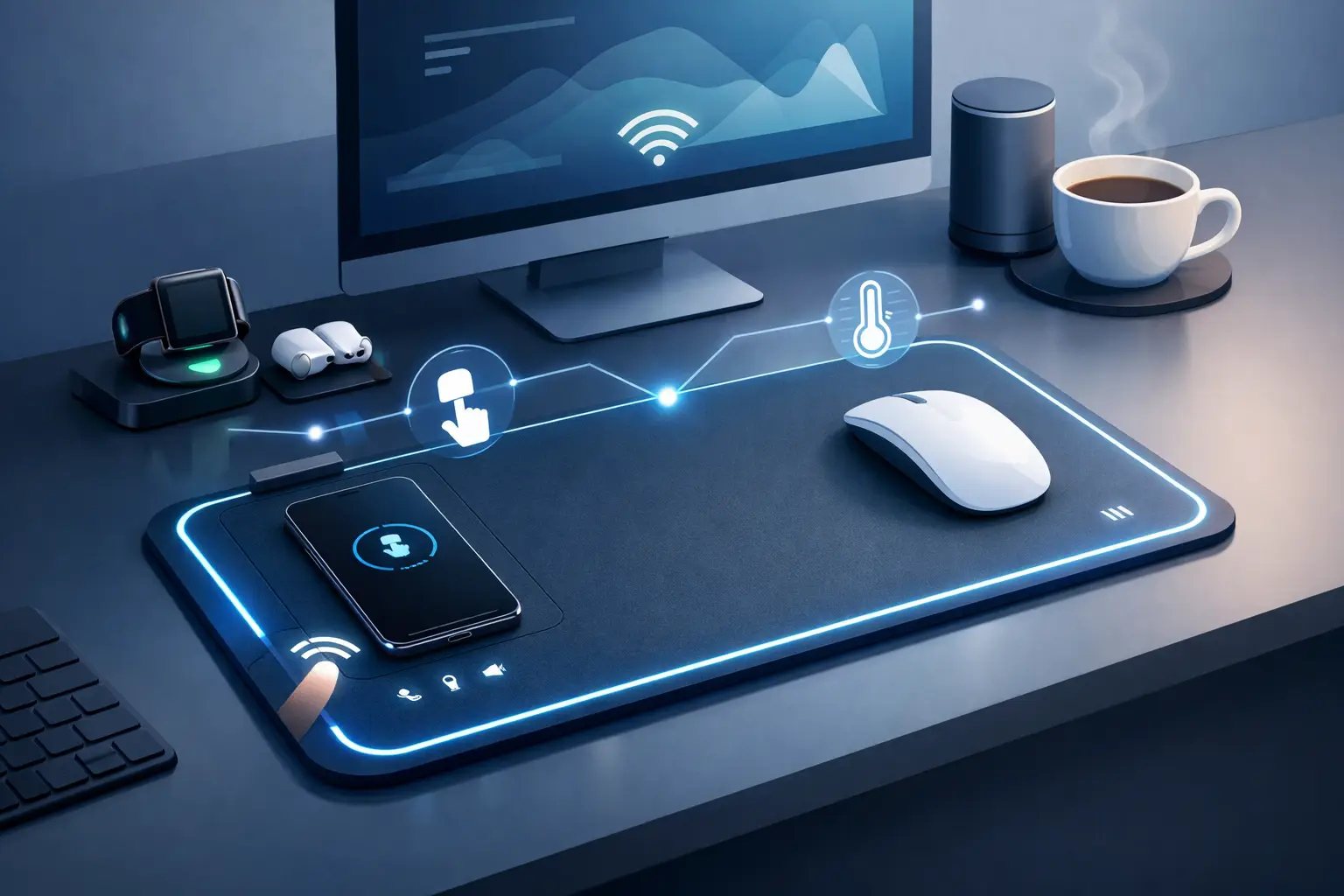
What is a smart mousepad? Learn how programmable desk surfaces add shortcuts, macros, and media control while reducing devices on your desk every day.
-
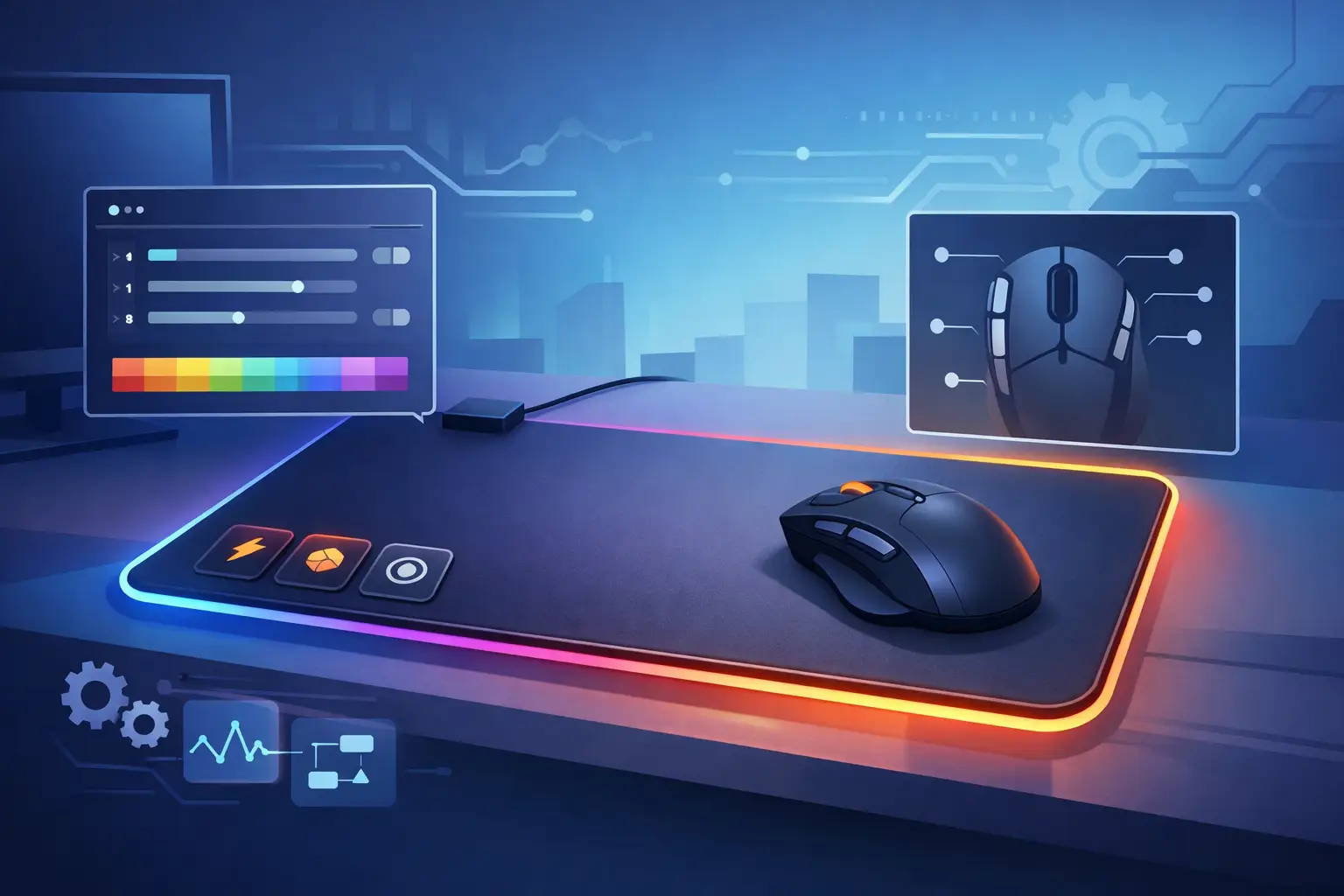
Use this programmable mousepad buying guide to choose the right control surface, zones, feel, setup, and workflow fit for your desk with less clutter.
-

This pressure sensitive desk interface guide shows how invisible control zones cut clutter, protect focus, and speed up PC workflow without extra hardware.