
Category: desk-setup-workflow
-
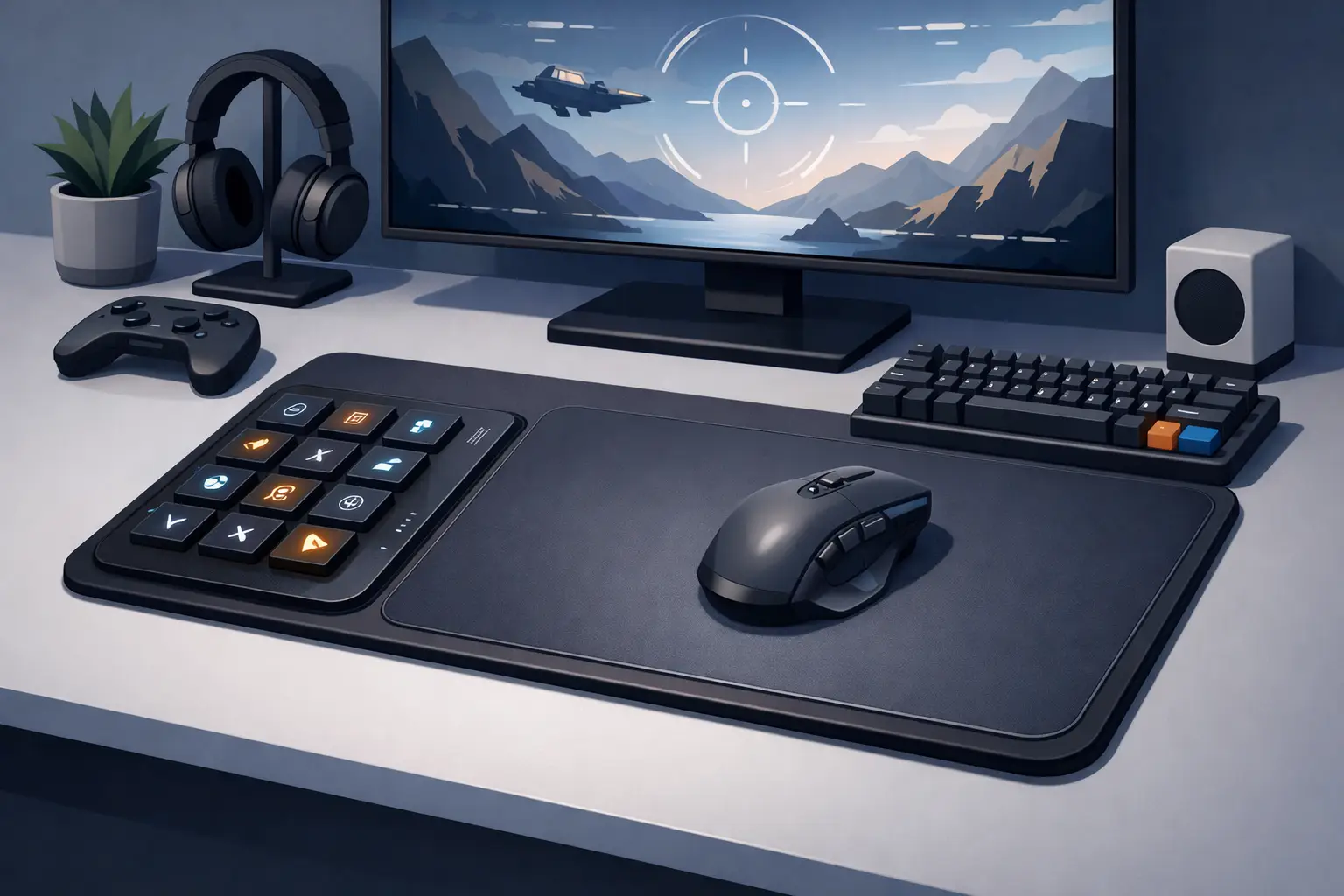
Build a gaming shortcut mousepad setup that keeps critical actions under your hand, cuts desk clutter, and protects focus in play and work at your desk.
-
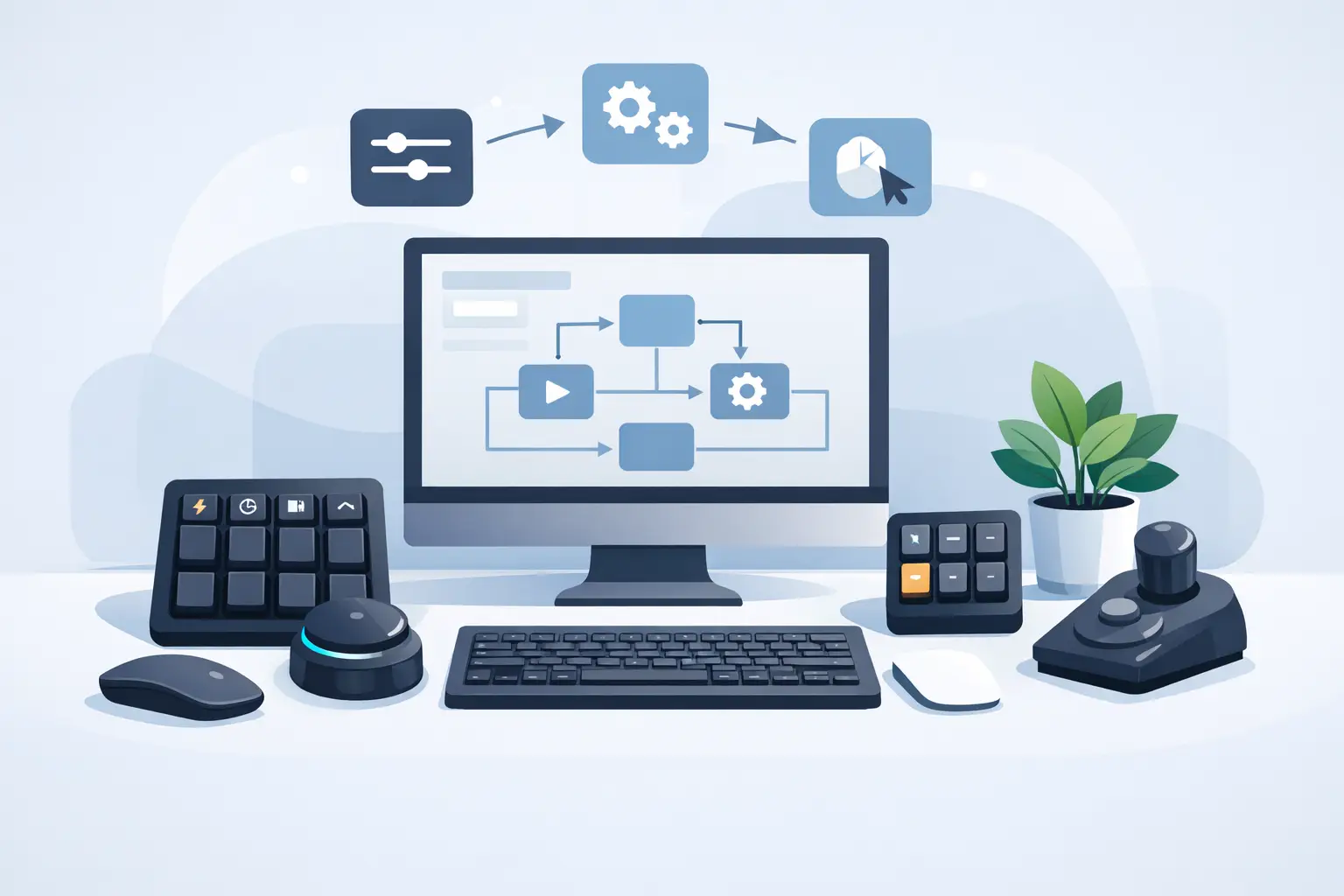
Learn how to build desk macros that keep commands close, cut repetitive clicks, and make gaming, editing, and coding workflows feel faster every day now.
-
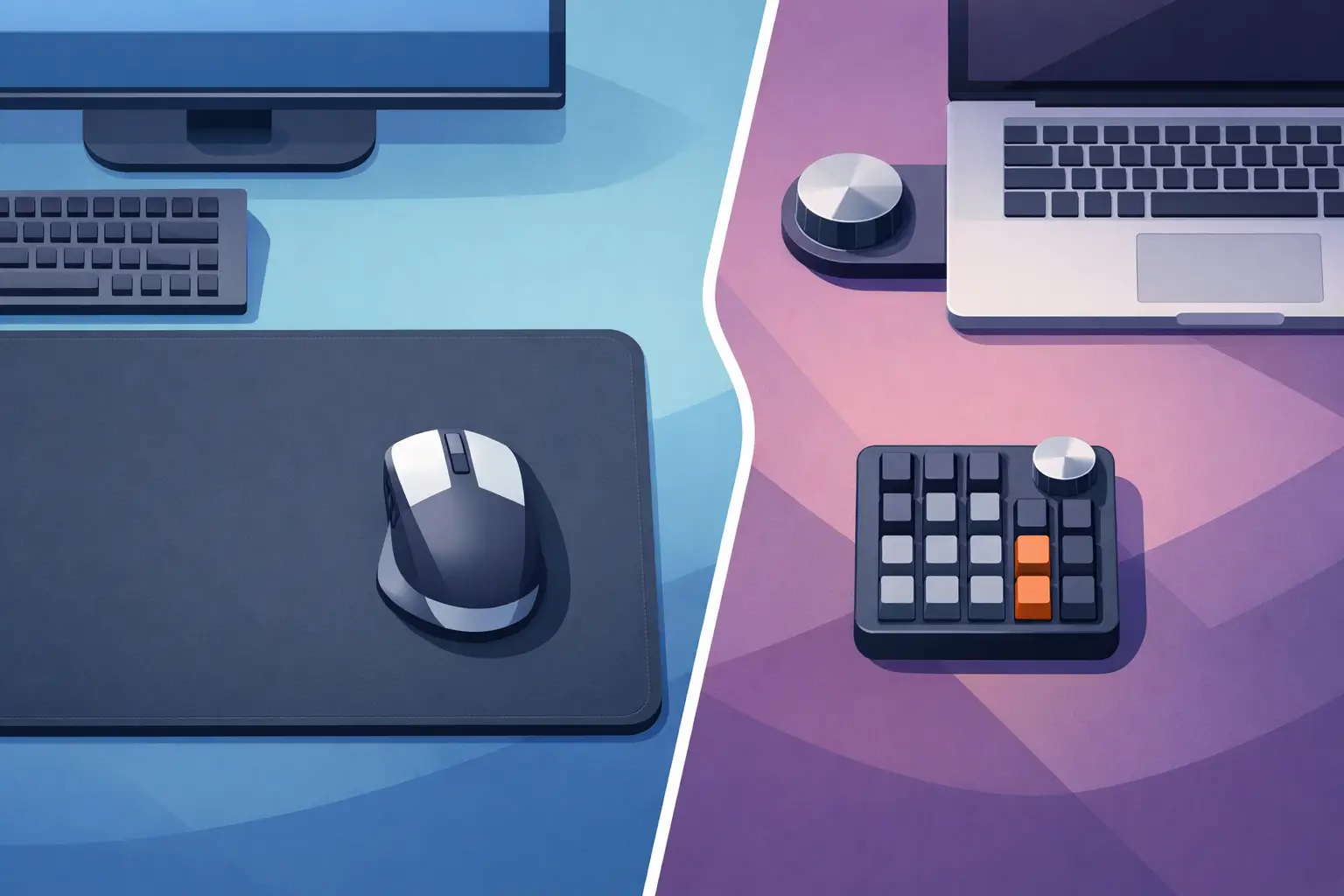
Mousepad vs macro pad: compare speed, desk space, ergonomics, and control to choose the setup that keeps your focus and workflow moving at your desk all day.
-
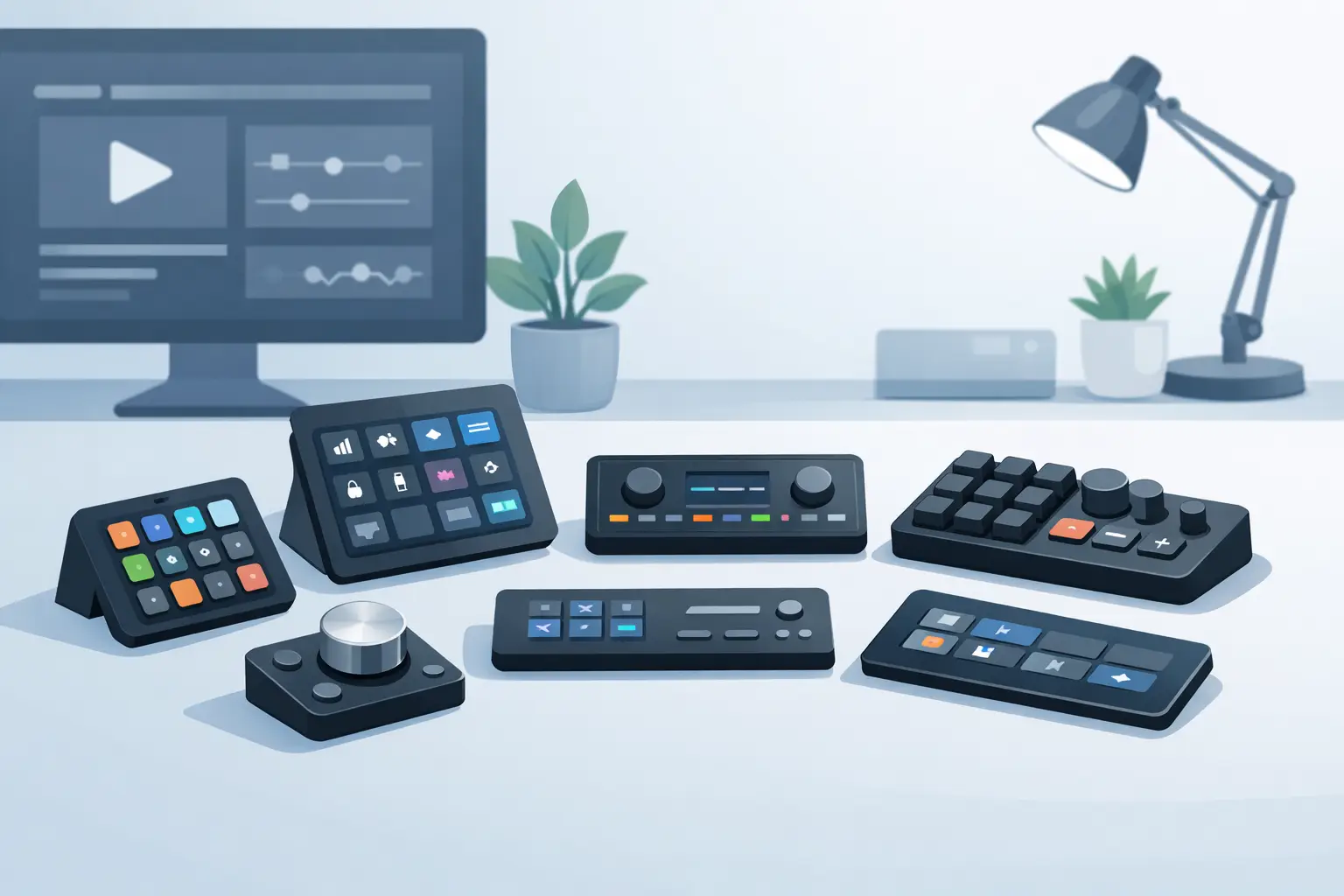
Need a stream deck alternative that keeps your shortcuts close without crowding your desk? Compare software, macro pads, keyboards, and smart surfaces.
-
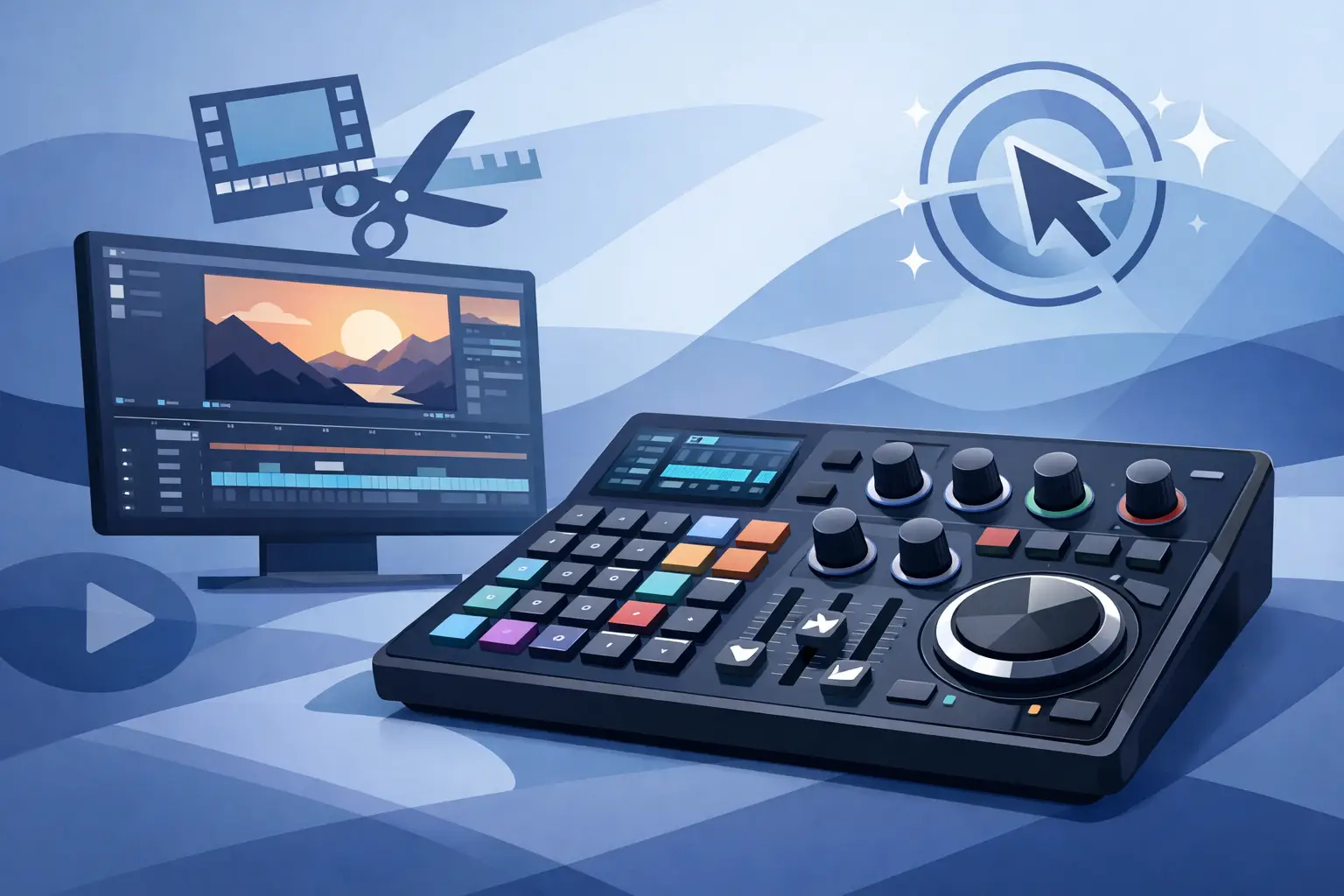
A video editing shortcut surface keeps essential commands under your hand, reducing timeline friction, desk clutter, and breaks in creative flow at work.
-
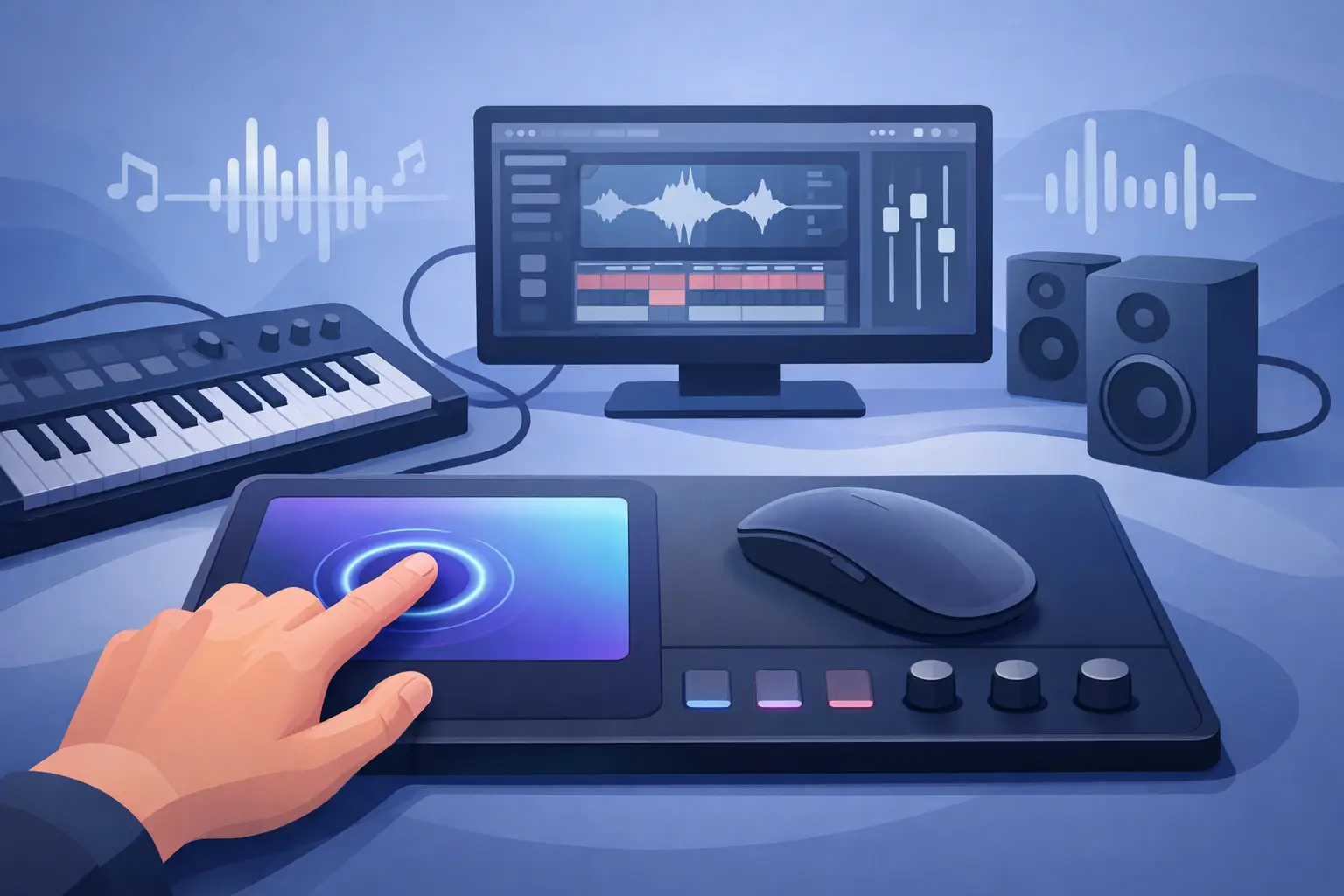
See how a MIDI mouse pad controller puts shortcuts, media, macros, and game actions beneath your hand, cutting desk clutter without breaking daily focus.
-
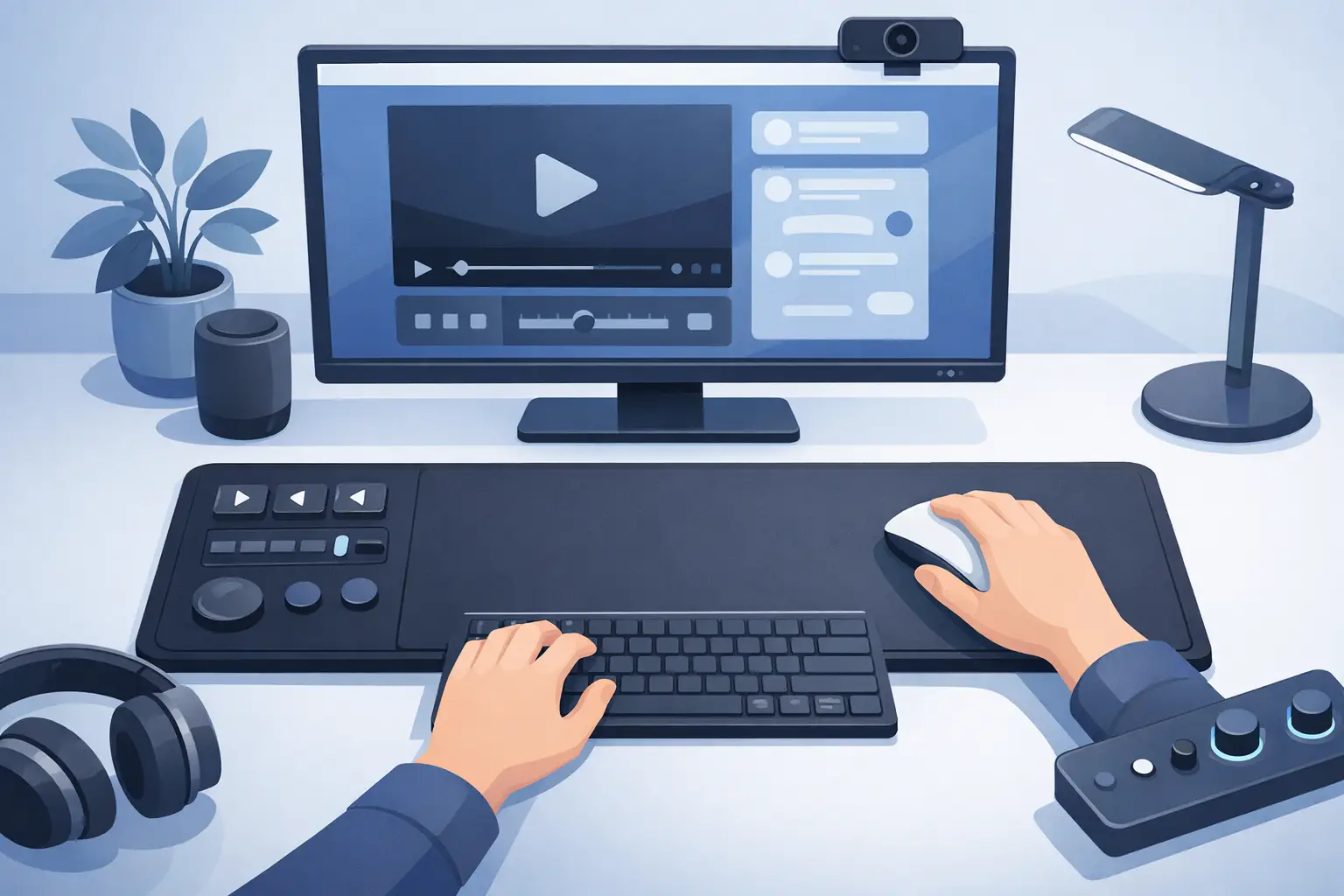
A streaming control mousepad puts shortcuts, scenes, audio, and media actions under your hand, reducing desk clutter without breaking your live flow on air.
-
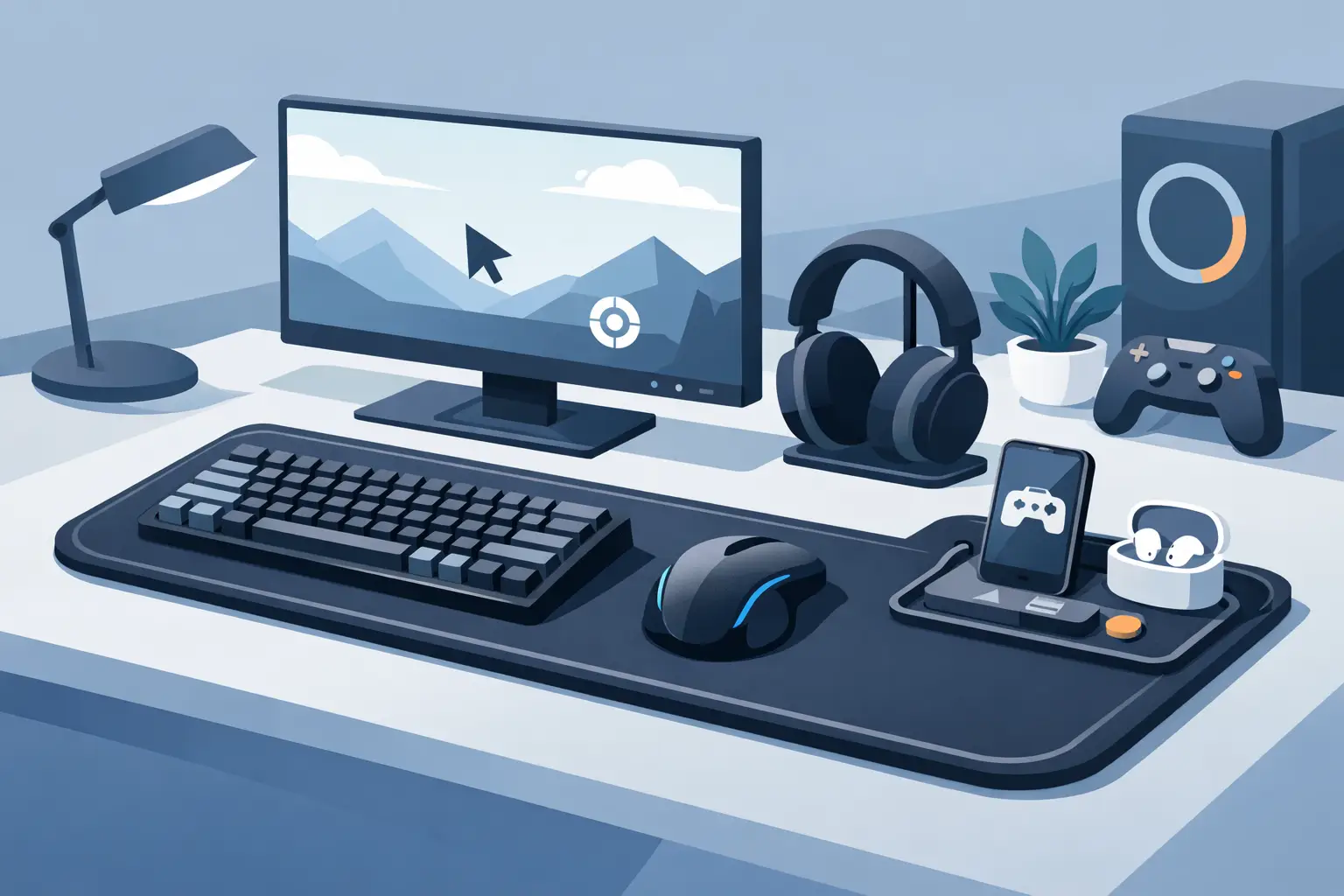
A gaming shortcut mouse pad puts macros, media controls, and game actions under your hand, keeping your desk clear and your attention in play at speed.
-
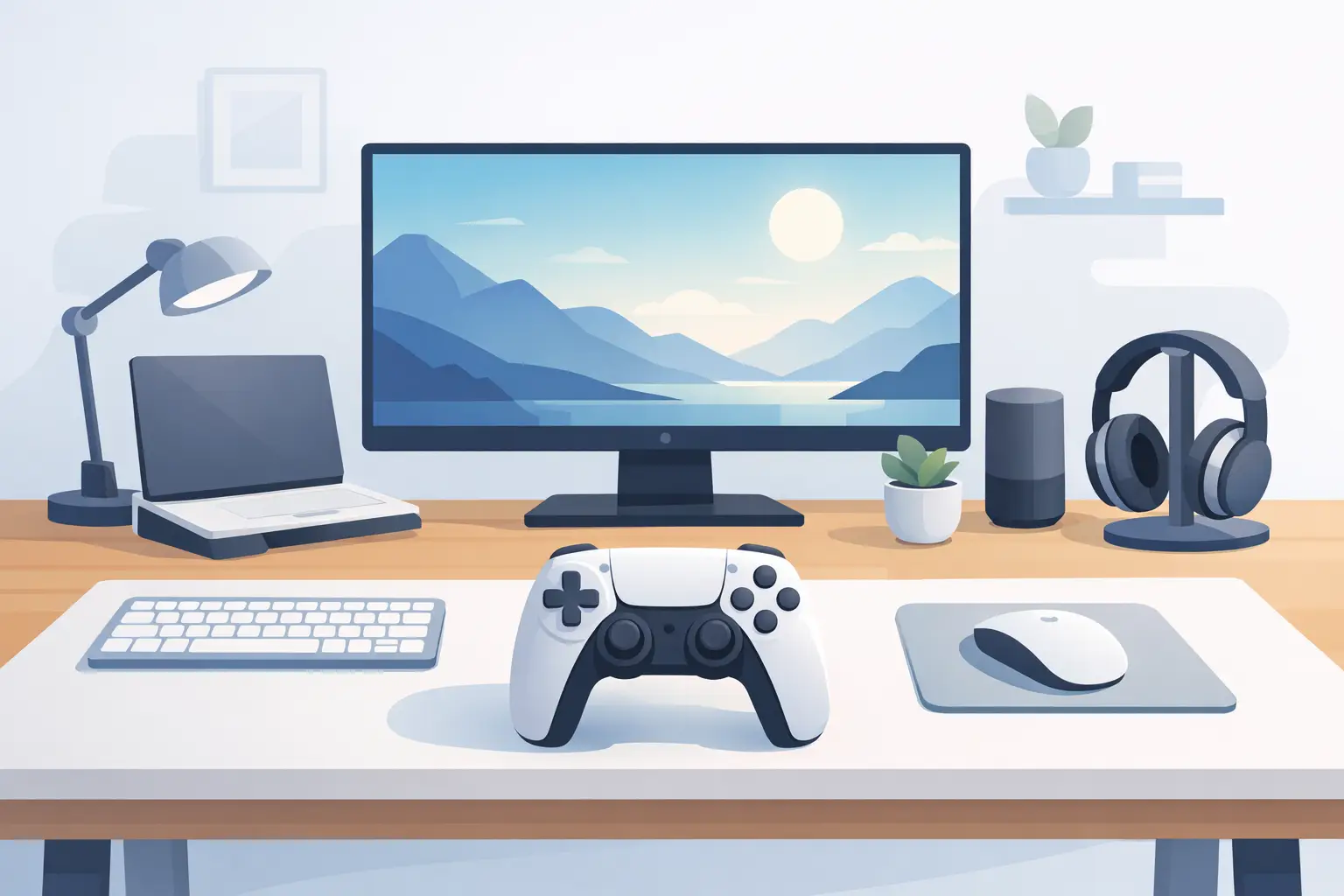
A clean desk setup controller puts shortcuts, media, macros, and game actions where your hand already rests, cutting clutter without slowing your work pace.
-
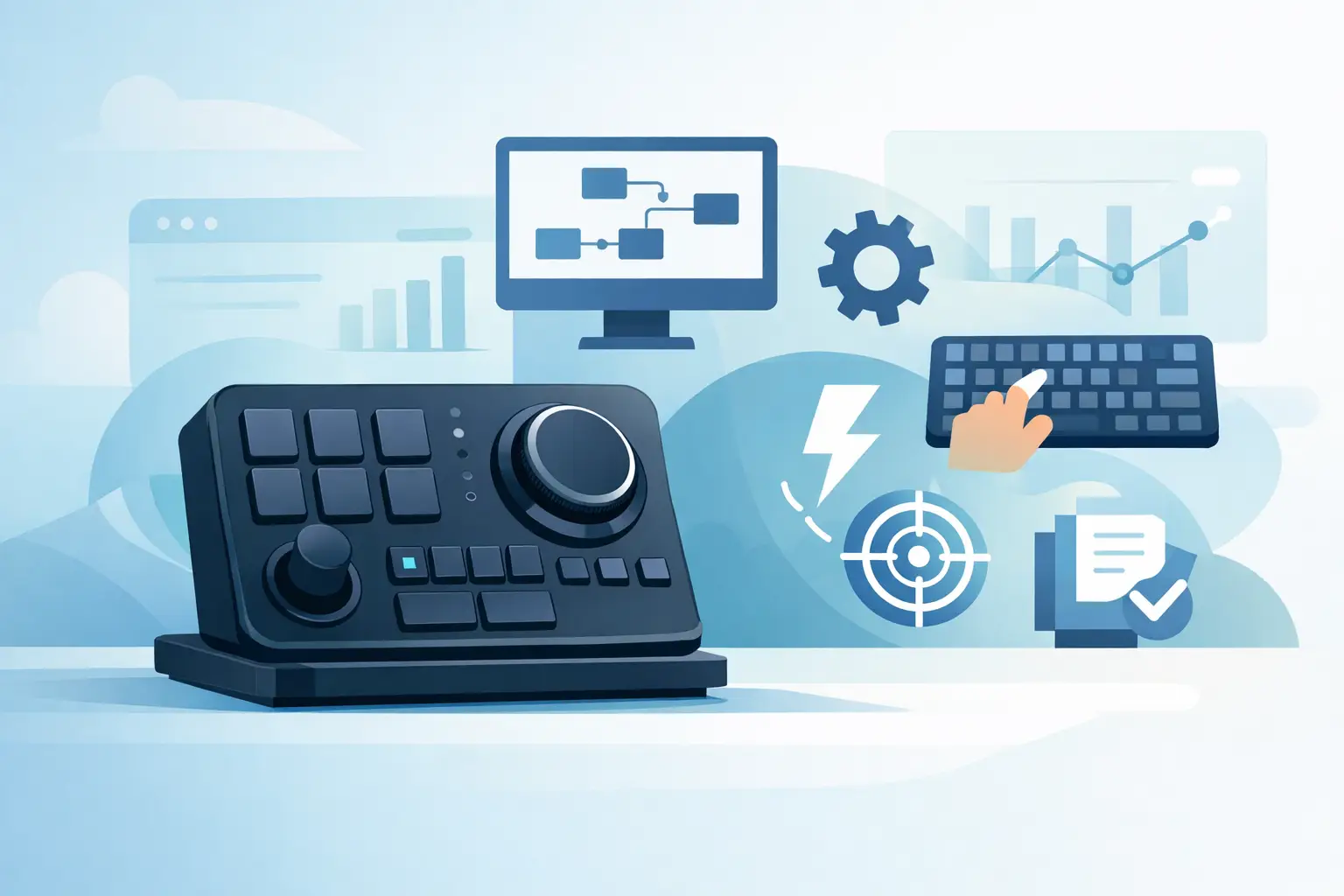
A HID native macro controller sends shortcuts as standard keyboard input, keeping workflows fast, portable, and free from extra desktop software running.